

Video thumbnail split into 4 layers
A video thumbnail with a robot and a grid of geometric tiles. Every layer below is exactly what the tool returned: pick one, hide it, or download the PSD.
Every sample here is a real split. Take one apart and download it.

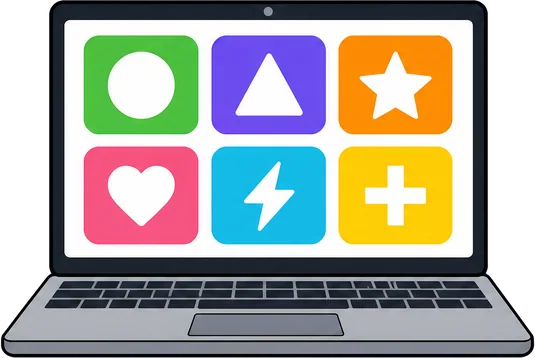


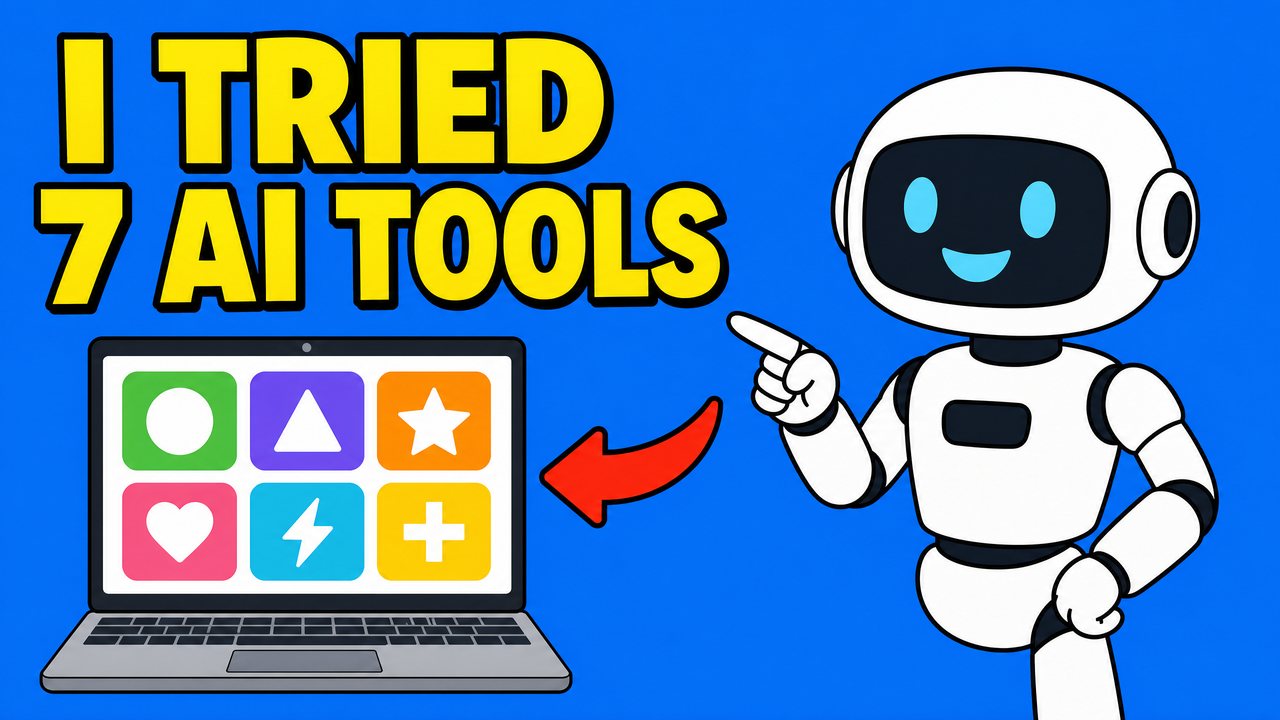 White Robot CharacterObjectRed Curved ArrowGraphicLaptop with UI IconsObjectText 'I TRIED' + Text '7 AI TOOLS'TextBackground (filled)Filled in behind every layer
Sample files are reduced for the page; your own splits come at up to 2,560 px.
Every layer in this split
The layers of this example, front to back, with the filled background below them. The source image is 2,560 by 1,440 px.
| Layer | Kind | Hidden part |
|---|---|---|
| White Robot Character | Object | Fully visible |
| Red Curved Arrow | Graphic | Fully visible |
| Laptop with UI Icons | Object | Fully visible |
| Text 'I TRIED' + Text '7 AI TOOLS' | Text | Fully visible |
| Background | Background | Filled in behind every layer |
This split in numbers
What the run behind this example looked like.
| Item | This example |
|---|---|
| Source image | 2,560 by 1,440 px |
| Layers | 4 named layers plus the filled background |
| Hidden parts restored | None: every layer was fully visible |
| Removal passes | 1. Each pass lifts the front elements so the ones behind them come back whole. |
| Time for this run | 1 min 6 s |
| Credits | 40 (10 a layer; the background is free) |
| Files on this page | 1,280 by 720 px, reduced for the page. Your own splits come at up to 2,560 px on the long side. |
Download this example
The same files as the buttons above, as plain links.
What to look at
The robot, the tiles and the title text are separate, so a new episode needs only a new title.
Use the eye icons to hide a layer and check the background behind it, or open Spread out to see every layer on its own.
Good to know
- Text is an image layer by default. The PSD with editable text (beta) makes the text it can read Photoshop type; logos, curved, outlined and multicolour lettering stay images.
- This example was split once and not touched up by hand.













Split your own image free
Sign in with Google and get 150 credits: one full split of up to 15 layers.