
LayerSplitLayerSplit
Tools
Image to layersImage to PSDImage layer separatorPoster to layersEdit poster text
Library
ExamplesMy splits
More
Pricing
LayerSplitLayerSplit
How it worksPricingFAQ
  1. Home
  2. Examples

Image to Layers Examples

Every example is a real split of a flat image, exactly as the tool returned it. Open one to see its layers one by one, hide any of them, and download the PSD.


Sneaker sale banner7 named layers, 1 with hidden parts restored2,560 × 1,440 px
Smartwatch product banner7 named layers, 1 with hidden parts restored2,560 × 1,440 px
Sparkling water social post7 named layers2,048 × 2,048 px
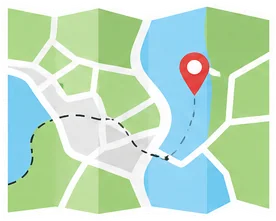
Travel items illustration9 named layers2,560 × 1,440 px
Sticker sheet8 named layers2,048 × 2,048 px
Open air cinema poster5 named layers1,536 × 2,048 px
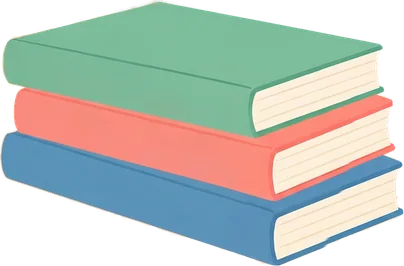
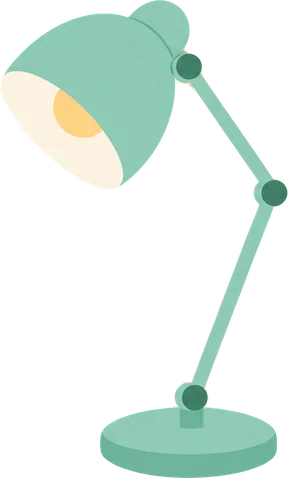
Desk still-life illustration6 named layers, 2 with hidden parts restored2,048 × 1,536 px
Video thumbnail4 named layers2,560 × 1,440 px

Split your own image free

Sign in with Google and get 150 credits: one full split of up to 15 layers.

Add an imageSee pricing
LayerSplitLayerSplit

LayerSplit splits a flat image into named, transparent layers over a filled-in background, ready for Photoshop, Figma or Canva.

support@layersplit.com

Tools

Image to PSDImage layer separatorPoster to layersEdit poster text

Product

Image to LayersPricing

Help

How It WorksFAQContact SupportFeatured on

Legal

Terms of ServicePrivacy PolicyRefund PolicyContent Policy
© 2026 LayerSplit. All rights reserved.