Photo to PSD: Turn a Photo into a Layered PSD File
A photo is one flat layer of pixels, and wrapping it in a PSD does not change that. LayerSplit separates the subjects in your photo onto named layers, fills in the background behind them and writes a layered PSD. Your first split is free: sign in with Google, no card needed.
Your image
Every sample here is a real split. Take one apart and download it.
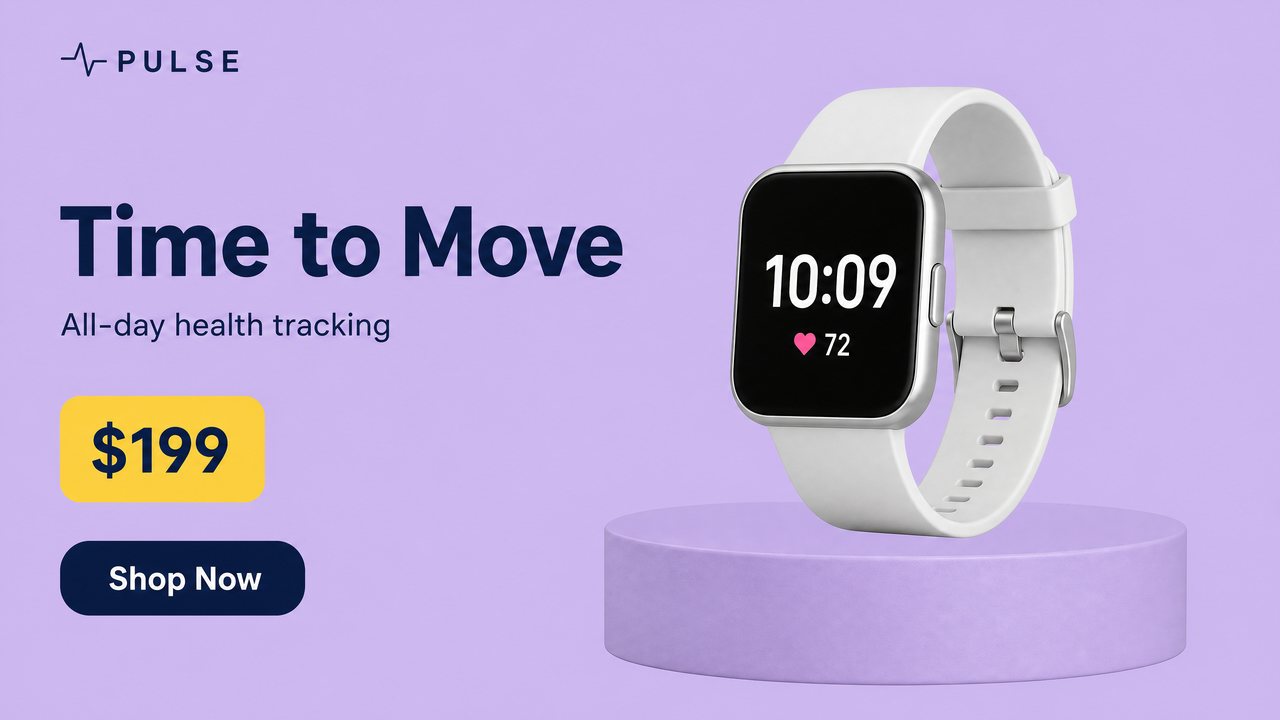
Smartwatch product bannerSample split · free to explore and download
Drag a layer or hide it with the eye.
7 layers1 with hidden parts restored
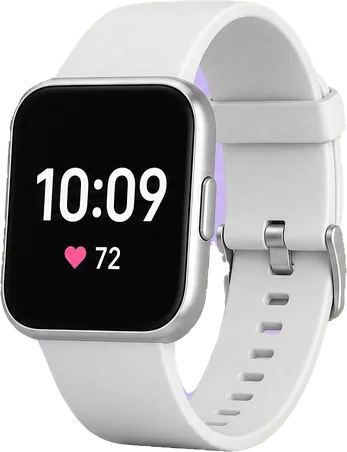
White SmartwatchObject
Shop Now ButtonGraphic
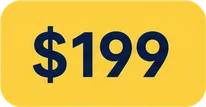
Price Badge $199Graphic
Subtitle Text All-day health trackingText
Headline Text Time to MoveText
PULSE LogoGraphic
Cylinder Display PedestalObject · part restored
Background (filled)Filled in behind every layer
Text it could read becomes Photoshop type. The rest stays pixels.
Sample files are reduced for the page; your own splits come at up to 2,560 px.
Photo to PSD
From one photo to pieces you can move, replace and reuse
Photoshop opens any photo, but it opens it as a single layer called Background. LayerSplit looks for the distinct things in the picture, such as a product, a prop or a line of text, lifts each onto its own transparent layer and paints in what was behind it. Every pixel you can see on a layer is cut from your own photo. AI draws only the part that another object was covering, and the background under each cut-out.
Each subject is cut along its real edge
A filled background layer, so moving a subject leaves no hole
Same canvas as your photo, up to 2,560 px on the long side
Layerssparkling-water-social-post.psd
Call-to-Action Button Try it
Ice Cubes (set of 3)
Mint Sprig
Bottom Lemon Half
Top Lemon Half
Fizz Lemon Can
Headline Text NEW FLAVOR
Background (filled)
How to turn a photo into a layered PSD
Add a photo
A JPG, PNG or WebP up to 20 MB: a product shot, a flat-lay, a listing photo or an AI image.
See what it found
The free preview boxes every subject it would cut and shows the credits, before anything is charged.
Check the layers
Hide or drag any layer in the browser to see what moving it would leave behind.
Download the PSD
One file with every named layer and the filled background, ready for Photoshop, Photopea or Affinity Photo.
Product photos, taken apart
Open an example to see each subject on its own layer, then download its PSD before you upload anything.
One product or a small group on a plain or simple background is the clearest case: each product becomes a layer and the backdrop is rebuilt behind it.
Flat-lays
Items laid out on a surface come apart item by item, and the surface is filled in where each one was.
Photos with text on them
Banners and listing images that carry a headline or a price get that text on a layer of its own, so the photo underneath can stay.
Shallow depth of field
A soft, blurred backdrop is part of the background, not a layer of its own: the background layer is one filled picture behind your subjects.
Who it is for
Sellers, retouchers and designers who have a finished photo and need pieces they can move, swap or reuse without reshooting.
What it does not do
It is not a retoucher: skin work, relighting and colour grading are not part of it. What you can see stays as shot.
No smart objects, layer effects, masks or depth data. Each layer is a plain pixel layer.
RGB, 8 bits per channel. Convert to CMYK in Photoshop if you need it for print.
At most 15 element layers per photo.
Busy real-world photos with many overlapping objects split less cleanly than designed images.
Strong cast shadows are harder: they can stay in the background or come back as a layer of their own.
Pay per layer. Your first split is free.
A layer costs 10 credits and the filled background is free. Subscribe for the lowest price per layer, or buy a pack once and use it whenever you like.
Free
$0
One full split
150 credits, up to 15 layers
Sign in with Google, no card
Every layer downloadable
Basic
$12.00/ month
About 140 layers a month
$0.086 per layer
1,400 credits every month
Cancel anytime
Lowest price per layer
Pro
$36.00/ month
About 450 layers a month
$0.08 per layer
4,500 credits every month
Cancel anytime
Or pay once
No subscription. Pack credits do not expire while your account is active.
$9.90Starter pack
90 layers$0.11 per layer
$24.90Plus pack
240 layers$0.10 per layer
$59.00Studio pack
620 layers$0.095 per layer
Every plan and pack: PNG, ZIP and layered PSD export
A failed split costs nothing
Secure checkout by Stripe
Secure checkout through Stripe. A pack or a subscription only adds credits to your account. USD prices. Review the final amount and any applicable tax at checkout before paying. Packs never renew; a subscription renews each period until you cancel it in your account. Unused credits can be refunded within 7 days of the payment that added them. The credit cost shows before each layer; finished results need no second payment to view or download.
Photo to PSD: questions and answers
Is there a free trial?
Yes. Sign in with Google and get 150 credits, enough for one full split of up to 15 layers. No card is needed. The sample splits can be explored and downloaded without an account.
What does the free split include?
Every layer as a transparent PNG, a ZIP of all layers and the layered PSD, with no watermark.
Which files can I upload?
PNG, JPG or WebP, up to 20 MB.
How large is the output?
Up to 2,560 px on the long side. A larger upload is scaled down to that before it is split.
How many layers do I get?
Usually 5 to 10 and at most 15, plus a filled background that is never charged. Related items are grouped, so a set of ice cubes or a line of text is one layer. Choose Every element to split finer.
Is the part hidden behind an object restored?
Yes. An object partly covered by another comes back whole. Only the hidden part is drawn by AI; everything you can see is cut from your own pixels.
Is the text editable?
Partly, in beta. In the PSD with editable text, the words it can read become Photoshop type layers that you can retype and set in another font. Logos, curved, outlined or multicolour lettering and text it cannot read stay pixel layers, and so does all text in the PNG files, the ZIP and the standard PSD. You can always hide a text layer and type new words over the filled background.
What happens when I edit the text?
A type layer looks exactly like the original until you edit it. Then Photoshop sets the words in the closest of four common fonts (Arial, Times New Roman, Impact or Courier New) at the size and colour measured from your image, so the lettering can look different. The PSD holds only the font's name, so a machine without it is asked to substitute one.
What does a layer cost?
10 credits a layer. The background is free, and a layer that fails is not charged.
How long does a split take?
About 2 minutes when the elements do not overlap. When objects cover each other, every level of overlap adds a pass and the split can take 5 to 10 minutes. You can leave the page; the result is saved in My splits.
What happens to my images?
Uploads and results are private to your account and are deleted after 30 days. Download anything you want to keep.
Can a photo be converted to a PSD with separate layers?
Not by changing the file format alone, because a photo stores one flat picture. The layers have to be rebuilt by separating what is in it, which is what LayerSplit does before it writes the PSD.
Does LayerSplit change my photo?
No. Everything you can see is cut from your own pixels. AI draws only what was hidden behind another object and the background under each cut-out.
Which photos work best?
Products and objects on a simple background, flat-lays and designed images. Busy real-world scenes with many overlapping objects split less cleanly.
What happens to the blurred background of a photo?
It stays in the background layer, which LayerSplit fills in behind every layer it cut out.
Turn your first photo into a PSD free
A Google sign-in brings 150 credits, enough to split one photo into up to 15 layers. No card needed.





 Call-to-Action Button Try it
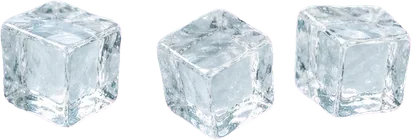 Ice Cubes (set of 3)
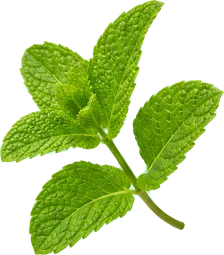 Mint Sprig
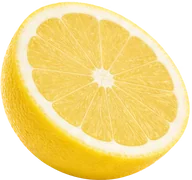 Bottom Lemon Half
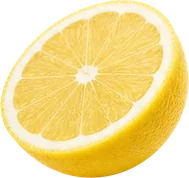 Top Lemon Half
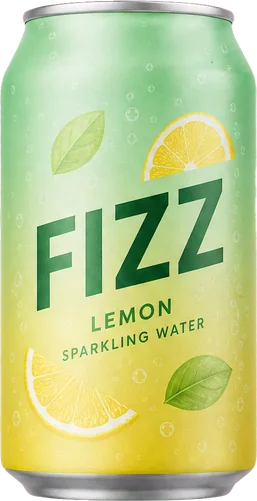 Fizz Lemon Can
 Headline Text NEW FLAVOR
 Background (filled)