A PNG can already be transparent, and a PSD can keep that. Quick PSD wraps your PNG in a one-layer PSD in your browser, free, with every pixel and its transparency as they were. Layered PSD splits it into named layers, one per element.
Your image
You see the planned layers and the credits before anything is charged. Layers that do not come out are refunded.
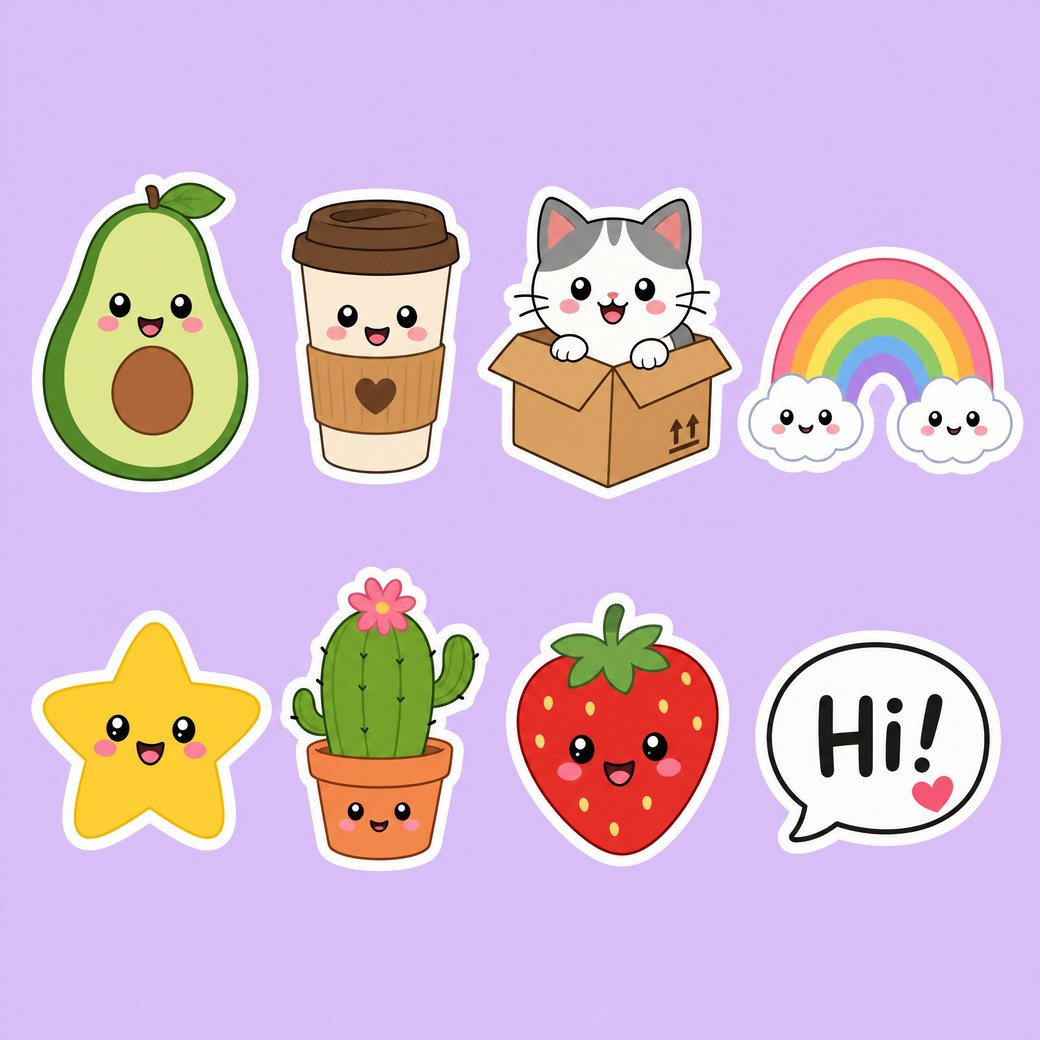
Sticker sheetSample split · free to explore and download
Drag a layer or hide it with the eye.
8 layersplus the filled background
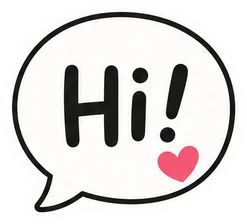
Speech Bubble StickerGraphic
Strawberry StickerObject
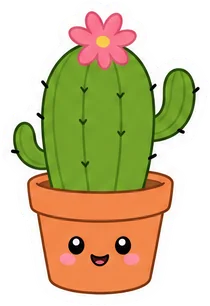
Cactus StickerObject
Star StickerObject
Rainbow StickerObject
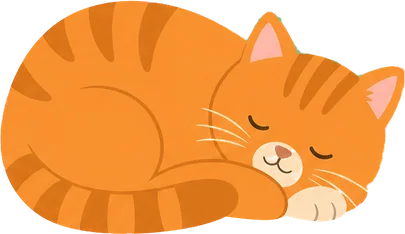
Cat in Box StickerObject
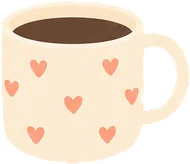
Coffee Cup StickerObject
Avocado StickerObject
Background (filled)Filled in behind every layer
Sample files are reduced for the page; your own splits come at up to 2,560 px.
PNG to PSD
Your transparency comes along, in both ways of making the PSD
PNG is the one common image format with an alpha channel, so a PNG to PSD conversion has something to lose. Quick PSD loses none of it: the layer in the PSD has your PNG's own alpha, so the see-through parts stay see-through. Layered PSD goes further and separates the elements, so a sheet of stickers or icons comes out as one layer per item.
Quick PSD: the alpha channel is kept exactly
Layered PSD: an already transparent PNG keeps its empty area empty
Same canvas size as your PNG
Layerssticker-sheet.psd
Speech Bubble Sticker
Strawberry Sticker
Cactus Sticker
Star Sticker
Rainbow Sticker
Cat in Box Sticker
Coffee Cup Sticker
Avocado Sticker
Background (filled)
How to convert a PNG to PSD
Add your PNG
Drop, paste or choose it: a logo, a sticker sheet, a UI export or an AI image, up to 20 MB.
Choose the PSD you want
Quick PSD is a one-layer file made on your device. Layered PSD lists the elements and the credits before it charges anything.
Check the result
The canvas shows transparent areas as a checkerboard, so you can see what is empty before you download.
Download the PSD
A standard PSD for Photoshop, Photopea, Affinity Photo or GIMP.
Real PSD files made from flat images
These PSDs came from flat images. Open one, look at each layer and its transparency, then try your own PNG.
A logo or cut-out on a see-through background keeps it. Quick PSD carries the alpha channel into the layer, and Layered PSD leaves the empty area empty so that only the visible elements become layers.
A flat PNG
A screenshot or an export with a solid background is one flat picture, like a JPG. Layered PSD fills the background in behind the elements it cuts out.
A sticker sheet or icon set
Many small items on one sheet are what a layered PSD is for: each item gets its own layer, so you can reuse them one by one.
Large PNG files
A PNG can pass 20 MB quickly, because it is lossless. If the upload is refused, export the PNG at a smaller size first; the PSD is limited to 2,560 px on the long side in Layered PSD.
Who it is for
Designers, sellers and print shops who hold a PNG export and need a layered file again: logos, stickers, social posts, UI mockups and AI images.
What the PSD does not contain
Quick PSD has exactly one layer: your PNG as it is.
Text in a PNG becomes pixel layers. Logos and curved lettering stay pixels even when you choose the PSD with editable text (beta).
No smart objects, layer effects, masks or vector shapes. Each layer is a plain pixel layer.
RGB, 8 bits per channel.
At most 15 element layers per image.
Glowing outlines keep a faint halo around them.
Pay per layer. Your first split is free.
A layer costs 10 credits and the filled background is free. Subscribe for the lowest price per layer, or buy a pack once and use it whenever you like.
Free
$0
One full split
150 credits, up to 15 layers
Sign in with Google, no card
Every layer downloadable
Basic
$12.00/ month
About 140 layers a month
$0.086 per layer
1,400 credits every month
Cancel anytime
Lowest price per layer
Pro
$36.00/ month
About 450 layers a month
$0.08 per layer
4,500 credits every month
Cancel anytime
Or pay once
No subscription. Pack credits do not expire while your account is active.
$9.90Starter pack
90 layers$0.11 per layer
$24.90Plus pack
240 layers$0.10 per layer
$59.00Studio pack
620 layers$0.095 per layer
Every plan and pack: PNG, ZIP and layered PSD export
A failed split costs nothing
Secure checkout by Stripe
Secure checkout through Stripe. A pack or a subscription only adds credits to your account. USD prices. Review the final amount and any applicable tax at checkout before paying. Packs never renew; a subscription renews each period until you cancel it in your account. Unused credits can be refunded within 7 days of the payment that added them. The credit cost shows before each layer; finished results need no second payment to view or download.
PNG to PSD: questions and answers
Is there a free trial?
Yes. Sign in with Google and get 150 credits, enough for one full split of up to 15 layers. No card is needed. The sample splits can be explored and downloaded without an account.
What does the free split include?
Every layer as a transparent PNG, a ZIP of all layers and the layered PSD, with no watermark.
Which files can I upload?
PNG, JPG or WebP, up to 20 MB.
How large is the output?
Up to 2,560 px on the long side. A larger upload is scaled down to that before it is split.
How many layers do I get?
Usually 5 to 10 and at most 15, plus a filled background that is never charged. Related items are grouped, so a set of ice cubes or a line of text is one layer. Choose Every element to split finer.
Is the part hidden behind an object restored?
Yes. An object partly covered by another comes back whole. Only the hidden part is drawn by AI; everything you can see is cut from your own pixels.
Is the text editable?
Partly, in beta. In the PSD with editable text, the words it can read become Photoshop type layers that you can retype and set in another font. Logos, curved, outlined or multicolour lettering and text it cannot read stay pixel layers, and so does all text in the PNG files, the ZIP and the standard PSD. You can always hide a text layer and type new words over the filled background.
What happens when I edit the text?
A type layer looks exactly like the original until you edit it. Then Photoshop sets the words in the closest of four common fonts (Arial, Times New Roman, Impact or Courier New) at the size and colour measured from your image, so the lettering can look different. The PSD holds only the font's name, so a machine without it is asked to substitute one.
What does a layer cost?
10 credits a layer. The background is free, and a layer that fails is not charged.
How long does a split take?
About 2 minutes when the elements do not overlap. When objects cover each other, every level of overlap adds a pass and the split can take 5 to 10 minutes. You can leave the page; the result is saved in My splits.
What happens to my images?
Uploads and results are private to your account and are deleted after 30 days. Download anything you want to keep.
Does a PNG keep its transparency in the PSD?
Yes. In Quick PSD the layer carries your PNG's alpha channel as it is. In Layered PSD an already transparent PNG keeps its empty area empty.
What is Quick PSD?
A free one-layer PSD made in your browser. Your PNG becomes a layer called Background in a PSD of the same size. It needs no sign-in, and the file is not uploaded.
Are the pixels changed?
No. Quick PSD places the PNG in the PSD with no resizing and no recompression.
Can I turn a sticker sheet into one layer per sticker?
Yes, with Layered PSD: the items it finds are named and cut out one by one, up to 15 layers. Related items can be grouped into one layer.
How large a PNG can Quick PSD take?
A PNG up to 20 MB and up to 64 megapixels, which is 8,000 by 8,000 px. A larger picture is refused with a message.
Convert your first PNG to PSD free
Save a one-layer PSD with its transparency now, no account needed, or sign in with Google for 150 credits and a layered split.
 Speech Bubble Sticker
 Strawberry Sticker
 Cactus Sticker
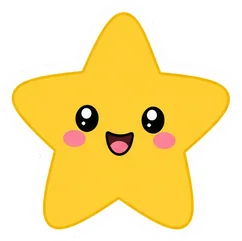 Star Sticker
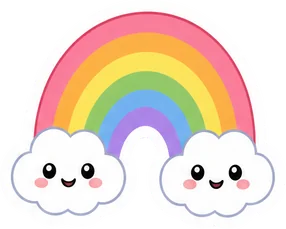 Rainbow Sticker
 Cat in Box Sticker
 Coffee Cup Sticker
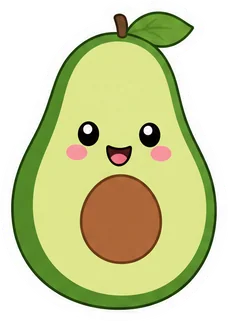 Avocado Sticker
 Background (filled)