

Retro tangerine radio (One element) split into 1 layer
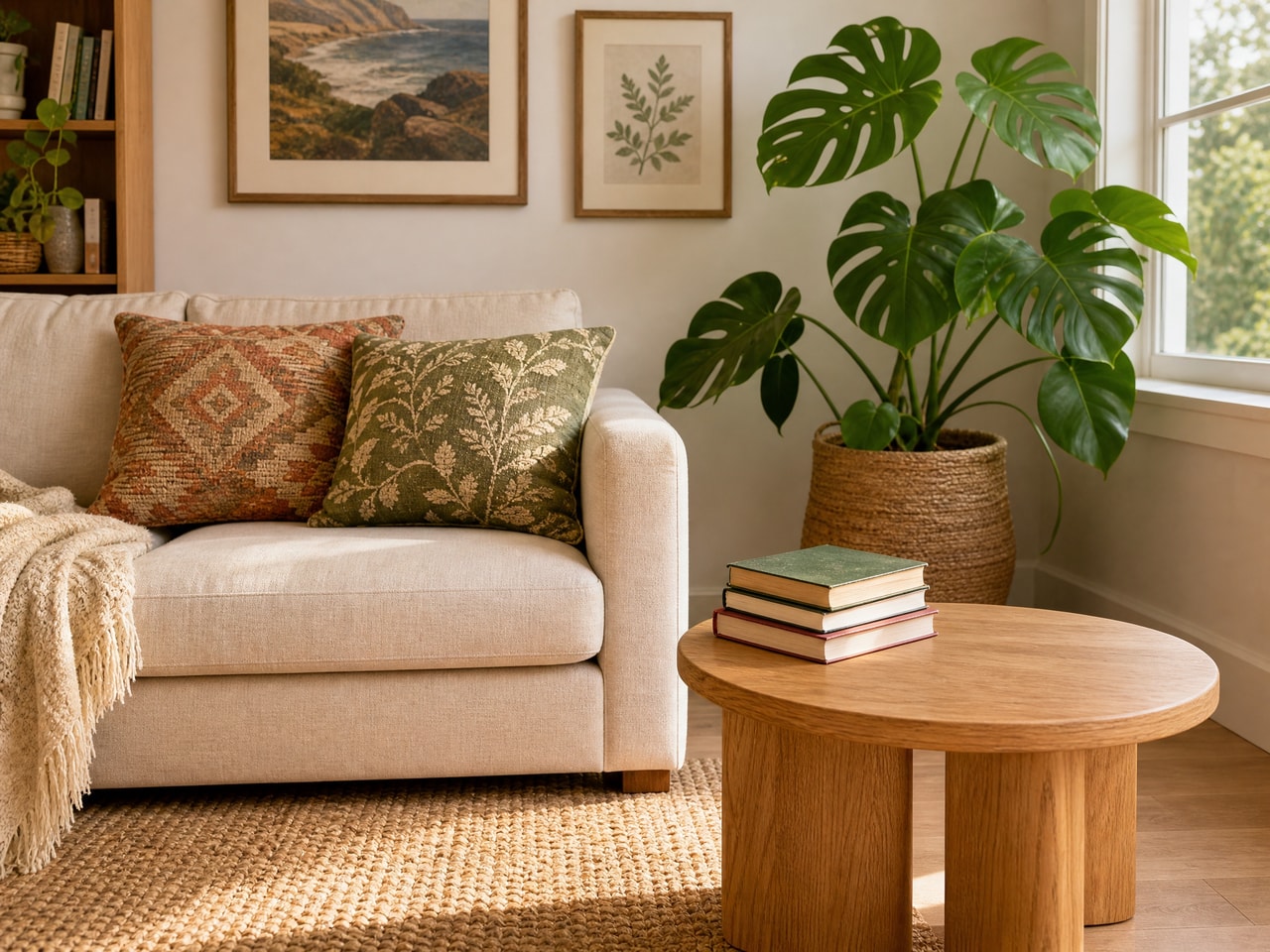
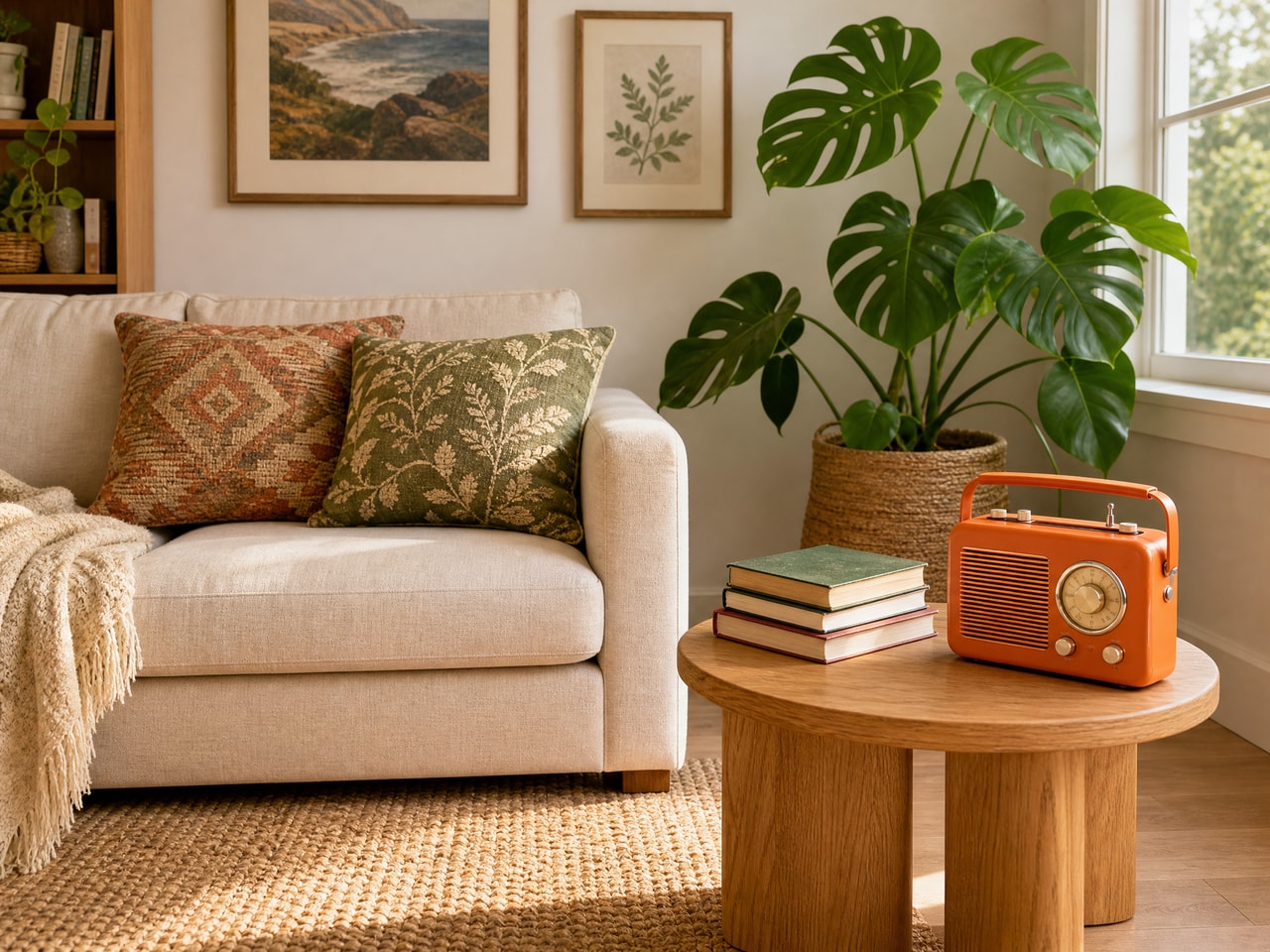
A sunny living room corner split with One element mode for the retro tangerine radio. Every layer below is exactly what the tool returned: pick one, hide it, or download the PSD.
Guides both the free preview boxes and the final split.
Free preview: see every layer and the price first. 10 free credits with Google sign-in.
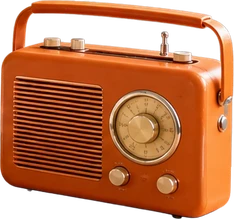
 The tangerine-orange retro radioObjectBackground (filled)Filled in behind every layer
Editable text layers use matched free Google Fonts; Download PSD includes Photoshop type.
Every layer in this split
The layers of this example, front to back, with the filled background below them. The source image is 2,048 by 1,536 px.
| Layer | Kind | Hidden part |
|---|---|---|
| The tangerine-orange retro radio | Object | Fully visible |
| Background | Background | Filled in behind every layer |
This split in numbers
What the run behind this example looked like.
| Item | This example |
|---|---|
| Source image | 2,048 by 1,536 px |
| Layers | 1 named layer plus the filled background |
| Hidden parts restored | None: every layer was fully visible |
| Removal passes | 1. Each pass lifts the front elements so the ones behind them come back whole. |
| Time for this run | 29 s |
| Credits | 10 (10 a layer; the background is free) |
| Files on this page | 1,280 by 960 px, reduced for the page. Your own splits come at up to 2,560 px on the long side. |
Download this example
The same files as the buttons above, as plain links.
What to look at
Only the orange radio is lifted onto its own transparent layer for 10 credits flat while the oak tabletop behind it returns whole and free.
Use the eye icons to hide a layer and check the background behind it, or open Spread out to see every layer on its own.
Good to know
- Readable text is matched to open-source Google Fonts for free Quick Type editing and exported as Photoshop type layers. Stylized wordmarks, hand lettering, curved headlines and complex outlines stay pixel artwork: re-render new words in their exact style with AI Style Match (10 credits per layer; short titles work best and long phrases can occasionally slip on spelling), or hide them and place free Quick Type text instead.
- This example was split once and not touched up by hand.

















Try it on your own image with 10 free credits
Sign in with Google and get 10 free credits, enough for One element, then check in daily for more.