

Blog
Guides on PSD files, image layers and editing text in images.
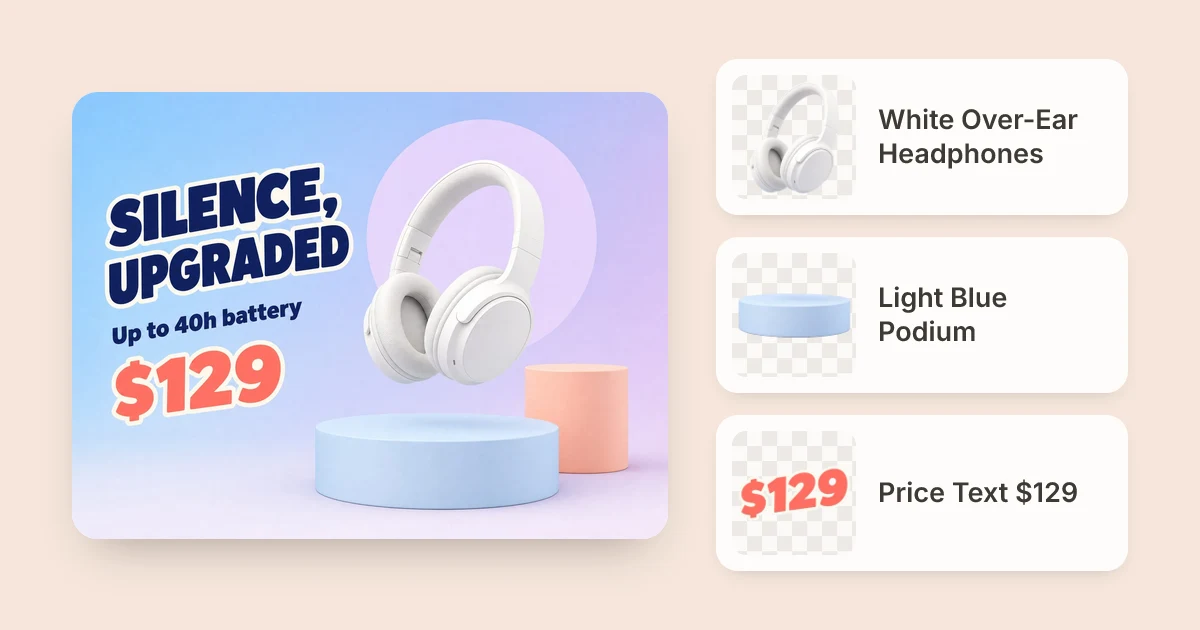
Magic Layers Alternative: Split an Image into Editable PSD Layers
Need the layers outside Canva? Compare Magic Layers with LayerSplit: named PSD layers, restored hidden parts, a ZIP of PNGs, plus the limits of each tool.
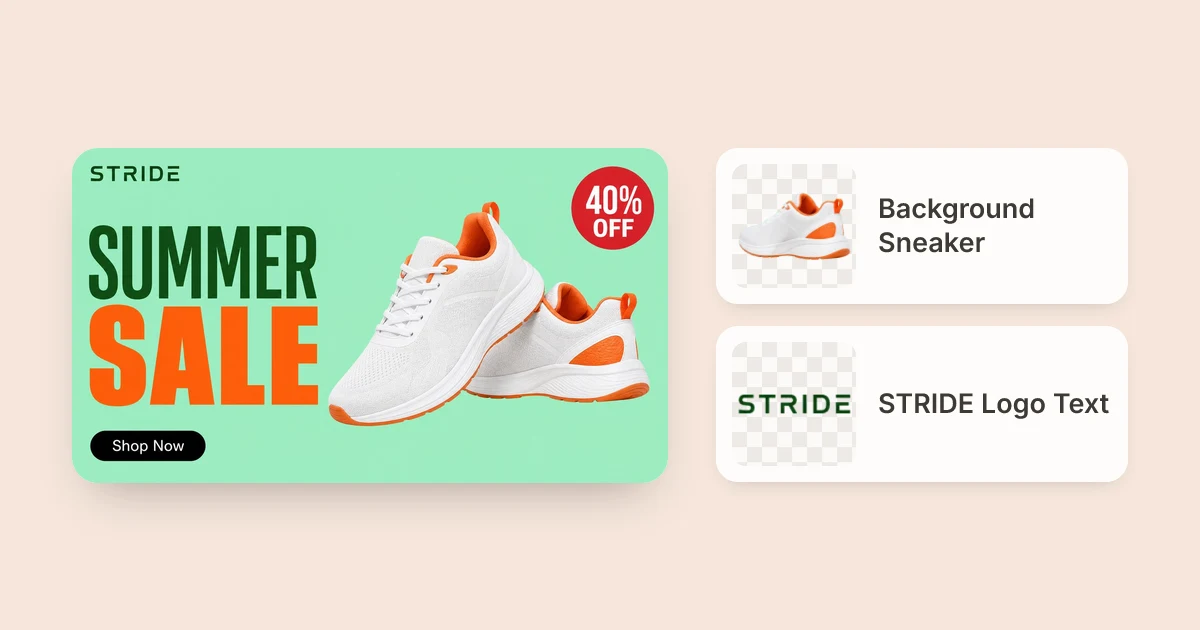 Image to Layers
Unflatten an Image: Turn a Flat PNG or JPG Back into Layers
A saved flat image cannot be unflattened, because its layers are gone. Here is what still works: Undo before closing, a manual rebuild, or an AI layer split.
 How-to
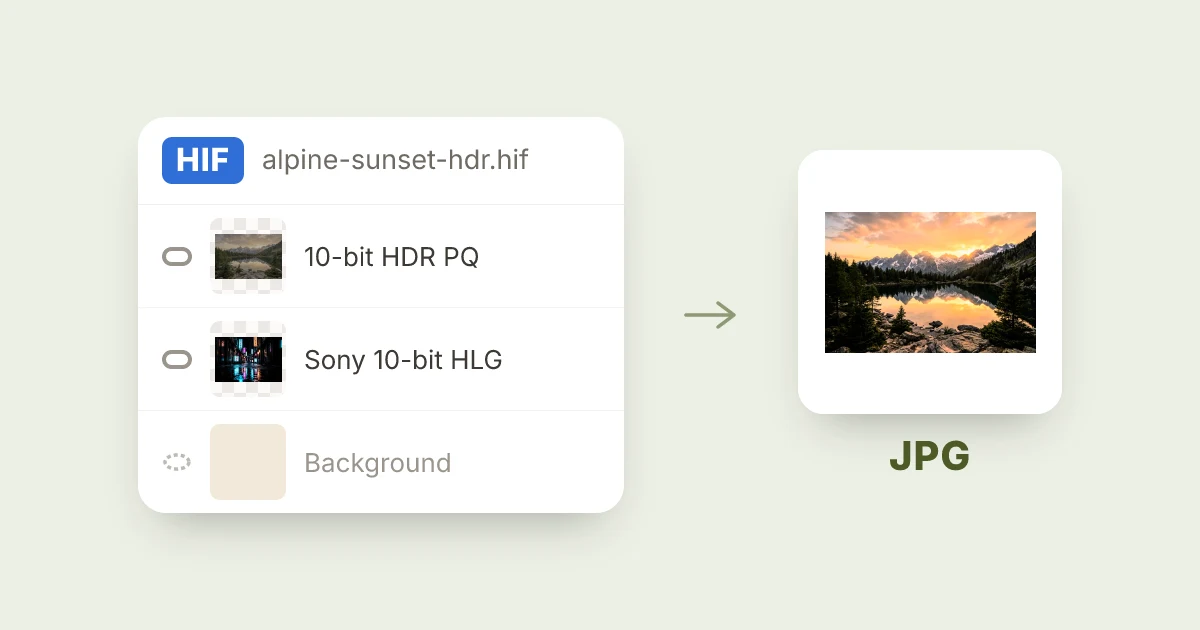
What Is a HIF File? Open and Convert Canon, Sony, Fuji .HIF
Learn what a .HIF camera file is, how HIF compares to HEIC and JPG, why Windows and Photoshop reject it, and how to convert 10-bit HIF to JPG locally.
 How-to
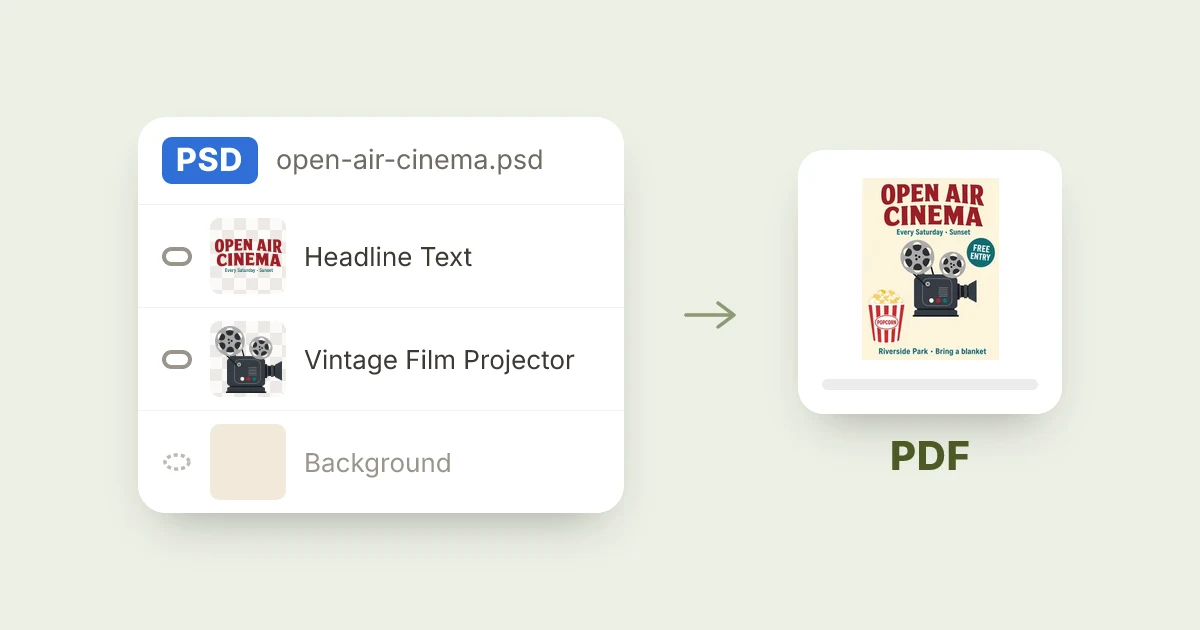
How to Convert a PSD File to PDF: Photoshop and Free Routes
Convert a PSD to PDF with Save As Photoshop PDF, choose print or screen settings, combine several PSDs, or convert free in your browser with no upload.
 How-to
Compress a PSD File: 9 Ways to Reduce PSD File Size in Photoshop
Shrink a PSD without breaking it: turn off Maximize Compatibility, delete hidden layers, crop hidden pixels, and know when to export PNG or JPG instead.
 PSD Guides
Is PSD a Vector File? What Scales in a PSD and What Doesn't
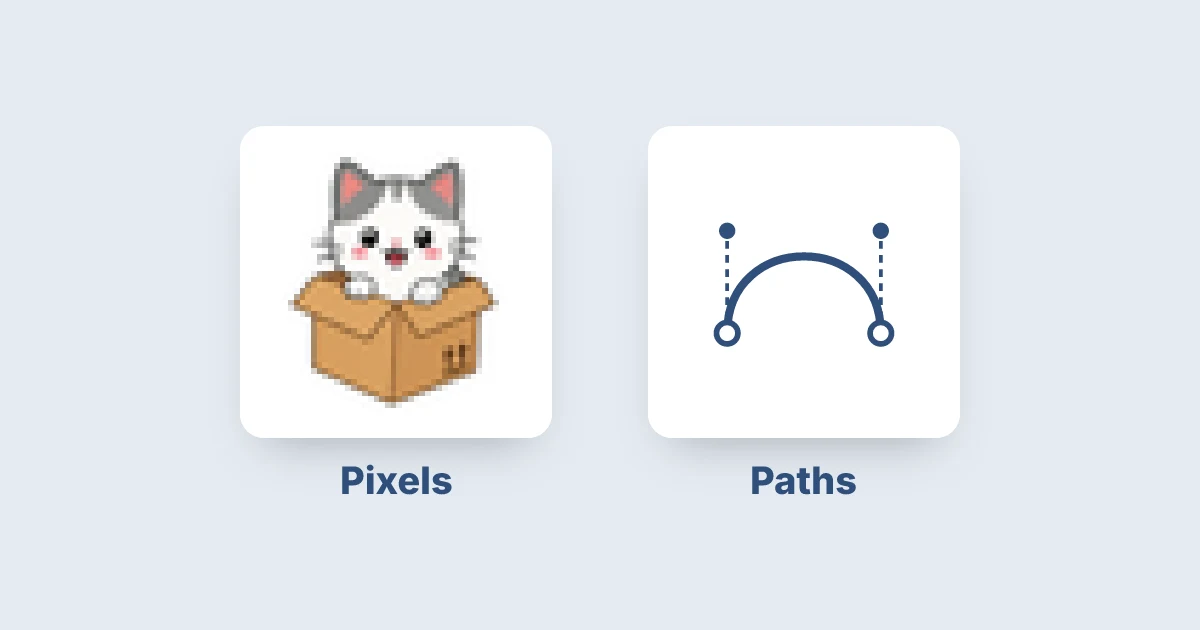
No, PSD is a raster format, but it can hold vector parts: shape layers, type layers, vector masks and smart objects. Here is what stays sharp when scaled.
 Use Cases
Split an Illustration into Layers for Parallax and 2.5D Animation
To animate a flat illustration with parallax, put each object on its own layer, fill the background and complete hidden parts. Steps, depth tips, limits.
 PSD Guides
PSB vs PSD: Size Limits, Compatibility and When to Switch
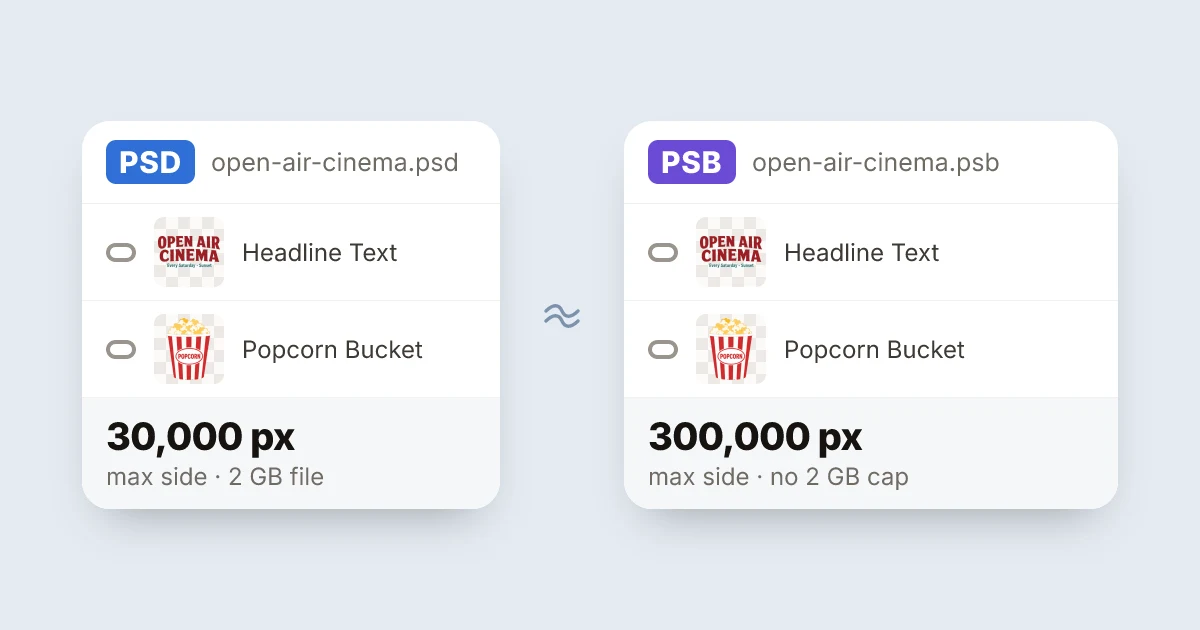
PSD tops out at 30,000 pixels and 2 GB; PSB goes to 300,000 pixels with the same layers. Compare the limits, which apps open each and how to convert.
 Use Cases
Make a YouTube Thumbnail Template from an Existing Image
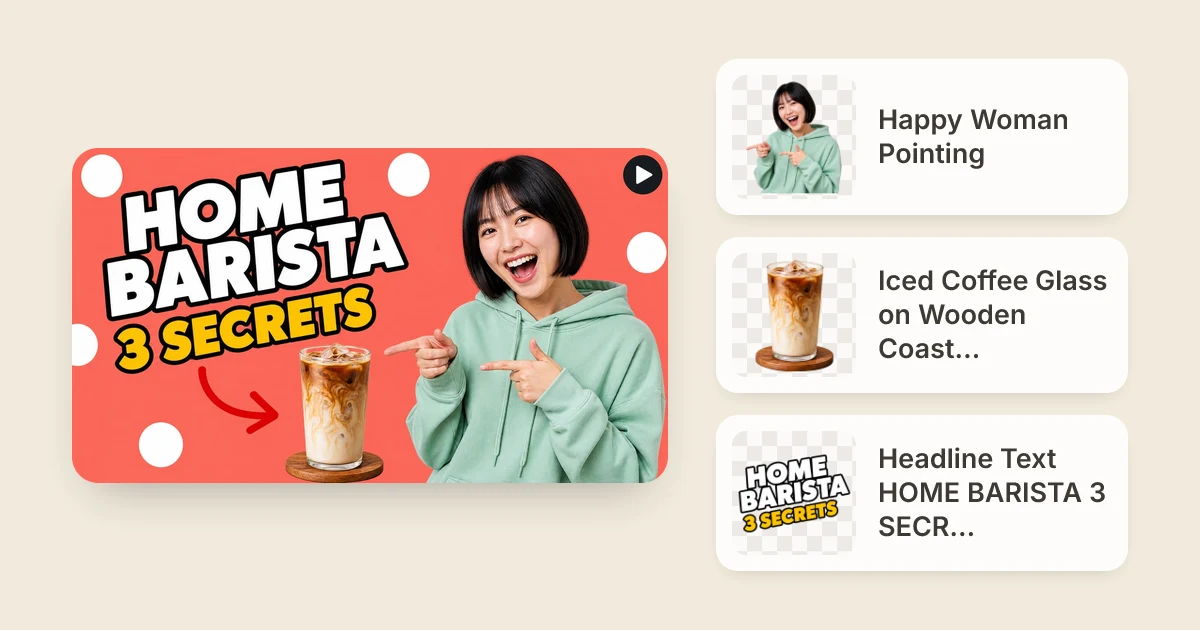
Turn a flat thumbnail you own into a reusable PSD template: title, arrow, person and background on separate layers, ready to retype and recolour.
 AI Models
Qwen-Image-Layered Tested on a Poster and a Scene
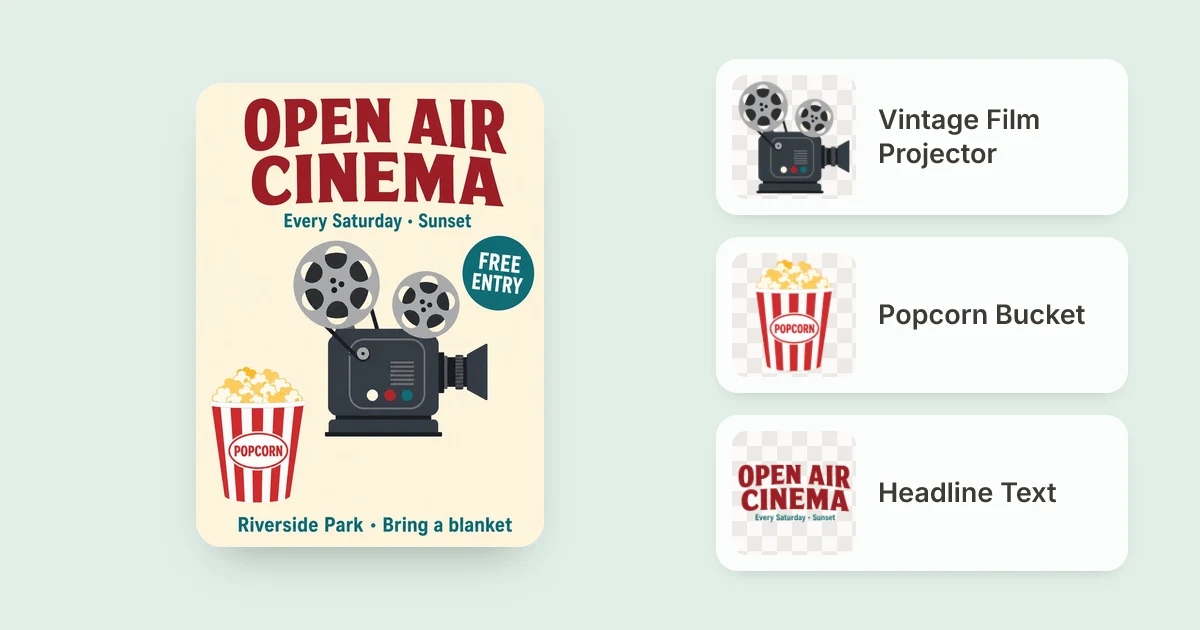
Qwen-Image-Layered splits an image into RGBA layers for about $0.05 a run. We ran it on two designs: clean fills, but small output and merged objects.
 Image Text
How to Edit Text in an Image: Change the Words, Keep the Design
Text in a JPG or PNG is pixels, not type. To edit it, clear the old words, rebuild the background and set new type in a matching font, size and colour.
 How-to
How to Convert a PSD File to JPG, With or Without Photoshop
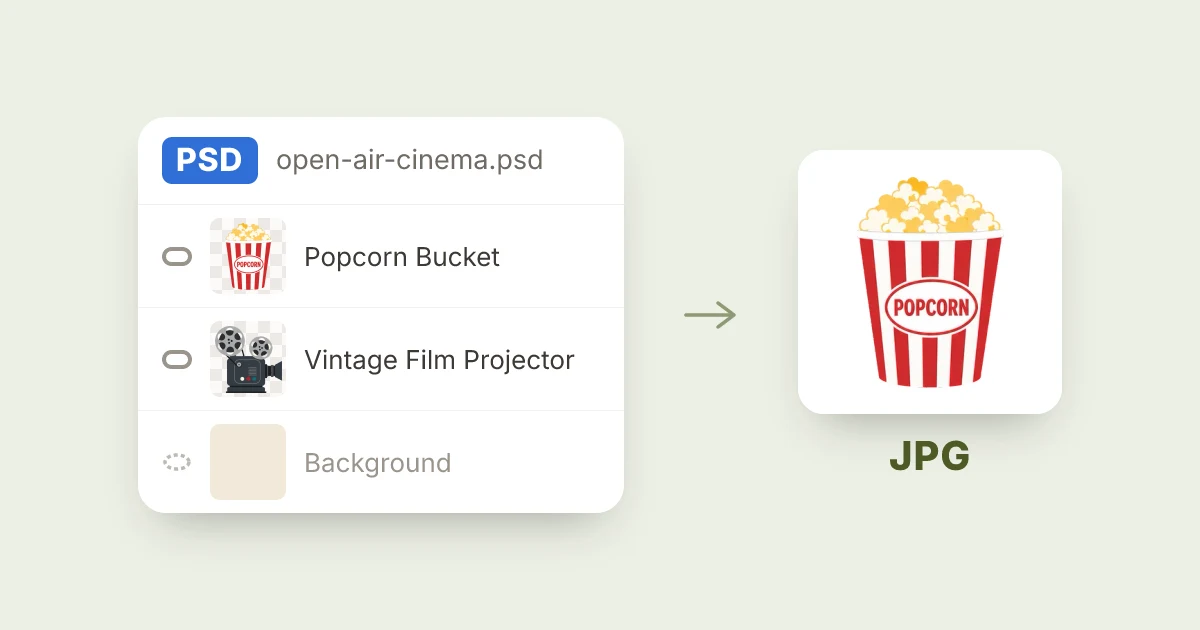
Convert a PSD file to JPG in Photoshop or free in your browser: why transparency turns white, which quality to pick, CMYK files and batch conversion.
 Use Cases
Flat Product Banner to Editable PSD: Change Price and Product
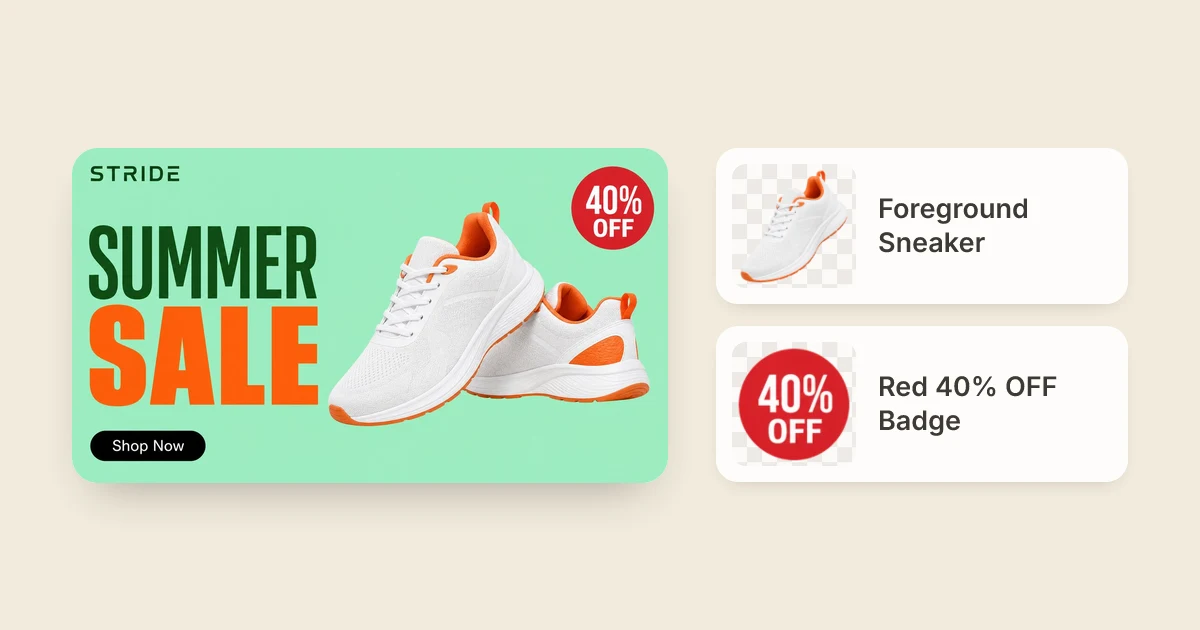
Only have a flat JPG of a product banner? Split it into a layered PSD to change the price, move or swap the product and reuse the parts in other sizes.
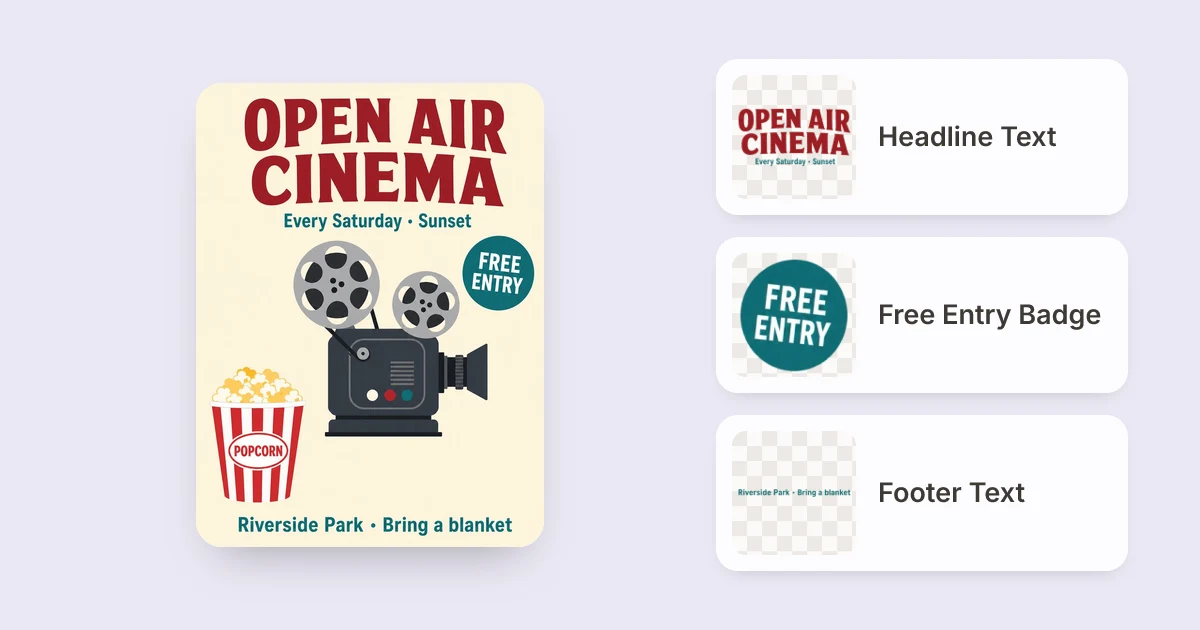 Image Text
Remove Text from an Image Without Damaging the Background
Removing text means rebuilding what was behind the letters. Compare clone tools, Content-Aware Fill, AI inpainting and splitting the image into layers.
 How-to
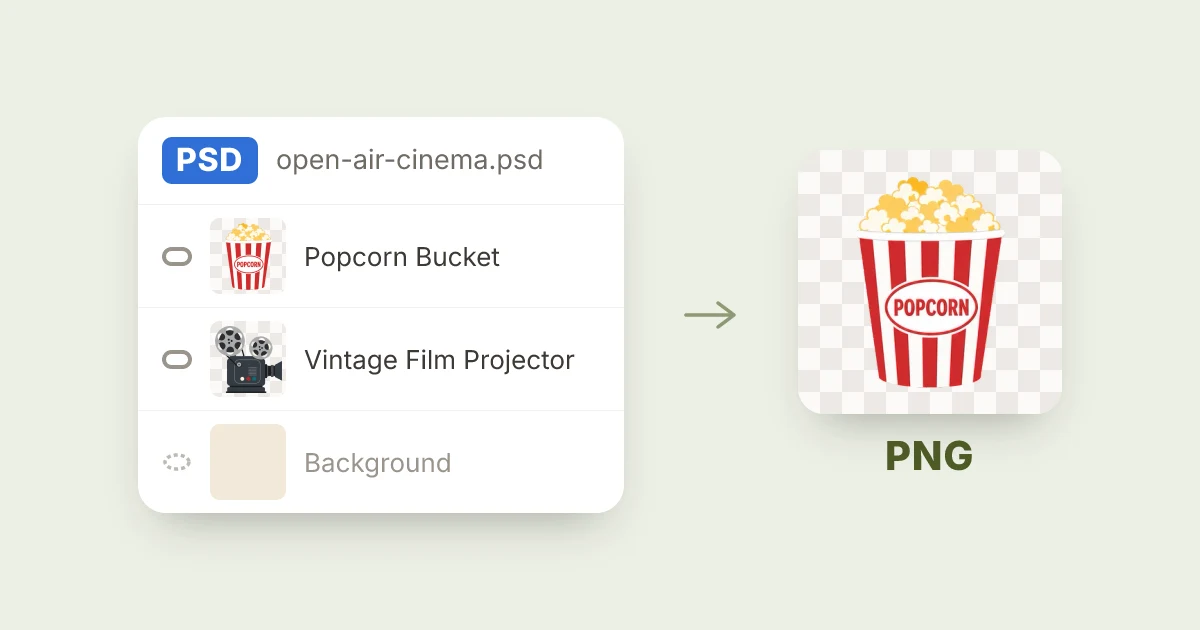
Convert PSD to PNG and Keep Transparency: Photoshop and Browser
Convert a PSD to PNG with a transparent background: whole image, every layer or both, in Photoshop or free in your browser, with the settings that matter.
 How-to
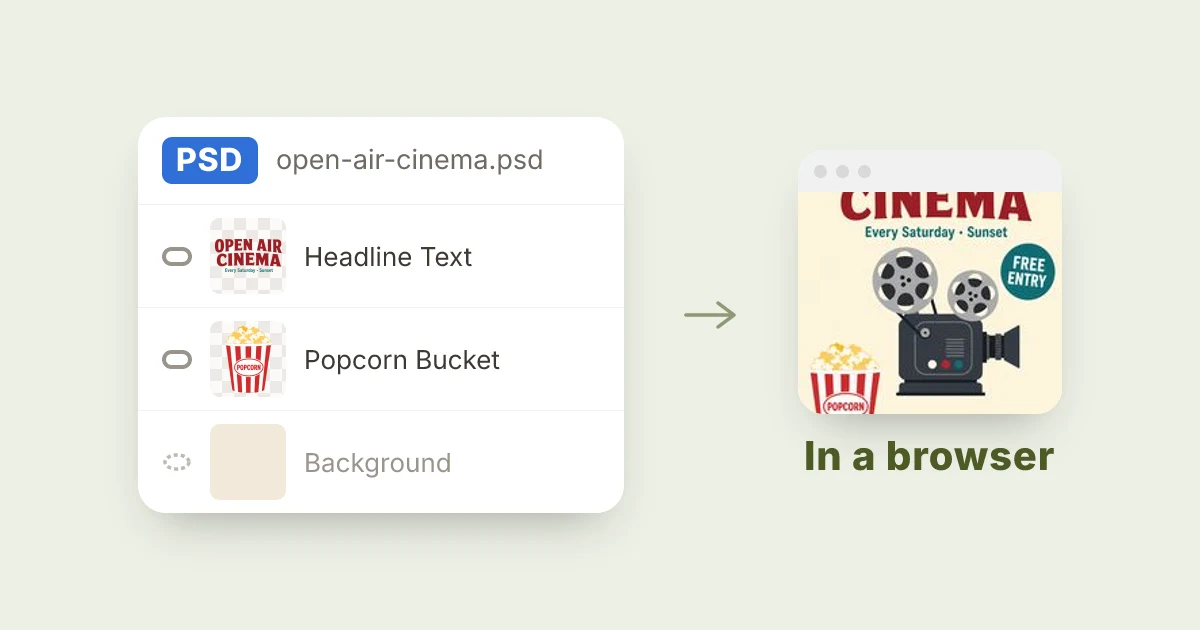
How to Open a PSD File Without Photoshop: Free Options Compared
Open a PSD without Photoshop in a browser viewer, Photopea, GIMP or Affinity. What each one shows (layers, text, effects), what it costs and its limits.
 PSD Guides
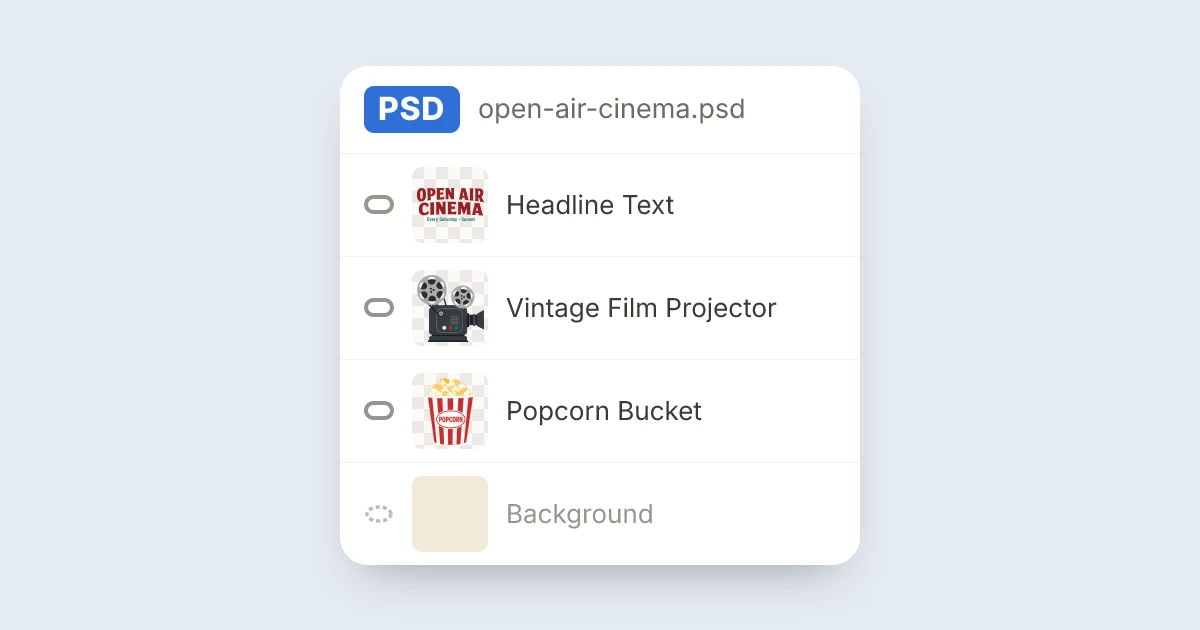
What Is a PSD File? Photoshop's Layered Format, Explained
A PSD file is Photoshop's native format: it keeps every layer, mask and text layer editable. Learn what it stores, its limits and how to open one.
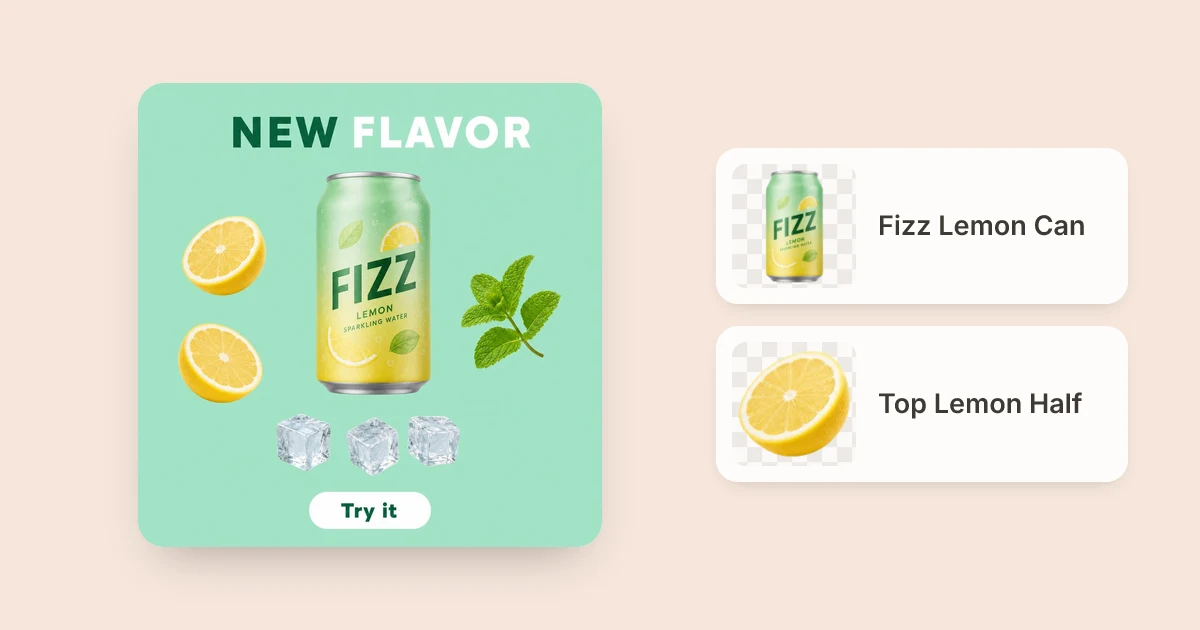 Image to Layers
Layer Separation vs Background Removal: Which One Do You Need?
Background removal keeps one subject and drops the rest. Layer separation keeps every element and rebuilds the background. Here is when to use each.
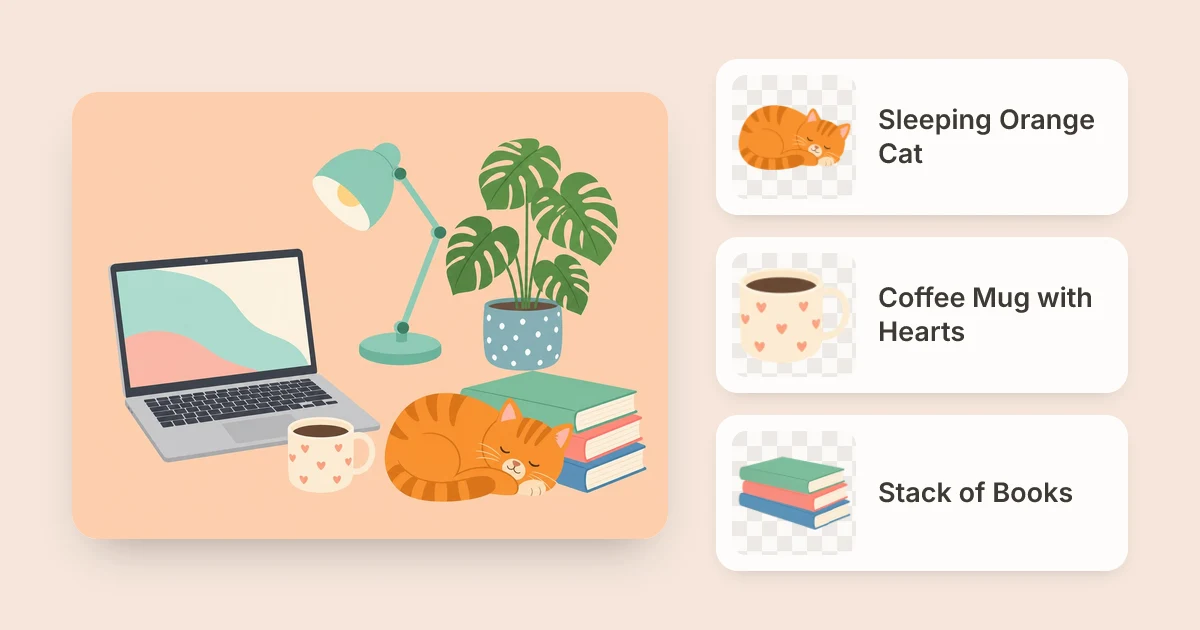 Image to Layers
How to Separate an Image into Layers: Photoshop vs AI
Separate an image into layers by hand in Photoshop (select, Layer Via Cut, fill) or with AI: steps, time, skill and what happens behind each object.