GIF to Frames: Extract Every GIF Frame as a Composited PNG

Unpack any animated GIF into full, transparent RGBA PNG stills locally in your browser: inspect every frame delay in milliseconds, toggle Checker/Light/Dark views, and download one PNG or a numbered ZIP.

Opening browser tool…

Why animated GIFs require real disposal compositing before saving PNG frames

Most animated GIFs on the web shrink file size by storing only tiny changed rectangle patches (delta optimization) on frame 2 onward rather than repeating the full background every tick. Tools that naively dump raw GIF sub-frames output broken transparent shards, missing backgrounds, or overlapping black ghost boxes.

This browser GIF frame extractor decodes every byte inside a dedicated Web Worker powered by gifuct-js and faithfully replays GIF disposal methods 0, 1, 2, and 3 across an internal composition canvas. Whether your file loops a transparent character sticker or a heavy marketing banner, each frame exports as a complete, standalone 32-bit RGBA PNG.

No files leave your computer or phone, zero watermarks appear on stills, and there is no daily export limit.

True alpha reconstruction & checkboxes

Pick individual frames with live backdrop preview and download single PNG or ZIP

Every extracted tick displays its sequential number (#1, #2, ...) and exact hold duration in milliseconds alongside summary totals for frame count, average delay, and full loop length. Switch between Checker, Light, and Dark backdrop modes to spot rough transparency fringes instantly.

  • Click Save PNG right beneath any card for one crisp keyframe without waiting for ZIPs
  • Toggle individual checkboxes with Select all / Clear all to pack only chosen frames
  • Transparency indices stay true 32-bit RGBA alpha instead of flattening onto black or white
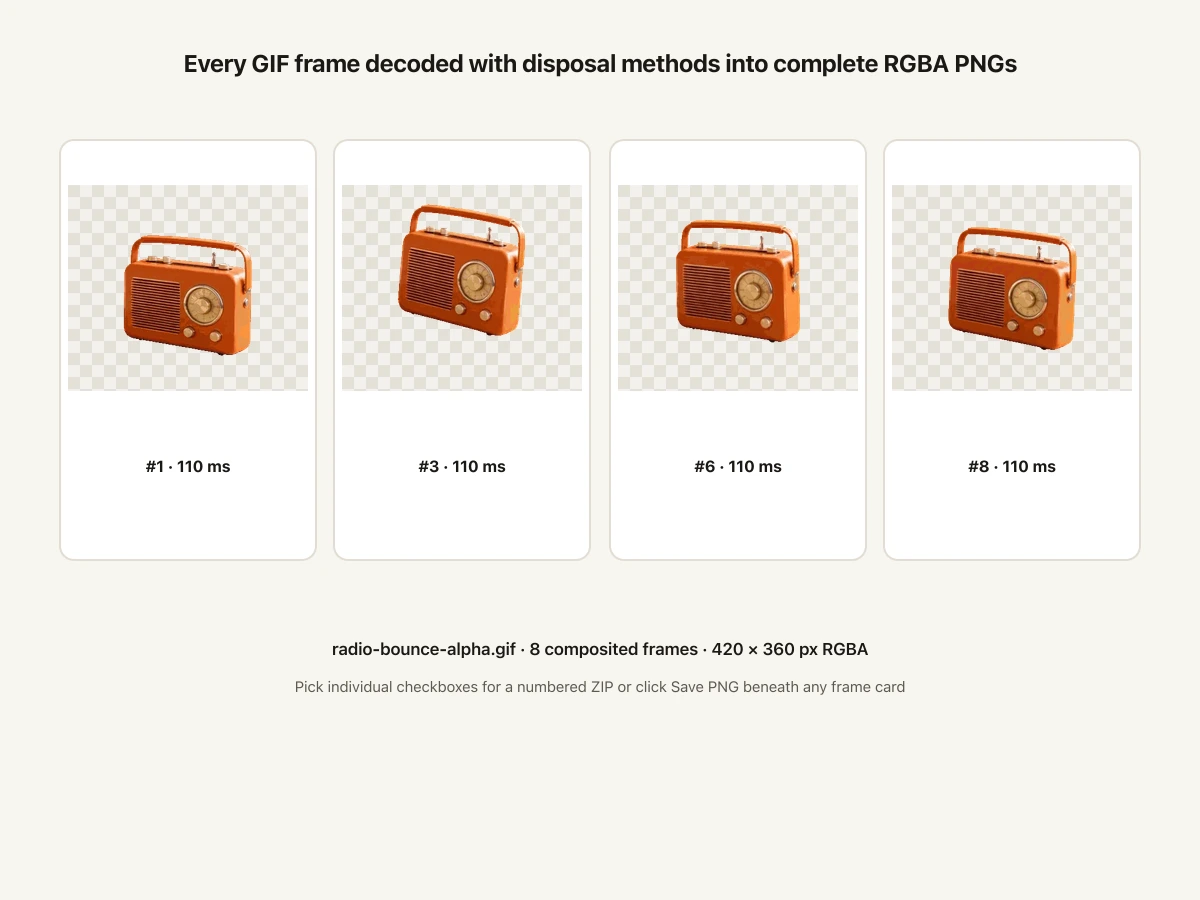
Four composited transparent frames from radio-bounce-alpha.gif shown over checkerboard with frame index and 110 ms duration labels
Delta-optimized banner safety

Honor disposal 0/1/2/3 across variable delays with zero ghost artifacts

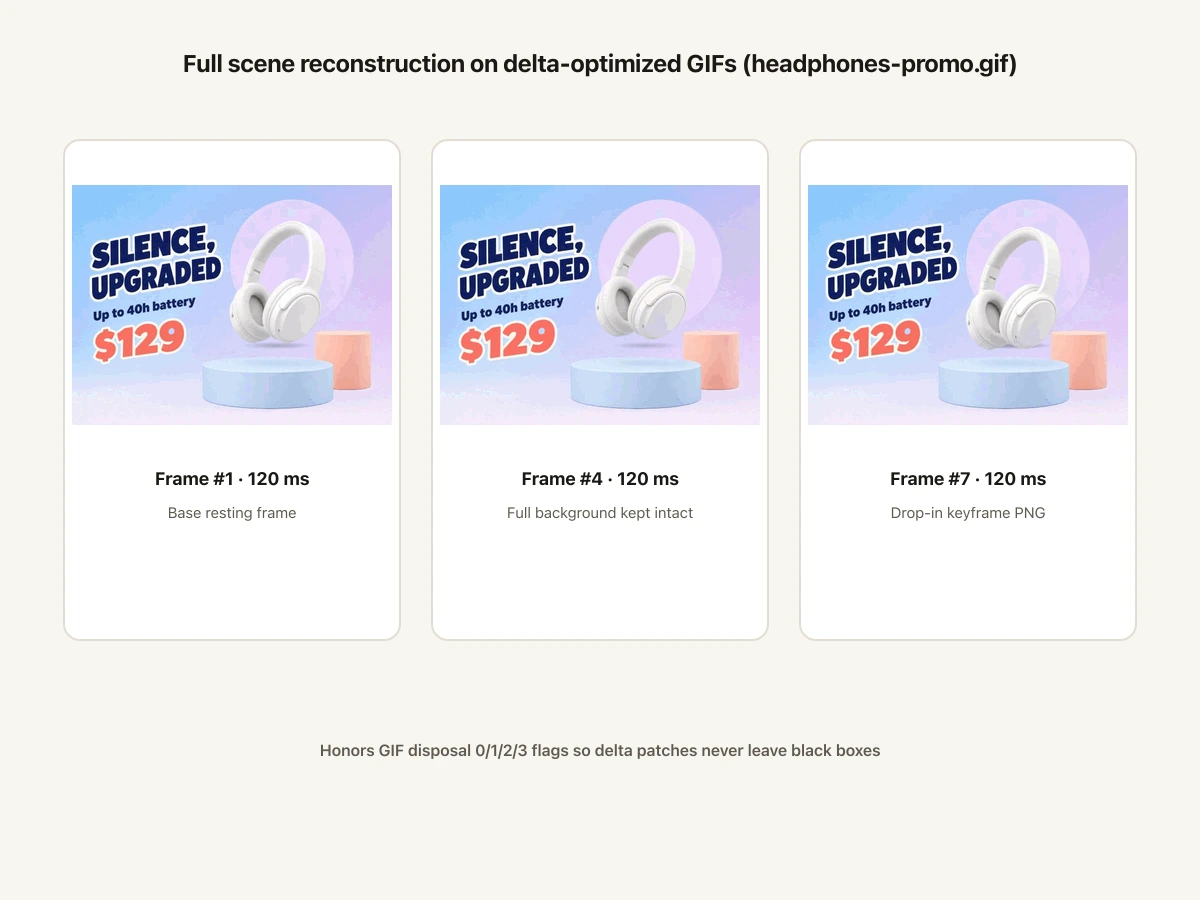
Marketing promo banners and screen recordings frequently blend previous pixels with partial transparent updates (disposal=1) or roll back to prior backgrounds (disposal=3). Proper compositing preserves intact typography, smooth drop shadows, and exact per-frame timing.

  • Honors disposal 0/1 (keep canvas), 2 (clear rect cleanly), and 3 (restore previous buffer)
  • Displays per-frame hold ms clearly so motion designers can audit loop rhythm
  • Reuses identical clean RGBA decoding right inside the browser tab on desktop or mobile
Three extracted keyframes (#1, #4, #7 at 120 ms) from headphones-promo.gif showing intact gradient canvas without delta patch tearing

GIF to Frames capabilities, output formats, and size limits

Exact supported specifications so you never hit surprise file mismatches.

SpecificationCurrent BehaviorWorkflow Impact
Input formatsAnimated or static .gif up to 25 MBSingle GIF per decode; canvas capped cleanly at 64 MP
Output format32-bit RGBA PNG only (per-frame or ZIP)Preserves crisp transparency; does NOT output JPG, WebP, or MP4
Compositing engineFull disposal 0 / 1 / 2 / 3 canvas replayDelta-optimized banners extract complete intact keyframes
Timing inspectionPer-frame ms + Average delay + Total durationQuickly spot slow 200 ms pauses or uneven 30 FPS steps
Backdrop previewChecker / Light / Dark stage switchCheck white halos on dark stickers before saving stills

Want a tiled game texture atlas with coordinates instead of separate PNG files? Send the same GIF straight into GIF to Sprite Sheet.

How to extract frames from a GIF cleanly

  1. Select a sample or drop your GIF

    Inspect our transparent radio bounce (8 frames, 110 ms) or promo banner immediately, or upload any local .gif up to 25 MB.

  2. Verify alpha & frame timing

    Switch Backdrop between Checker, Light, and Dark, and read each card's #index and millisecond delay readout.

  3. Keep every frame or check favorites

    Leave all cards checked for a complete numbered archive, or click Clear all and pick only the keyframes you want.

  4. Click Save PNG or Download ZIP

    Download single crisp transparent frames right off each card, or export your selected subset bundled into one ZIP.

Common workflows for extracted GIF PNG frames

  • Reverse-engineer UI motion delays

    Check exact hold durations (like 110 ms vs 120 ms ticks) on reference UI animations so your CSS transitions or Lottie rigs match smoothly.

  • Grab one razor-sharp transparent still

    Pull the exact clean sticker frame from a meme, reaction GIF, or product loop to use inside Notion, Figma, or thumbnail designs.

  • Trim or re-time an existing animation loop

    Delete unwanted stalls by extracting only crisp keyframes here, then rebuild faster FPS or Boomerang playback inside PNG to GIF.

  • Pack sprites or key out solid backdrops next

    Combine ticks into a padded atlas in GIF to Sprite Sheet, or strip uniform colors with Transparent GIF Maker.

When browser GIF extraction shines

Product designers, game animators, social editors, and frontend engineers auditing frame timings, extracting clean alpha stills, or building edited sequences cleanly without server waits.

Honest boundaries & performance notes

  • Outputs transparent 32-bit RGBA PNG images exclusively. It does not export JPG, animated WebP, APNG, or MP4 video streams.
  • Individual files must be valid .gif documents within 25 MB and 64 megapixels total dimensions.
  • Extremely long screen recordings exceeding 200-300 frames take extra client memory to render every full PNG preview thumbnail simultaneously; trim long recordings if mobile memory gets tight.

GIF to Frames questions and answers

Does GIF to Frames preserve transparent backgrounds properly?

Yes. Both the live Checker preview and every exported PNG retain true 32-bit RGBA transparency computed cleanly from the GIF color table and disposal rules.

Why do some extractors produce torn partial frames with black boxes?

Animated GIFs store partial delta sub-rectangles with disposal instructions (keep, clear background, or restore previous). This tool composites every sub-frame sequentially onto a full buffer so every PNG card is a complete picture.

Can I extract frames from a GIF into JPG, WebP, or MP4?

No. This extractor strictly outputs lossless RGBA PNG files so edges and alpha channels never degrade. To combine extracted PNGs back into motion, open PNG to GIF.

How can I download just one frame instead of every tick in a ZIP?

Click Save PNG directly underneath any frame card in the gallery to download that individual frame immediately, or use checkboxes with Clear all and Download ZIP for a custom subset.

Does the extractor tell me how long each GIF frame stays on screen?

Yes. Every card shows its delay in milliseconds (for instance 110 ms), while the summary bar reports total frames, average delay, and complete loop duration.

Is splitting a GIF into frames free with no limits or watermarks?

Yes. Every frame unpacks locally inside a Web Worker with zero watermarks, zero daily limits, and no account sign-up.

What happens if I upload a static 1-frame GIF?

A non-animated GIF decodes cleanly as 1 frame (#1) so you can still inspect its size, backdrop alpha, and save it as a lossless PNG.

Are there file size caps or browser limits on mobile devices?

Files up to 25 MB and 64 MP canvas dimensions decode locally. Short 8-to-120-frame loops convert instantaneously even on smartphones, while multi-hundred-frame captures consume proportionally more device RAM.

Is any uploaded GIF transmitted over the internet?

No. Everything from LZW decompression to PNG encoding runs entirely locally inside your browser tab on your device.

Can I convert extracted PNG frames into a game sprite sheet or editable PSD?

You can pack extracted motion directly into a grid with GIF to Sprite Sheet, or unwrap layers of an individual still frame via Image to PSD.

Ready to rebuild a loop, erase a backdrop, or pack a sprite sheet?

Use extracted PNGs right away in LayerSplit browser GIF tools, or separate an individual still frame into editable layers.

Related browser GIF and PSD workflows