SVG to PNG: Convert SVG Vectors to Crisp PNG Online

Rasterize SVG markup directly into transparent or filled PNG assets at 1x, 2x, 3x, 4x, or exact pixels in your browser with zero uploads and no watermarks.

Opening browser tool…

Why SVG to PNG conversion should render curves natively

An SVG stores mathematically defined paths, curves, gradients, and text shapes inside XML markup, while a PNG stores fixed 32-bit RGBA pixels on a flat grid. Stretching a small 1x bitmap screenshot upward simply blurs existing pixels and introduces jagged stair-stepping along diagonal strokes.

This browser converter takes the opposite path: it parses and sanitizes your SVG document, scales its vector dimensions natively to your requested Retina multiplier or custom pixel width and height, and draws the crisp result straight onto an offscreen HTML5 canvas.

If an exported icon from Figma or Illustrator omits explicit width and height attributes, the parser reads its viewBox aspect ratio automatically so artwork never collapses to tiny thumbnail bounds or stretches unevenly.

True vector rasterization

Scaled from Bezier math, never stretched from low-res pixels

Converting straight from sanitized vector DOM nodes recalculates every curve, radial gradient, and crisp geometric corner at your chosen 2x, 3x, or 4x density before painting the PNG canvas. Even a compact 512 px emblem exports tack-sharp at 2,048 px.

  • One-click 1x, 2x, 3x, and 4x Retina scale presets (defaults to 4x)
  • Aspect-locked or free custom width and height inputs up to 16,384 px (capped at 64 MP)
  • Automatic fallback reads SVG viewBox ratios when width or height attributes are missing
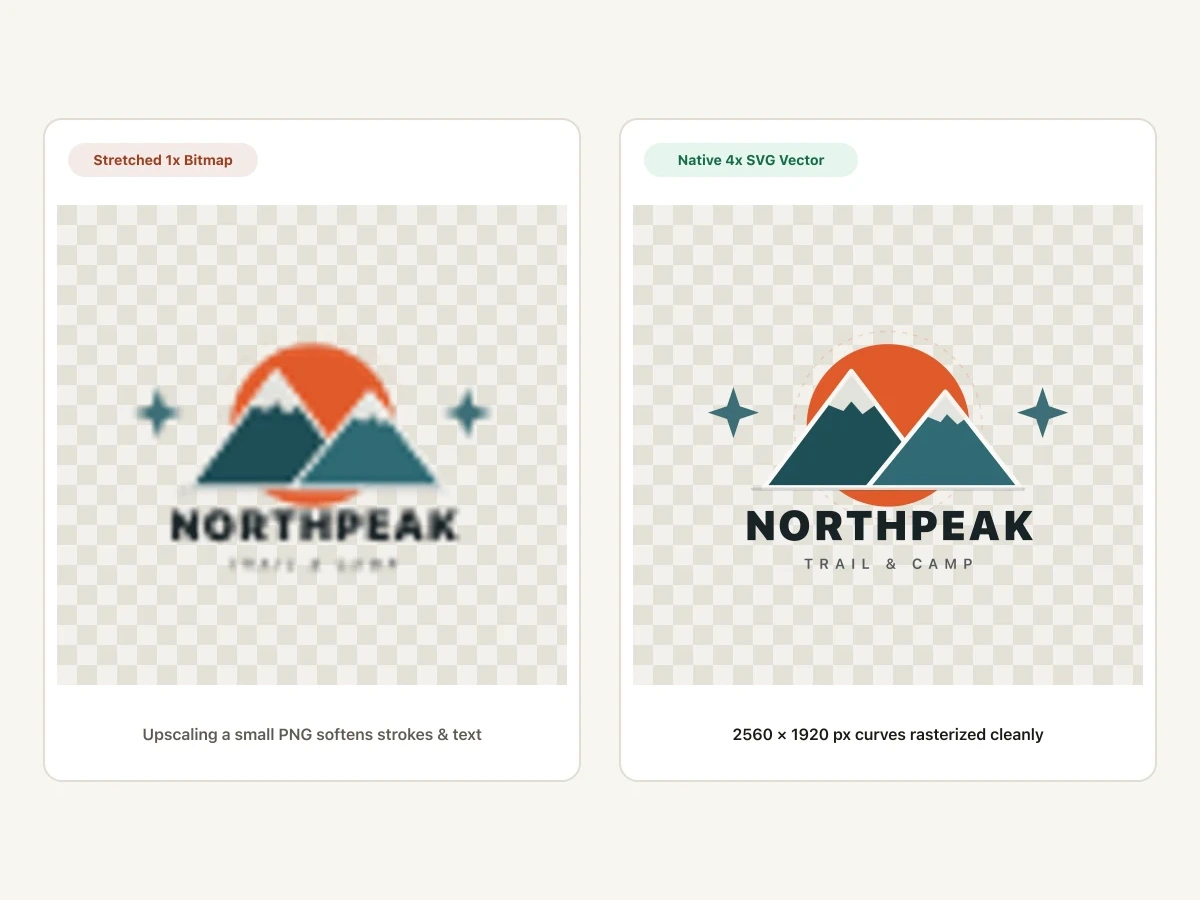
Comparison showing blurry upscaled 1x bitmap on the left versus razor-sharp 4x native SVG rasterization of Northpeak logo on the right
Backdrops, padding, and batch ZIP

Check alpha fringes against dark UI before exporting

Light logos and thin white outlines often disappear against white checkerboards. Toggle the stage backdrop between Transparent checker, Light BG, and Dark BG (#16130f) to audit edges visually, add 0 px to 128 px of uniform padding, or queue up to 20 SVGs for one ZIP download.

  • Export transparent 32-bit RGBA PNGs or flatten behind White, Black, Warm, Coral, or any custom hex fill
  • Copy single PNGs straight to your clipboard for instant paste into Figma, Keynote, or Google Slides
  • Queue up to 20 SVG files (up to 10 MB per SVG) with deduplicated filenames inside one ZIP archive
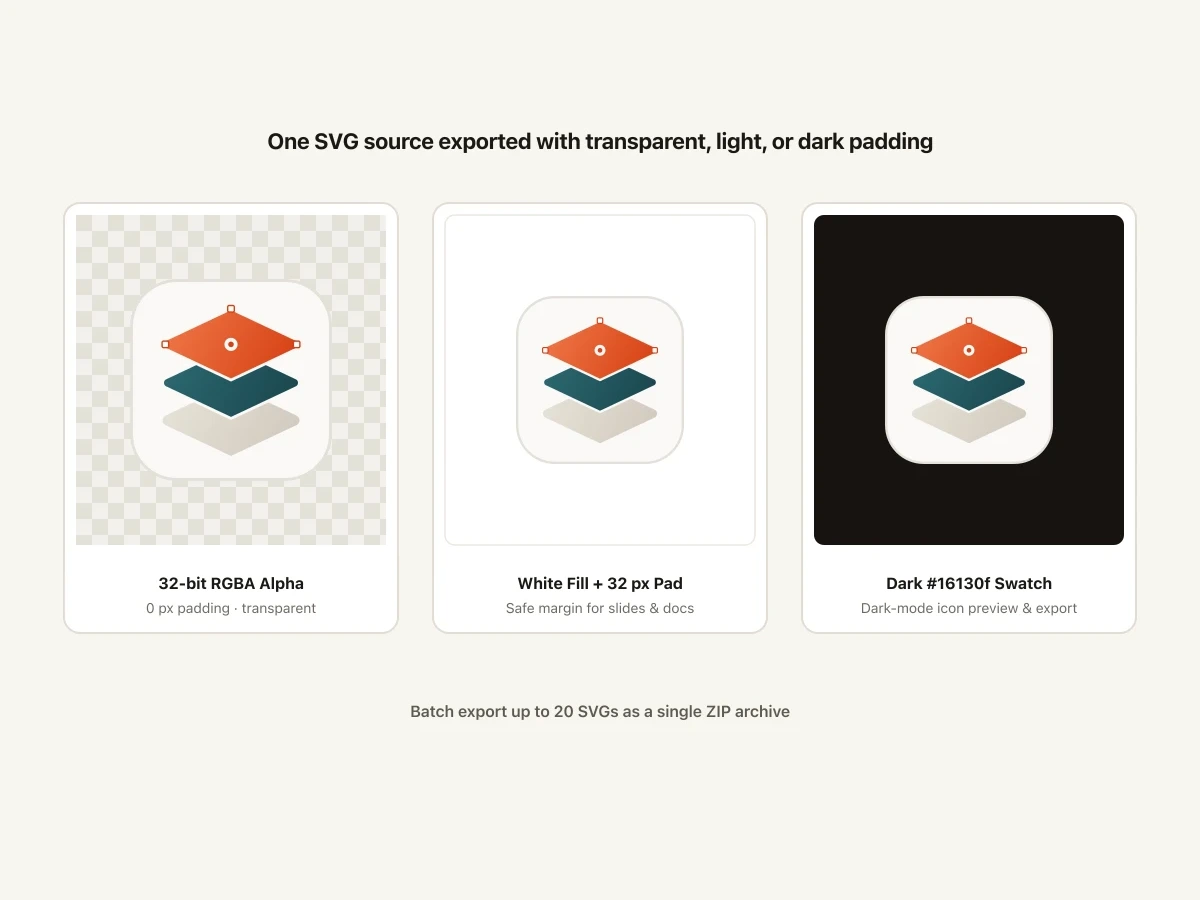
Three exports from one isometric SVG badge showing transparent checkerboard alpha, white fill with 32 px padding, and dark #16130f swatch

Recommended SVG to PNG scale and dimension guide

Pick pixel targets that stay sharp on Retina screens without creating heavy files.

Scale / PresetFrom 512 px SVGBackground & PaddingBest destination
1x (Original)512 × 512 pxTransparent · 0 pxLegacy email templates, markdown docs, lightweight web icons
2x (HiDPI)1,024 × 1,024 pxTransparent · 16–32 pxStandard UI icons, Retina web headers, Figma & Notion decks
3x (Mobile)1,536 × 1,536 pxTransparent · 0–16 pxiOS/Android app store screenshots and mobile launch cards
4x (Master)2,048 × 2,048 pxTransparent or White fillSlide presentations, high-DPI hero illustrations, social Open Graph masters
Custom sizeUp to 64 MP totalAspect-locked W × HExact favicons (192 px, 512 px), App Store icons (1,024 px), print proofs

Padding adds clean transparent or solid margin symmetrically around all four sides, so 32 px padding increases final width and height by 64 px total.

How to convert SVG to PNG without blurry edges

  1. Drop, paste, or queue up to 20 SVGs

    Select local .svg files up to 10 MB each, paste vector markup from your clipboard, or switch among the three bundled brand and UI icon samples.

  2. Pick 1x-4x scale, custom pixels, and padding

    Stay on the default 4x Retina preset or type exact width and height values with the aspect lock enabled, then dial padding between 0 px and 128 px.

  3. Inspect transparency against light or dark cards

    Preview the SVG over the checkerboard, switch the preview stage to Dark BG for white strokes, and choose Transparent or a solid hex fill color.

  4. Copy PNG, save one file, or export batch ZIP

    Click Copy PNG to paste directly into slide decks, download one 32-bit RGBA PNG, or package all queued vectors at once into a ZIP file.

Real workflows built around crisp raster PNGs

  • App icons and storefront favicons

    Turn a single vector mark into exact 180 px Apple touch icons, 512 px Android icons, and 1,024 px marketplace logos without touching desktop vector suites.

  • Slide decks, docs, and client approvals

    PowerPoint, Keynote, Word, and social schedulers accept high-resolution transparent PNGs cleanly where raw SVGs fail security checks or drop styling.

  • Sanitized strictly inside your browser

    Before touching the canvas, the parser removes executable script nodes, foreignObject islands, inline event handler attributes, and remote @import or http links.

  • Missing the SVG source? Split your PNG logo

    When a client only sends a flat bitmap logo, use Logo to Layers to separate its icon, emblem, and wordmark, or build a PSD via PNG to PSD.

Built for designers, developers, and marketing teams

Product teams turning SVG logos, badges, and UI icon sets into Retina PNGs for decks, app stores, email campaigns, and CMS uploads with zero sign-in or daily cap.

Troubleshooting & technical boundaries to keep in mind

  • Text inside un-outlined SVGs uses fonts installed on your device: if an SVG links a web font via @import, sanitization strips external URLs and text falls back to system sans-serif unless outlined beforehand.
  • Embedded external http images inside an SVG are stripped during sanitization so your browser canvas never gets security-tainted; base64 PNG/JPEG data URIs stay intact.
  • Outputs larger than 64 megapixels (for example 10,000 × 8,000 px) exceed browser canvas memory limits and are stopped cleanly so you can lower scale or pixel dimensions.

SVG to PNG questions and answers

Is this SVG to PNG converter really free with no watermarks or daily limits?

Yes. Every conversion renders 100% locally in your browser canvas with no watermark, no sign-in requirement, and no daily export cap. Only separate AI layer-splitting tools on LayerSplit use credits.

Why does an SVG exported as PNG sometimes look blurry elsewhere?

Blurry output happens when a tool renders your vector at a tiny default size (like 150 px) and scales pixels up afterward. Our tool scales vector bounds before painting so curves render sharply up to 4x or custom px.

Does converting SVG to PNG keep transparent backgrounds?

Yes. Leaving Background fill set to Transparent creates a 32-bit RGBA PNG with genuine alpha channels, which you can preview against checker, white, or dark backdrops.

What if my SVG has a viewBox attribute but no width or height?

The parser automatically computes aspect ratio from viewBox width and height so scaling works proportionally instead of distorting or defaulting to a square.

Can I batch convert multiple SVG files to PNG at once?

Yes. Drop or select up to 20 SVG files (up to 10 MB each), adjust shared scale, padding, and backdrop color, and download every exported PNG inside a single ZIP archive.

Can I convert SVG to PNG at exact custom pixel dimensions?

Yes. Type your target width or height under Custom size (up to 16,384 px per side while staying under 64 MP total canvas area), with optional aspect-ratio locking.

Why did custom fonts inside my SVG change after rasterizing?

Browsers sandbox rendered SVGs as isolated image documents that cannot fetch remote @import fonts. Convert typography to outlines in Figma or Illustrator before exporting SVG for exact glyphs.

Does this tool work cleanly on iPhone or Android browsers?

Yes. The mobile layout stacks preview and settings cleanly with a sticky bottom Download PNG button so you can export transparent or solid PNGs straight to your camera roll or Files app.

Are uploaded SVGs ever sent to a remote server?

No. Both XML sanitization and HTML5 Canvas PNG encoding happen purely inside your browser tab on your device.

When should I use SVG to PNG versus PSD to PNG or PNG to PSD?

Use SVG to PNG when starting from vector markup. Once you have raster PNGs, wrap or split them into Photoshop layers with PNG to PSD, convert layered files via PSD to PNG, or slice banners with Image Splitter.

Need an editable layered file instead of flat artwork?

Separate flat logos into transparent parts with credits on LayerSplit, or wrap transparent PNGs into Photoshop files in your browser.

Related image and PSD tools