HIF to JPG: Convert 10-Bit Camera HIF Photos Online

Turn Canon, Sony, and Fujifilm .HIF photos into standard JPG, PNG, or WebP right in your browser with automatic 10-bit HDR tone mapping, EXIF control, and batch ZIP export. Zero uploads, no monthly cap.

Opening browser tool…

What is a .HIF file, and why do browsers and Windows reject it?

A .HIF file is the still-image extension saved by modern mirrorless cameras such as the Canon EOS R5, R6, R3, and 1D X Mark III, Sony Alpha a7 IV, a7R V, a7S III, a1, and a9 III, and Fujifilm X-T5, X-H2, and X100VI when HEIF capture is enabled. Underneath, it uses the ISO/IEC 23008-12 HEIF container with 10-bit HEVC (H.265) compression - storing 1,024 tonal levels per channel (~1.07 billion colors) instead of the 256 levels (16.7 million colors) in a standard 8-bit JPEG.

Although .HIF belongs to the same HEIF family as Apple's .HEIC photos, camera .HIF files behave differently. They frequently carry BT.2020 wide color gamut tags and 10-bit HDR transfer curves such as Canon HDR PQ (SMPTE ST 2084) or Sony HLG Still (ARIB STD-B67), alongside baked-in camera looks like Fujifilm Classic Chrome or Velvia film simulations.

While macOS Preview opens .HIF natively, Windows 10 and 11 refuse to display thumbnails without both the free HEIF Image Extensions and the paid $0.99 HEVC Video Extensions, and Chrome, Firefox, older Photoshop releases, client portals, and marketplace uploaders routinely reject the .hif extension - even when they accept .heic or .heif. For a deeper format breakdown, read our What Is a HIF File guide.

10-bit HDR tone mapping

Convert HLG and HDR PQ photos without washed-out colors

Generic online converters simply truncate 10-bit HEVC pixels down to 8-bit without reading the container's nclx color tags, leaving Sony HLG and Canon HDR PQ shots flat, dark, or gray. LayerSplit inspects every file's ISO BMFF color primaries and transfer curve in memory, converts BT.2020 linear light into Rec.709, and applies luminance-preserving filmic tone mapping while leaving Fujifilm SDR film simulations untouched.

  • Auto SDR detects PQ (ST 2084) and HLG (STD-B67) tags automatically and passes SDR profiles straight through
  • Highlight safe mode adds softer shoulder roll-off for bright skies and neon reflections
  • Interactive Split compare slider lets you check Raw 10-bit vs tone-mapped sRGB before downloading
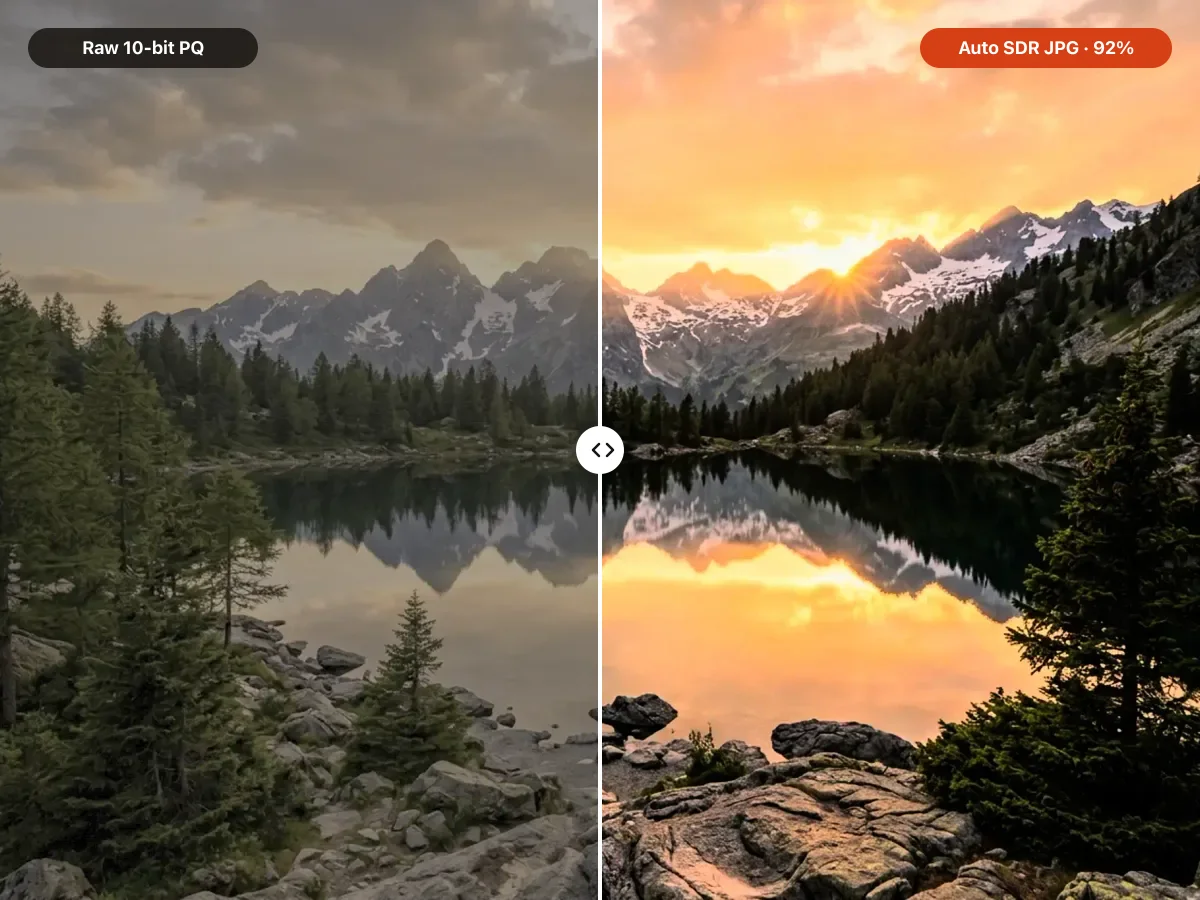
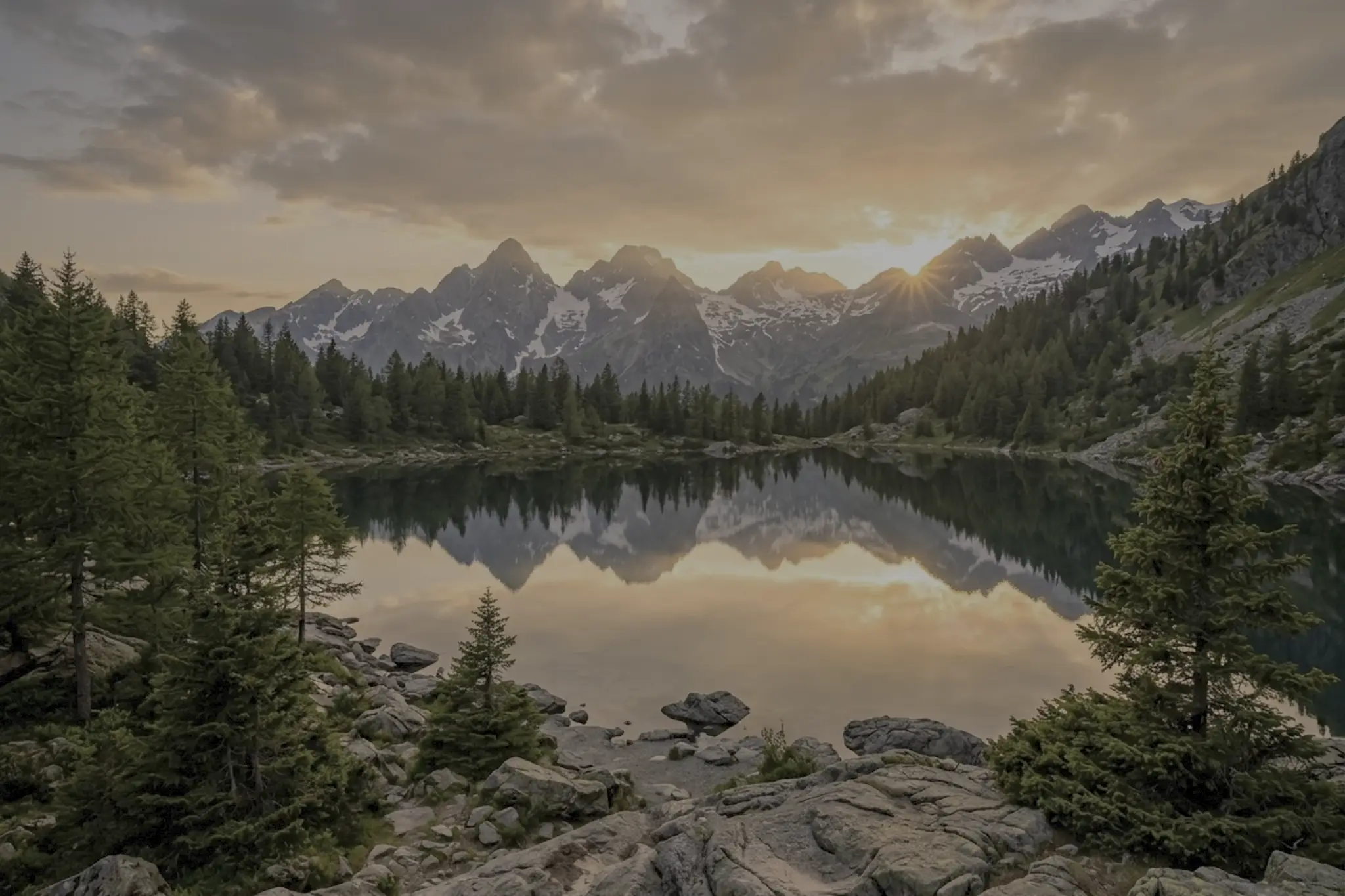
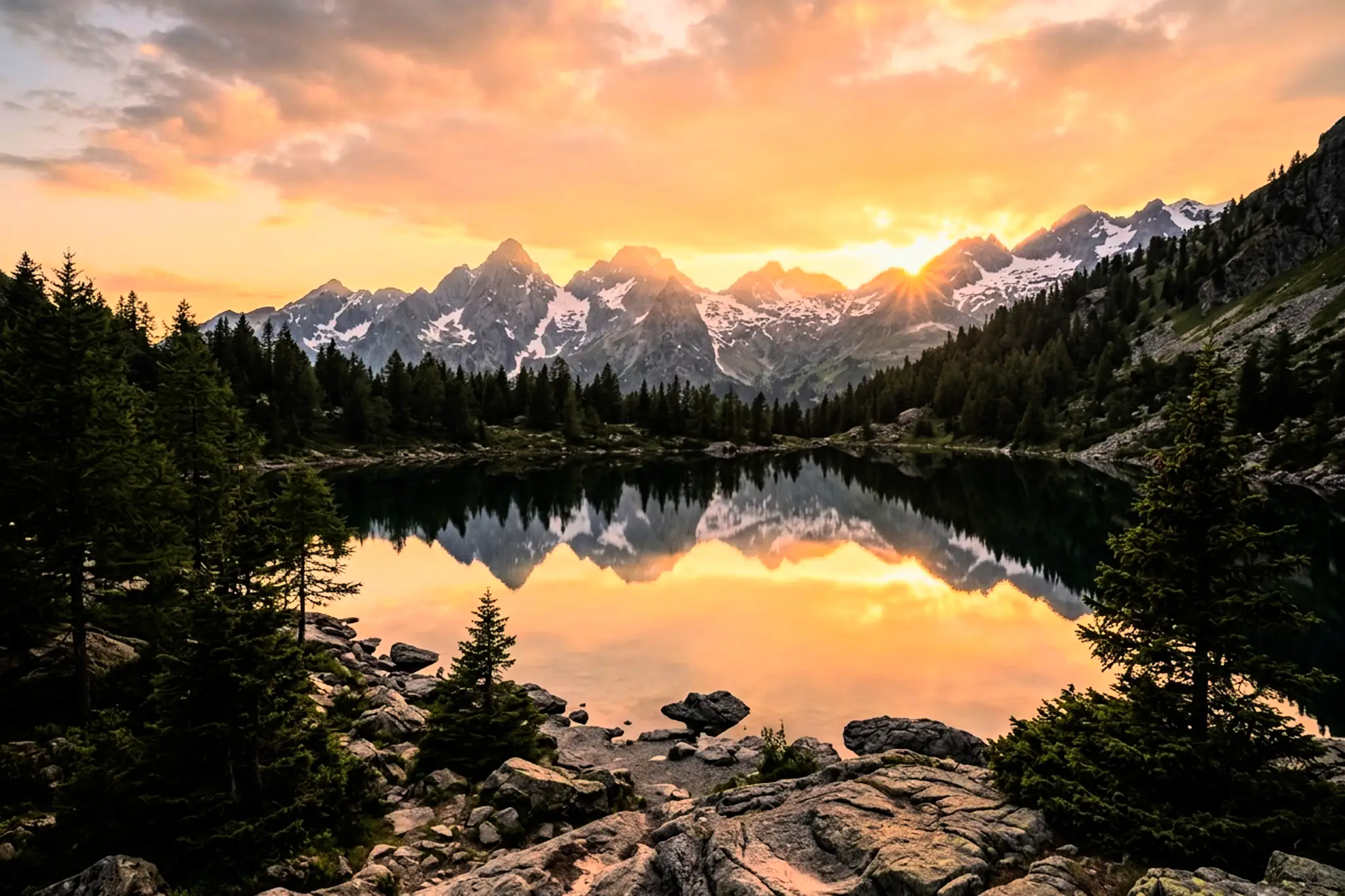
Split comparison showing flat unmapped 10-bit HDR PQ alpine sunset on the left versus rich tone-mapped Auto SDR JPG export on the right
Zero uploads, batch 30, smart EXIF

Convert a whole shoot locally with GPS-safe metadata

Server-based converters upload every client photo to remote servers and cap free visitors at three images per month. LayerSplit runs an isolated WebAssembly decoder directly inside a browser Web Worker, converts up to 30 .HIF, .HEIF, or .HEIC files (up to 50 MB each) serially to protect device memory, and packages the whole set into one clean ZIP archive.

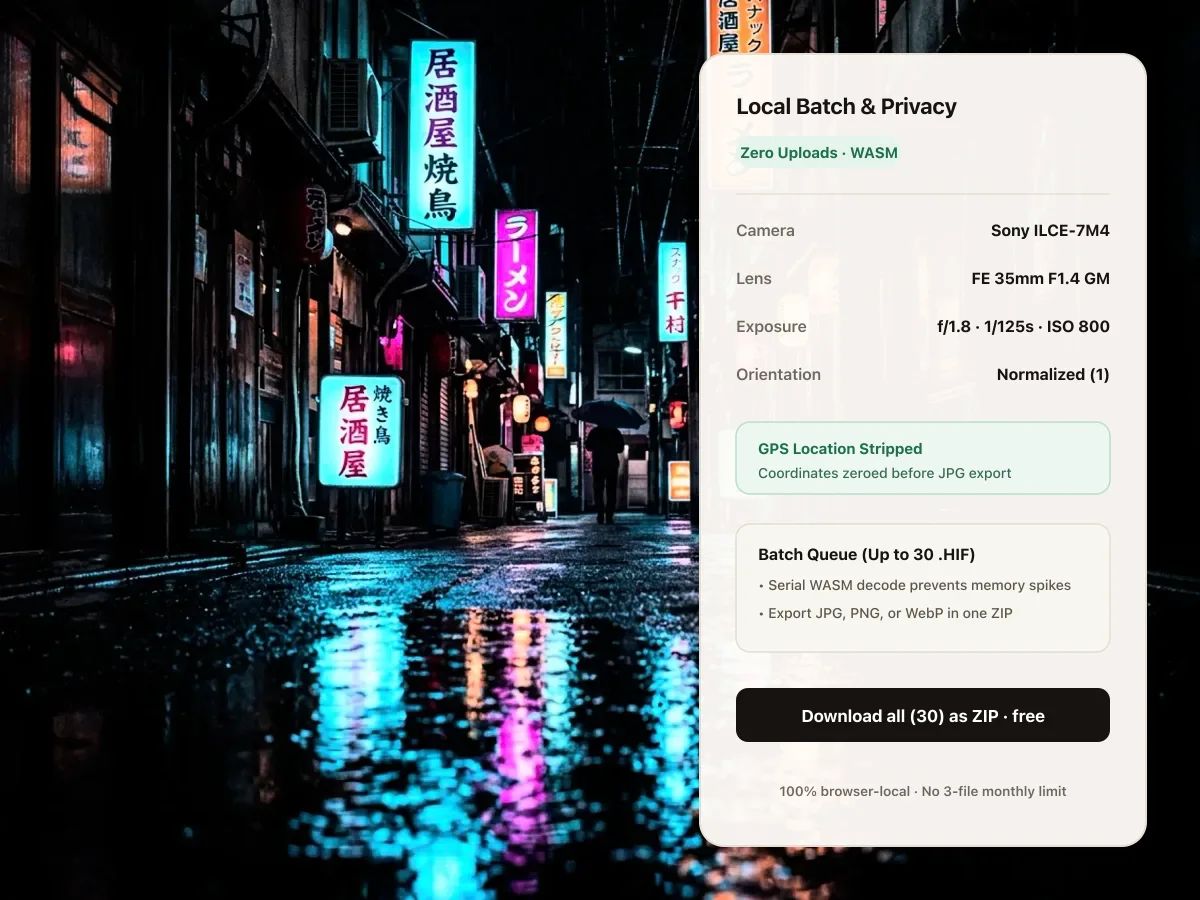
  • Keep camera EXIF (body, lens, aperture, shutter speed, ISO, capture timestamp) while stripping only GPS coordinates by default
  • Automatically applies HEIF rotation metadata and normalizes JPEG Orientation to 1 so portraits never appear sideways
  • Inspect live resolution, 10-bit color tags, and GPS status directly in the built-in EXIF viewer tab
Night street Sony ILCE-7M4 photo paired with a metadata panel showing camera EXIF preserved, orientation normalized, and GPS location stripped before batch ZIP export

Recommended HIF to JPG export settings by use case

Choose output format, compression quality, HDR tone mapping, and metadata privacy for how you plan to deliver or edit the image.

Use caseOutput & qualityTone map & resizeEXIF & GPS
Client gallery & print deliveryJPG · 92%–95%Auto SDR · OriginalKeep EXIF, Remove GPS ON
Photoshop & layered compositingPNG lossless or JPG 98%Auto SDR · OriginalKeep EXIF (open in Photo to PSD)
Web, blog & portfolioJPG 85% or WebP 85%Auto SDR · 2,048 pxStrip EXIF (Keep EXIF OFF)
Social media & marketplace listingsJPG · 88%Highlight safe · 1,600 pxKeep EXIF, Remove GPS ON
SDR-shot camera HIF reviewJPG · 90%Raw or Auto SDR · OriginalKeep EXIF, Remove GPS ON

The default 92% JPG with Auto SDR, Keep camera EXIF ON, and Remove GPS ON fits most client deliveries and print proofs without leaking shooting coordinates.

How to convert HIF to JPG in your browser

  1. Drop or paste up to 30 .HIF, .HEIF, or .HEIC files

    Select local camera files up to 50 MB each, or click any of the three built-in 10-bit samples to inspect HDR PQ, HLG, and portrait conversion immediately.

  2. Check 10-bit color tags and camera EXIF

    Read the detected color profile badge (HDR PQ, HLG, or SDR) and switch to Split compare or EXIF to inspect shutter, ISO, lens data, and GPS status.

  3. Pick JPG, PNG, or WebP, tone map, and GPS privacy

    Choose JPG (60-100%), lossless PNG, or WebP, set HDR tone mapping and max dimension, and confirm whether to keep camera EXIF while stripping GPS.

  4. Download one photo, a batch ZIP, or move to PSD

    Copy the converted frame to your clipboard, save a single JPG/PNG/WebP, export up to 30 converted photos in one ZIP, or send the image to Photo to PSD.

Camera-specific workflows and Photoshop integration

Who this tool is built for

Photographers, retouchers, ecommerce teams, and designers shooting 10-bit HEIF on Canon, Sony, or Fujifilm bodies who need reliable JPG, PNG, or WebP files on Windows, older Photoshop builds, or web uploaders without handing photos to third-party servers.

Troubleshooting & technical limits

  • Standard 8-bit JPG and PNG cannot store 10-bit HDR peak brightness metadata: keep your original .HIF archive if you plan to grade HDR stills on HDR displays later.
  • Windows 10 and 11 offline viewing of raw .HIF files still requires Microsoft's free HEIF Image Extensions plus the paid HEVC Video Extensions in Explorer; this browser tool bypasses both using local WebAssembly (Open-Source Licenses).
  • Each file is capped at 50 MB and 64 megapixels to protect browser memory; images above 64 MP trigger a one-click Resize to 4,096 px & continue safeguard.

HIF to JPG questions and answers

How do I convert a HIF file to JPG for free without limits?

Drop up to 30 .HIF files at a time into LayerSplit HIF to JPG, keep the default 92% JPG and Auto SDR settings, and click Download JPG or Download all as ZIP. Everything runs locally in your browser with no account, watermark, or monthly file cap.

What is a HIF file, and how is it different from HEIC or HEIF?

A .HIF file is a standard HEIF/HEVC image created by Canon, Sony, and Fujifilm digital cameras. It shares the same container specification as Apple's .HEIC, but camera .HIF files commonly store 10-bit color depth and HDR PQ or HLG color tags.

Why do converted Sony or Canon HIF photos sometimes look washed out or gray?

Basic converters drop 10-bit pixels straight into 8-bit sRGB without applying the PQ or HLG inverse transfer curve and BT.2020-to-Rec.709 color matrix. LayerSplit reads the file's nclx metadata and applies automatic SDR tone mapping so contrast and highlights stay natural.

Is HIF better than JPEG, and what do I lose when converting?

In-camera .HIF retains 10-bit color precision (1,024 shades per channel vs 256 in 8-bit JPEG), reducing banding in skies and gradients at smaller file sizes. Converting to 8-bit JPG trades that 10-bit headroom for universal compatibility, so keep the original .HIF for archival storage.

Does converting HIF to JPG keep Fujifilm film simulations and camera profiles?

Yes. Fujifilm, Canon, and Sony bake your selected Picture Style, Creative Look, or Film Simulation directly into the .HIF pixels at capture time, and Auto SDR preserves SDR camera color rendering accurately.

Are my HIF photos uploaded to a server?

No. Decoding runs 100% locally on your device using an isolated WebAssembly decoder (libheif and libde265 under LGPL-3.0) inside a browser Web Worker. No image bytes ever leave your computer or phone.

Can I keep camera EXIF data (ISO, shutter, lens) while removing GPS location?

Yes. By default, Keep camera EXIF is enabled (preserving camera model, lens, f-stop, shutter speed, ISO, and capture date while fixing orientation) and Remove GPS location is also enabled to wipe GPS coordinates before saving your JPG.

How do I open a HIF file on Windows 11 or in Photoshop?

Windows Explorer requires Microsoft's HEIF and HEVC extensions, and older Photoshop versions reject .hif files. Converting to 92%-98% JPG or lossless PNG here makes the image open immediately in Windows Photos, Photoshop, Figma, and any web browser.

Can I batch convert a whole shoot of HIF files to JPG or PNG at once?

Yes. Select up to 30 .HIF, .HEIF, or .HEIC files (up to 50 MB each) at once. The converter processes them serially in a Web Worker to keep memory steady and bundles all results into a single ZIP download.

Can I turn my converted HIF photo into an editable layered PSD?

Yes. After converting your .HIF photo to JPG or PNG, click Open in Photo to PSD below the settings panel to separate subjects onto named transparent layers over a rebuilt background, or wrap a JPG directly in JPG to PSD.

Need editable layers from your converted photo?

Take your converted JPG or PNG straight into Photo to PSD to isolate subjects onto named transparent layers, or split any scene on the LayerSplit workbench.

More tools