Background Splitter: Separate Foreground & Backdrop
A plain cutout discards the room behind your subject. LayerSplit sets target count to 2 so you get sharp separated foreground pieces plus a full painted-in background layer ready to slide behind text or animate.
Your image2-layer split
Mode
Layer count
Optional
Guides both the free preview boxes and the final split.
Free preview: see every layer and the price first. 10 free credits with Google sign-in.
Or try a sample4 real splits
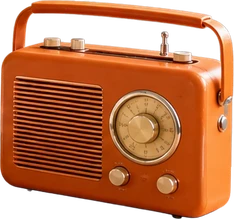
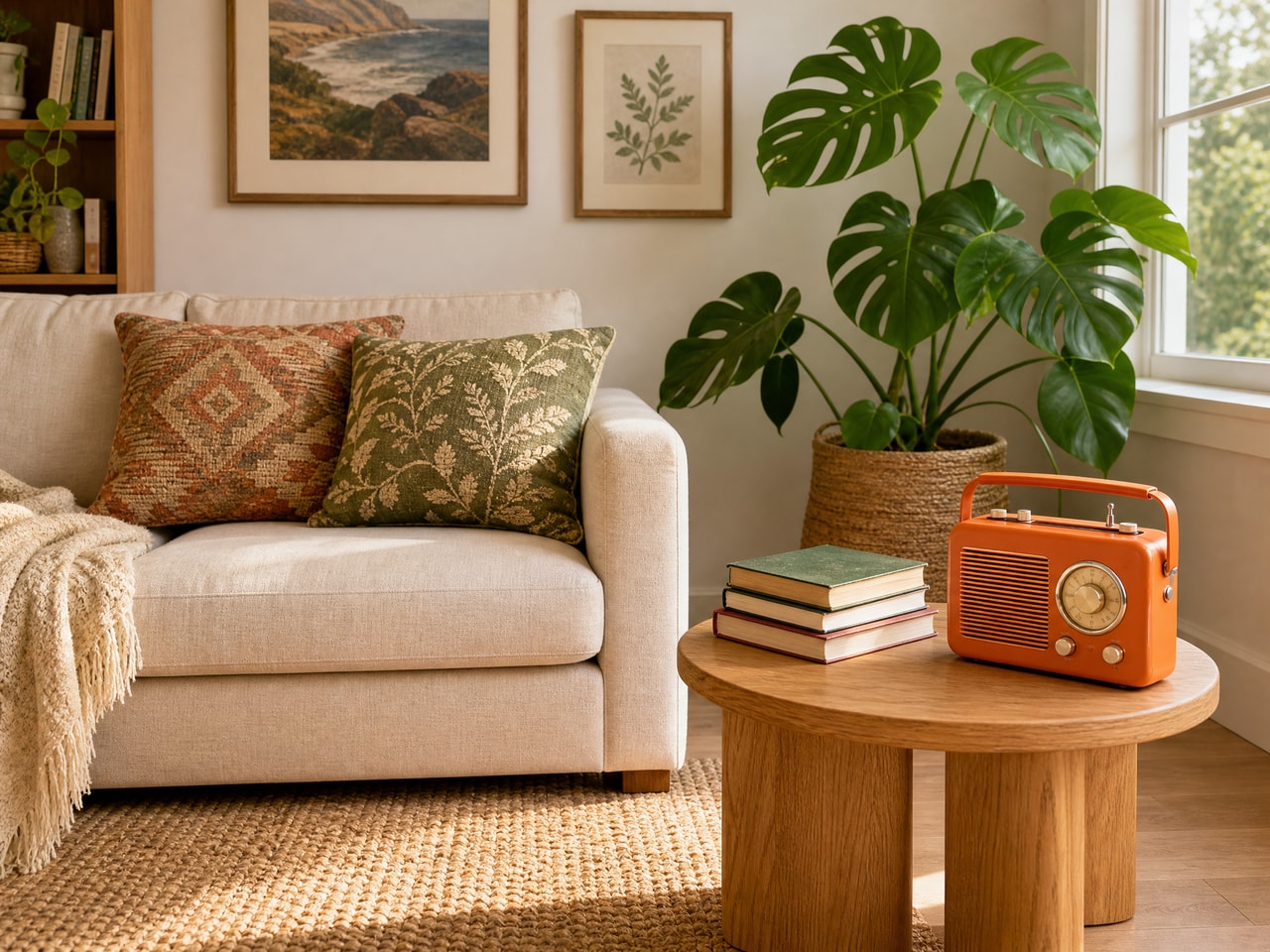
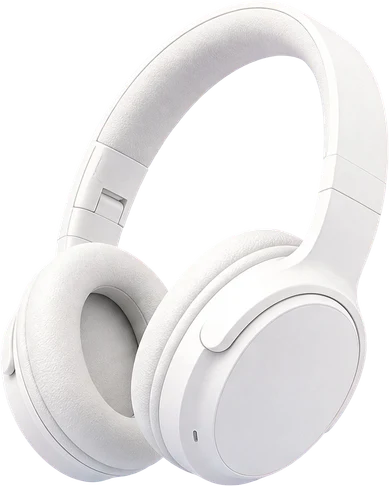
Retro tangerine radio (One element)Sample split · free to explore and download
Loading layers0 / 2
Drag a layer or hide it with the eye.
1 layerplus the filled background
The tangerine-orange retro radioObject
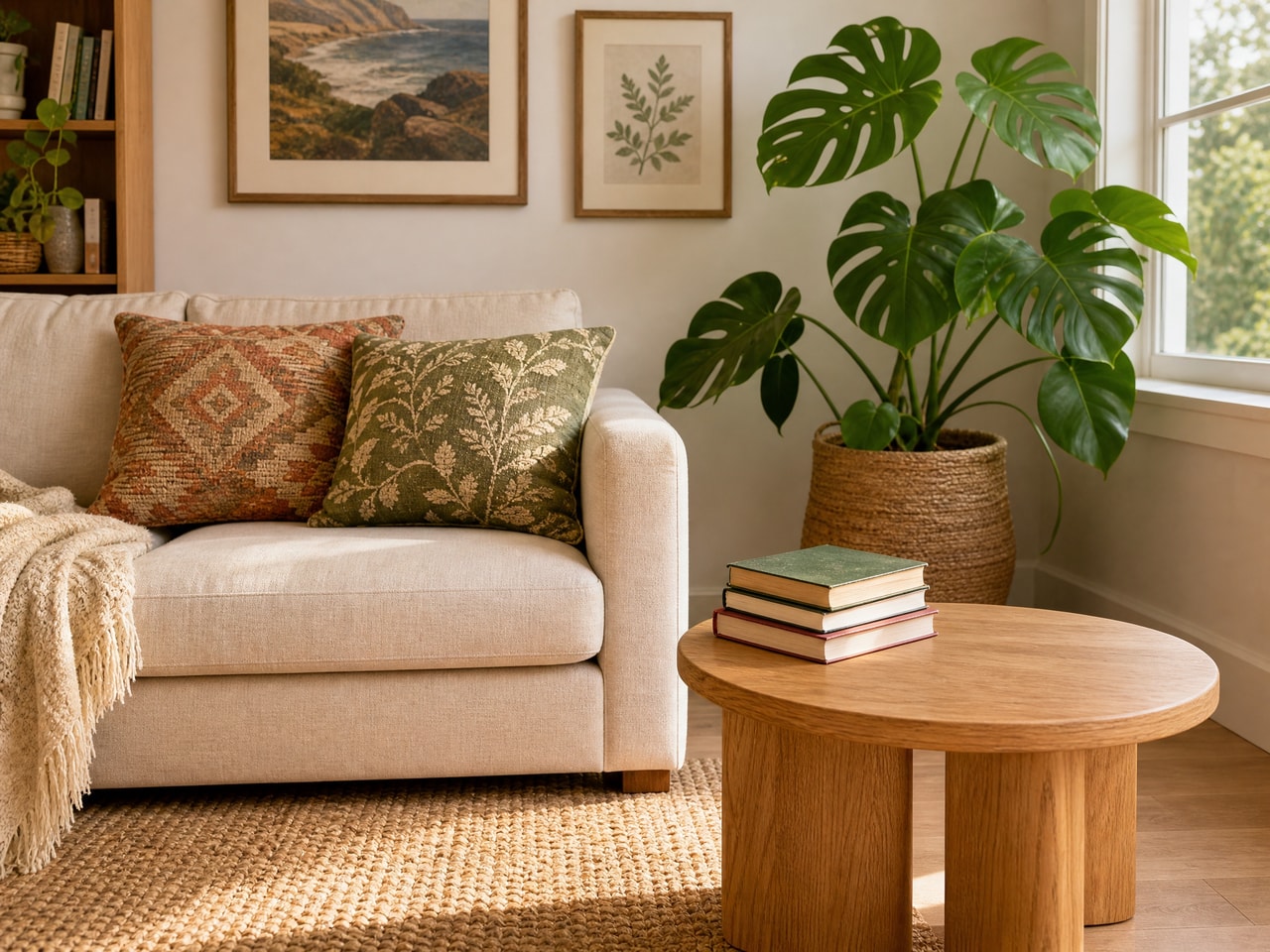
Background (filled)Filled in behind every layer
Editable text layers use matched free Google Fonts; Download PSD includes Photoshop type.
Foreground + filled backdrop
Keep both layers usable for parallax, cropping and text overlays
Standard background removers only output a cutout with empty checkerboard holes everywhere the subject used to be. LayerSplit rebuilds the missing backdrop pixels so you can nudge your subject left, place bold typography behind someone's shoulder, or animate depth in video editors.
Prefilled 2-layer slider keeps the split focused and predictable in cost
Reconstructed background is included free on top of separated layers
Drag the slider up to 16 layers anytime if text and props also need splitting
Need a clean pixel sprite or printable cut stencil after lifting a subject off clutter? Try Photo to Pixel Art or Stencil Maker. Just erasing one bystander with Object Remover or widening a tight crop via AI Image Extender keeps everything merged without layers.
Who needs a background splitter instead of a eraser
Thumbnails, social designers inserting headline text behind people, Shopify merchandisers re-framing hero shots, and video editors animating subtle parallax motion.
Limitations to watch out for
Strong cast shadows are harder: they can stay in the background or come back as a layer of their own.
If only one single object matters in a cluttered room, One element mode charges a flat 10 credits cleanly.
Busy real-world photos with many overlapping objects split less cleanly than designed images.
Pay per layer. Start with free credits.
A layer, One element pull, or AI Style Match text restyle costs 10 credits, while Quick Type edits and the filled background are free. Subscribe for the lowest price per layer, or buy a pack once and use it whenever you like.
Free
$0
One element, then a daily check-in
10 credits on sign-up: One element
Check in daily: up to 100 credits a week
Sign in with Google, no card
Every layer downloadable
Basic
$12.00/ month
About 140 layers a month
$0.086 per layer
1,400 credits every month
Cancel anytime
Lowest price per layer
Pro
$36.00/ month
About 450 layers a month
$0.08 per layer
4,500 credits every month
Cancel anytime
Or pay once
No subscription. Pack credits do not expire while your account is active.
$9.90Starter pack
90 layers$0.11 per layer
$24.90Plus pack
240 layers$0.10 per layer
$59.00Studio pack
620 layers$0.095 per layer
Every plan and pack: PNG, ZIP and layered PSD export
A failed split costs nothing
Secure checkout by Stripe
Secure checkout through Stripe. A pack or a subscription only adds credits to your account. USD prices. Review the final amount and any applicable tax at checkout before paying. Packs never renew; a subscription renews each period until you cancel it in your account. Unused credits can be refunded within 7 days of the payment that added them. The credit cost shows before each layer; finished results need no second payment to view or download.
Background splitter: questions and answers
Is there a free trial?
Yes. Sign in with Google and get 10 credits, enough for One element: one layer extracted from your image, with the filled background free. Then check in daily for more credits: a full week adds 100, enough for a split of up to 10 layers. No card is needed, and the sample splits can be explored and downloaded without an account.
What does a split include?
Every layer as a transparent PNG, a ZIP of all layers with a font list, and a layered PSD with Photoshop type layers for editable text, with no watermark.
Which files can I upload?
PNG, JPG or WebP, up to 20 MB.
How large is the output?
Up to 2,560 px on the long side. A larger upload is scaled down to that before it is split.
How many layers do I get?
Usually 4 to 16 and at most 16, plus a filled background that is never charged. Related items are grouped, so a set of ice cubes or a line of text can sit on one layer.
Is the part hidden behind an object restored?
Yes. An object partly covered by another comes back whole. Each layer is redrawn by AI from your image, so hidden parts are completed and small details can differ.
Is the text editable?
Yes. Clean readable text is matched automatically to a curated open-source Google Font (~97 self-hosted faces), size, colour, letter-spacing and tilt angle so you can edit copy free in Quick Type and export real Photoshop type layers. Stylized wordmarks, curved lettering, heavy outlines and textured headlines keep their artwork intact: edit them with AI Style Match (10 credits per layer) to re-render new words in the original style, or hide the stylized layer and place free Quick Type over it.
What happens when I edit the text?
Quick Type (free) re-renders readable text live using the loaded Google Font, tracking, rotation and stroke/shadow, and writes Photoshop type layers into the PSD (with optional system-font fallback). AI Style Match (10 credits per layer) takes about 15-25 seconds to re-render a stylized pixel text layer with your new words while preserving its texture, outline and perspective; you can hold to compare with the original, revert at no extra cost, or keep it as an honest `(AI restyled)` pixel layer in PNG, ZIP and PSD exports. Short headlines work best (long phrases can occasionally slip on spelling), and failed runs are refunded automatically.
What does a layer cost?
10 credits a layer (and 10 credits per AI Style Match text restyle; Quick Type edits are free). The background is free, and anything that fails or is not delivered is refunded automatically.
How long does a split take?
Usually about a minute, up to 2 with many layers. You can leave the page; the result is saved in My splits.
What happens to my images?
Uploads and results are private to your account and are deleted after 30 days. Download anything you want to keep.
How is a background splitter different from background removal?
Background removal only cuts out one subject and throws the background away. A background splitter keeps separated foreground layers and reconstructs a complete, unbroken background image behind them.
What does a 2-layer split cost?
You only pay 10 credits per delivered foreground layer. The filled-in background layer itself is always free.
Can I put text behind the foreground subject in Photoshop?
Yes. Open the exported layered PSD and place your Photoshop type layer directly between the filled background layer and the foreground layer.
Try the background splitter with 10 free credits
Sign in with Google and get 10 free credits, enough for One element, then check in daily for more.