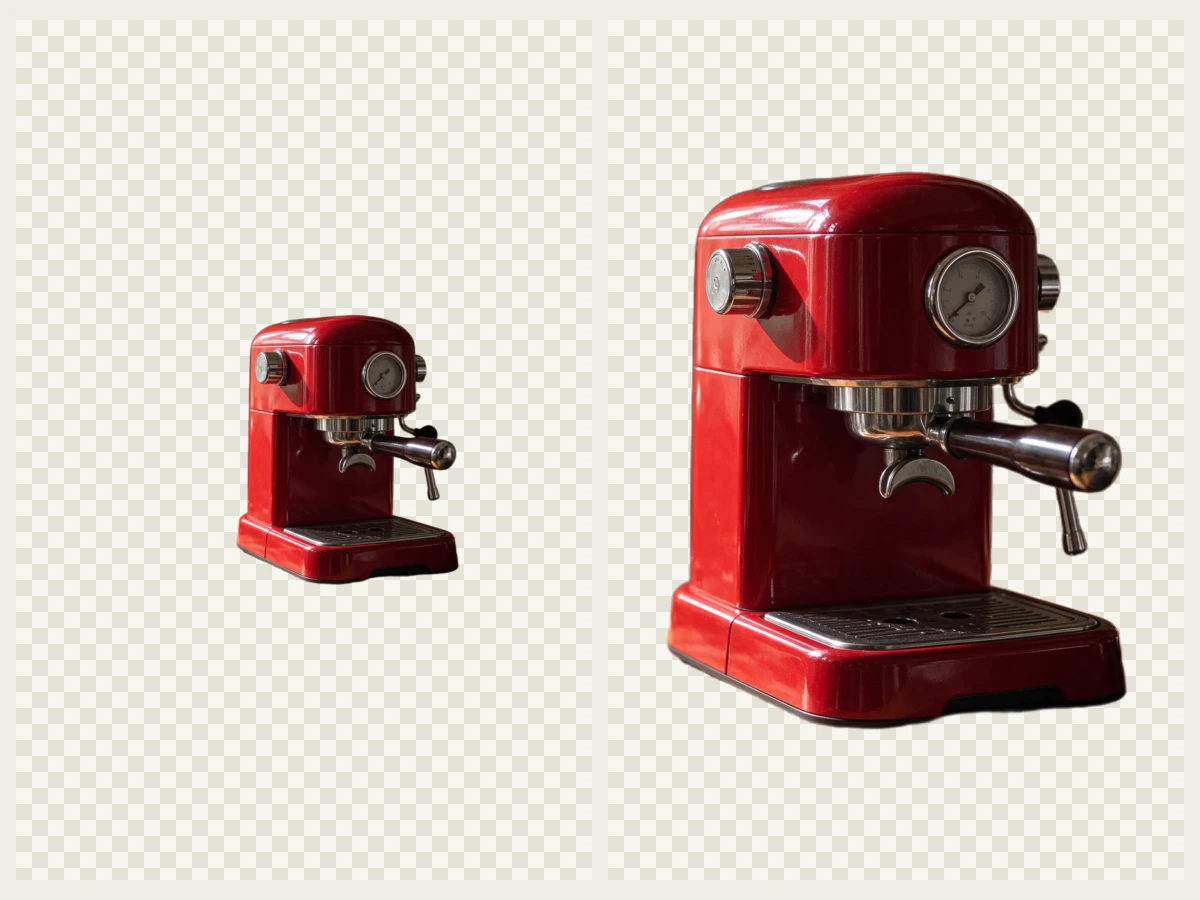
Transparent Background Maker: Crisp 32-Bit PNG Cutouts in Seconds

Turn cluttered kitchen counters, studio portraits, or pet snapshots into clean transparent PNG and WebP cutouts at 5 credits per photo - test all three samples and local refinement controls free first.

Your image5 credits · once

Try a sample (0 credits)

Uploads stay private and auto-delete after 30 days. Local refine sliders never re-spend credits.

Espresso Machine · 1792 x 1344
Free sample
Preparing preview...Decoding image locally in your browser.
Transparent cutout readyReady

Cutout finish

Local · 0 cr
Preview backdropchecker
0.5 px
Export format
5 credits per upload10 free on Google sign-up

Samples and all sliders on this panel run locally at 0 extra credits.

Need editable foreground + rebuilt background PSD layers?Open Background Splitter

Why 32-bit alpha mattes beat hard magic-wand erasing

Most quick background erasers rely on flat color-threshold tolerances or blocky binary masks. While a single solid backdrop yields cleanly to flood filling, real photographs mix bokeh lighting gradients, chrome reflections, flying hair strands, and dappled shadows that defeat pure color matching.

This transparent background maker delegates edge segmentation to recraft/remove-background so delicate foreground filaments receive continuous 256-level opacity weights (full 8-bit alpha inside a 32-bit RGBA image). Hair stays soft and natural instead of biting abruptly into crunchy stair-stepped outlines.

Once your cutout returns from the queue (5 credits, auto-refunded automatically if the provider rejects or fails), every refinement in the right panel runs strictly in browser canvas memory: inspect dark halos against five backdrop tints, apply subtle 0 to 3 px edge feathering, trim transparent padding tightly with a 4% breathing border, or export as lossless PNG or compact WebP at zero additional cost.

5-Backdrop Halo Audit

Catch faint gray rims before dropping assets into dark UI cards

A cutout that passes effortlessly on light pastel landing pages often betrays an ugly frosted fringe when placed over #16130f dark mode themes, pitch-black YouTube headers, or bold campaign banners. Click through the studio swatches between pure checkerboard, crisp white, studio charcoal, warm cream, and sky blue to inspect thin strands and metallic bevels at actual pixel precision.

  • Dial edge softness between 0 and 3 px without eroding bold outer chassis corners
  • Toggle original vs. cutout with the interactive 0 to 100% drag comparison line
  • Copy clean 32-bit RGBA images straight into Figma, Canva, or Slack via clipboard
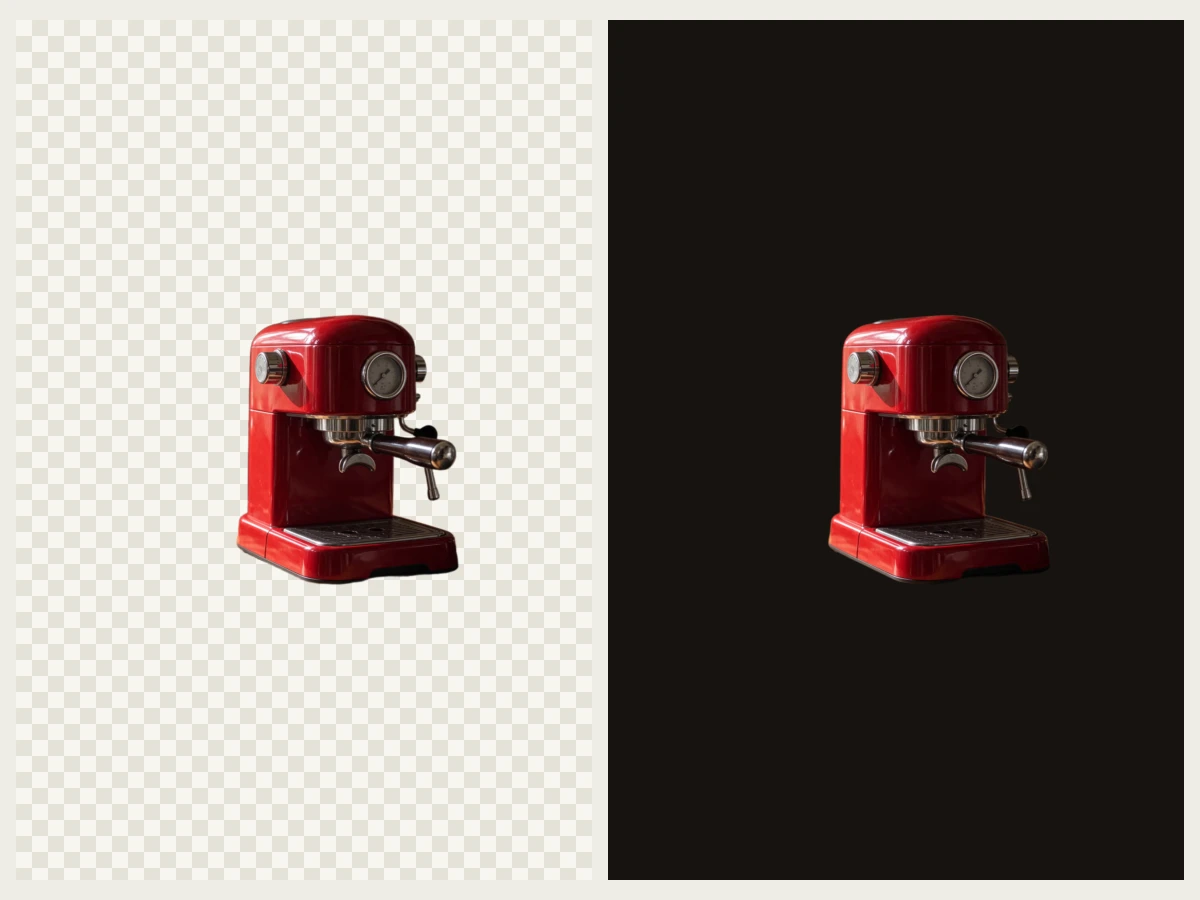
Split comparison of red espresso machine photographed on cafe table versus clean isolated transparent checkerboard and dark UI test backdrop
Transparent Cutout vs. Layered Rebuild

Choose between a lightweight single alpha PNG or editable PSD layers

Not every workflow calls for generating synthetic inpainted walls underneath your subject. When building Shopify product galleries, podcast guest lockups, or presentation slide deck visuals, a clean isolated foreground PNG exports faster, keeps payloads small, and opens cleanly in any CMS or ecommerce feed. Need to drag both subject and reconstructed studio wall independently inside Photoshop? Switch straight to our layered workflow.

  • Zero unnecessary background infill cost when you only need a clean cutout
  • Optional Trim to subject crops dead air cleanly for e-commerce aspect compliance
  • One-click export in full PNG or web-ready alpha WebP without re-running AI inference
Side-by-side layout comparing untrimmed canvas bounds against tightly trimmed espresso machine PNG with balanced 4 percent margin

Choosing the right transparent asset format & LayerSplit workflow

Match your destination container and editability needs before running a job.

DeliverableAlpha QualityTypical DestinationBest Next Step
Transparent PNG (32-bit)8-bit smooth anti-aliased edges (0-255)Shopify SKUs, Figma components, Notion, keynote slidesRun right above (5 credits once)
Alpha WebP8-bit smooth transparency at 35-65% lower file sizeMarketing hero banners, high-DPI web storefrontsSwitch Export format toggle to WebP (0 extra cr)
PSD Subject + Rebuilt BackdropSeparate editable foreground and filled wall layersPhotoshop retouching, repositioning cast shadowsBackground Splitter
Transparent Animated GIF1-bit hard cutout for solid keys across framesEmoji loops, Discord dark mode stickers, stream overlaysTransparent GIF Maker

Have a photo over a busy room you want replaced with dreamy camera depth instead of pure transparency? Try the blur-background studio after inspecting your subject matte.

How to make an image background transparent cleanly

  1. Inspect the studio samples first at zero cost

    Use the three built-in samples in the left rail to test the 50/50 comparison slider, test different backdrop colors, and evaluate how fur, hair, and reflective espresso chrome behave before signing in.

  2. Upload any PNG, JPG, or WebP photo up to 20 MB

    Files over 5 MB are automatically pre-scaled locally in browser memory within the model's 4,096 px boundary without billing a single credit. Sign in with Google to receive 10 free credits (2 complete cutouts).

  3. Check edge softness & toggle subject trim locally

    Once your 32-bit matte appears, test against white and #16130f studio dark, raise feathering to 0.5-1.5 px if stray fringes remain, or check Trim to subject to lock tight product bounds.

  4. Download PNG, export WebP, or copy to clipboard

    Re-export across formats as many times as needed with zero extra charges. Source uploads and rendered cutouts stay strictly private under your session and expire after 30 days.

What transparent background removal handles cleanly

Isolates products, people, clothing seams, pet coats, and botanical silhouettes cleanly from complex scenes

Retains translucent glass reflections and fine outer curls using full 8-bit opacity values

Refunds your 5 credits automatically if Provider1 fails or returns an unreadable file

Lets you fine-tune edge feather, trim, backdrop previews, and format exports indefinitely at 0 extra credits

Honest boundaries and workflow scope

  • Does not reconstruct hidden occluded background objects behind the subject - use Background Splitter or Extract an Object when you need the wall rebuilt too
  • Does not export animated multi-frame loops - use our free browser-side Transparent GIF Maker for solid-backdrop GIFs
  • Never charges during validation errors: corrupt files, unsupported MIME types, and oversized uploads fail before billing

Transparent Background Maker FAQ

How many credits does removing a background cost, and can I test free first?

Every uploaded image costs 5 credits once submitted. You can inspect all three studio samples and every local adjustment slider at 0 credits first, and new Google sign-ins start with 10 free credits (enough for two full photo cutouts).

What happens if the model fails or times out on my photo?

Our job coordinator tracks Provider1 to final completion and triggers automatic compensation back to your ledger when an AI run fails or produces invalid data. Pending refunds are clearly reported in the studio until settled.

Why does transparent PNG preserve hair edges better than GIF or threshold cutouts?

PNG supports 256 transparency levels per pixel, allowing semi-sheer hair tips and curved edges to blend seamlessly over any color card. Formats like GIF only allow binary on-or-off pixels.

Should I choose PNG or WebP when exporting a transparent background?

Keep PNG (Alpha) when moving into design tools like Photoshop, Figma, or print templates, or switch Export format to WebP (Compact) when embedding product assets directly on websites to cut transfer size by roughly half.

Can I keep a blurred version of the original room instead of cutting it to alpha?

Yes. Use Blur Background to isolate your crisp subject over adjustable 0-30 px bokeh without color halos, or use Photo to Sticker to add a rounded die-cut vinyl border.

How long are my uploaded photos and transparent PNGs kept?

Private uploads and finished cutouts remain stored for 30 days inside your account workspace so you can re-fetch outputs cleanly, and expire automatically afterward.

Need editable multi-layer PSDs or camera bokeh too?

Take your isolated foreground further with die-cut sticker borders, DSLR depth blur, or rebuilt multi-layer PSD files.

Explore more LayerSplit tools