PNG to GIF: Turn Sequential PNG Frames into an Animated GIF

Stack ordered PNG, JPG, or WebP frames locally in your browser, dial in FPS timing and Boomerang or Loop playback, keep clean alpha edges with disposal=2, and save free.

Opening browser tool…

How PNG frames combine cleanly into lightweight animated GIFs

Unlike a single static PNG, an animated GIF stores a quantized 256-color palette alongside per-frame coordinate and disposal instructions. Simply appending raw RGBA images without resetting previous transparent frames leaves ugly ghost silhouettes stacked underneath moving sprites.

This browser tool encodes your frames inside an off-thread Web Worker powered by gifenc, automatically centering mixed-size input frames onto one shared canvas and writing explicit disposal=2 clear rectangles whenever Background is set to Transparent.

To keep workflow expectations transparent: you need 2 or more image frames to produce motion. Dropping a single still PNG compiles cleanly into a 1-frame static GIF, and dropping an animated .apng reads only its first frame into the sequence - export individual .png frames first when converting an APNG.

Filmstrip control & disposal=2 alpha

Clean transparent motion without overlapping ghost trails

Inspect live motion frame by frame with Play, Pause, and Step controls, reorder individual PNGs up or down on the filmstrip, or flip the sequence cleanly with Reverse order. When Transparent is active, each frame clears cleanly before painting the next pose.

  • Real disposal=2 frame clearing removes previous sprites cleanly behind transparent stickers
  • Auto-centers mixed-dimension PNG exports so trimmed icons never snap awkwardly to corners
  • Off-thread Web Worker encoding keeps the browser responsive even on longer sequences
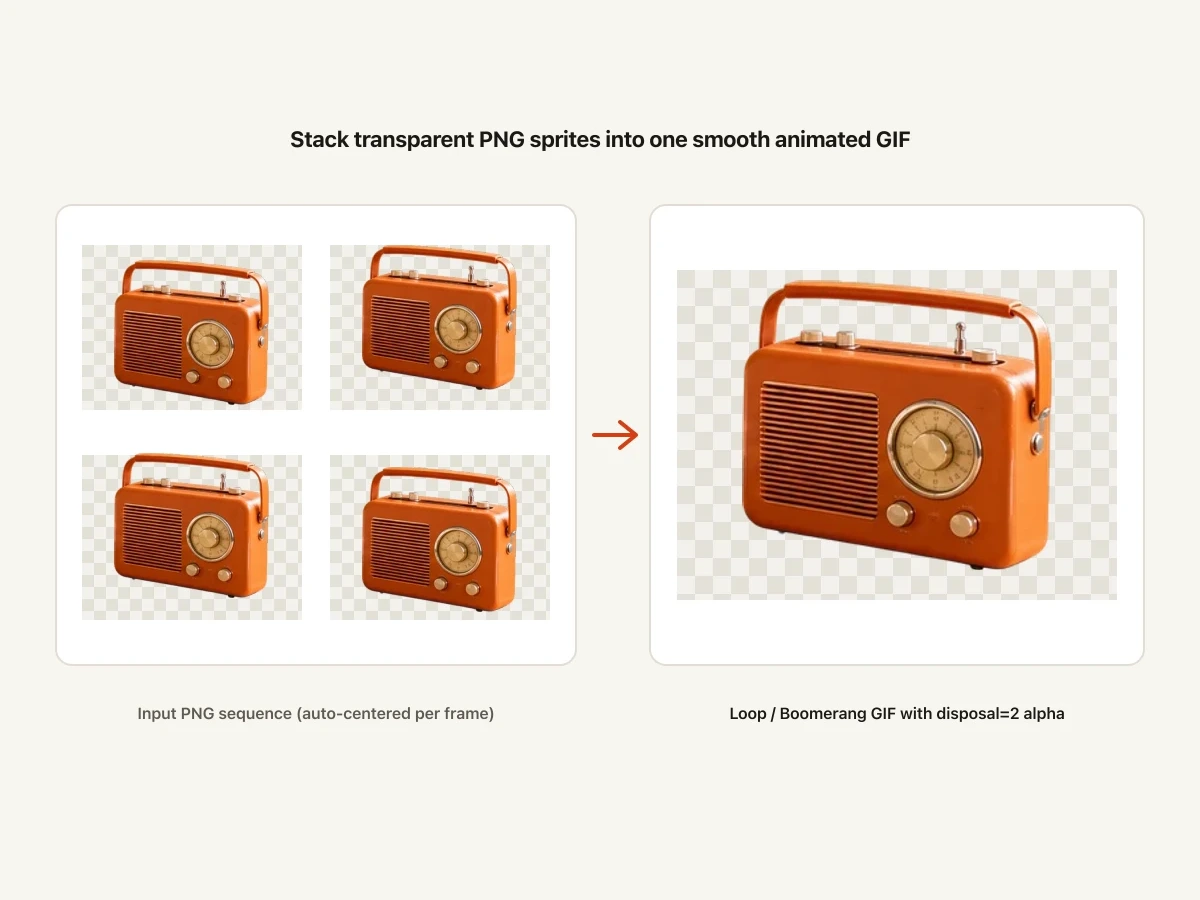
Four sequential transparent radio PNG sprite frames compiled into one looping transparent GIF diagram
Alpha transparency vs white matte

Choose between clear sticker edges and smooth drop-shadow blending

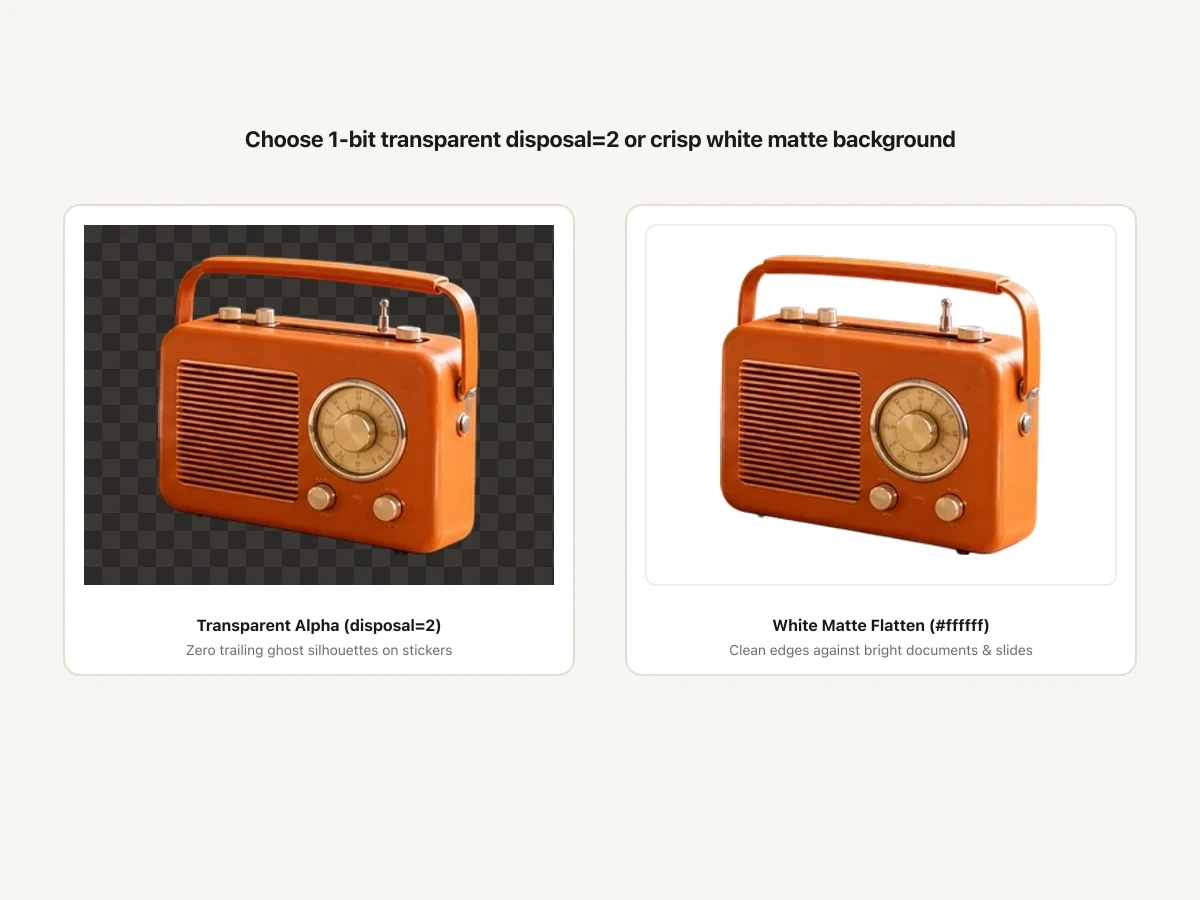
The classic GIF specification only allows binary 1-bit transparency (a pixel is either 100% clear or 100% opaque). Switch freely between Transparent for dark UI/stickers and White BG matte when subtle anti-aliased shadows around soft illustrations need clean white blending.

  • 1-30 FPS slider adjusts frame hold from 1,000 ms down to ~33 ms smoothly
  • Boomerang playback automatically appends reversed middle frames for zero-jump loops
  • Preset 320 px, 512 px, or Original width ceilings keep Discord, Slack, and email files light
Side-by-side comparison of transparent alpha PNG to GIF export over dark checkerboard versus white matte background

Recommended FPS, width, and playback settings by destination

Balance motion smoothness against 256-color quantization weight before downloading.

Use casePlayback & FPSMax width & BackgroundTarget file behavior
Discord / Slack emoji & stickersLoop · 10-15 FPS320 px · TransparentCrisp disposal=2 clear background, tiny transfer footprint
UI micro-interaction demoBoomerang · 10-12 FPS512 px · Transparent or WhiteSeamless forward-reverse rock cycle without end-of-loop snap
SaaS docs & help articlesLoop · 8-12 FPS512 px or Original · WhiteSharp text legibility cleanly under 1-2 MB on documentation pages
One-shot reveal / badge pingOnce · 12-18 FPS512 px · TransparentPlays one clean sequence and halts cleanly on the final frame

File size grows with pixel area (W × H), unique color richness, and total step count. Removing duplicate static frames cuts transfer bytes immediately.

How to combine PNG frames into an animated GIF

  1. Select multiple PNG, JPG, or WebP frames

    Drop an exported frame sequence (up to 25 MB and 64 MP per frame), or switch immediately between our bundled 8-frame Radio Bounce and Headphones Promo sets.

  2. Order frames and adjust FPS timing

    Reorder keyframes on the filmstrip with Move earlier/later or Reverse order, pause to inspect individual ticks, and drag the 1-30 FPS slider.

  3. Set Loop/Boomerang, max width, and alpha

    Pick Loop, Boomerang, or Once playback, cap output width at 320 px or 512 px for lighter GIFs, and toggle Transparent vs White BG.

  4. Check live byte estimate and download free

    Review the estimated GIF size readout, then click Download GIF to quantize frames off the main thread and save directly to your device.

Designed for motion loops, sprites, and quick product clips

Built for UI designers, illustrators, and community creators

Designers shipping Figma frame sequences, game artists looping character poses, and technical writers turning step screenshots into inline docs animations.

GIF specs & troubleshooting notes to keep in mind

  • Every GIF frame quantizes down to at most 256 indexed colors with binary 1-bit transparency; semi-transparent gradients or soft shadows look cleaner over solid White BG than Transparent alpha.
  • Uploading a single PNG outputs a static 1-frame GIF, and uploading an animated .apng imports only its first frame (Frames (1)). Export individual PNG stills first when converting an APNG.
  • Long sequences exceeding 300 frames take noticeably more browser quantization time, and individual frames larger than 25 MB or 64 megapixels can be downscaled cleanly to 4,096 px.

PNG to GIF questions and answers

Is converting PNG frames to animated GIF free with no watermarks?

Yes. Every export runs locally inside your browser worker for free with zero watermarks, zero sign-up wall, and no daily export cap. Only LayerSplit's AI layer separation tools use credits.

Can I upload a single PNG or an animated APNG file?

A single PNG loads as Frames (1) and exports cleanly as a static 1-frame GIF. Multi-frame .apng files are read as frame 1 only by browser image decoding, so save each frame as separate PNGs before stacking them here.

Does PNG to GIF keep transparent backgrounds cleanly without ghosting?

Yes. Leaving Background on Transparent encodes a clear alpha index plus disposal=2 frame restoration so previous poses erase cleanly before the next frame draws.

Why does transparent GIF text or soft shadow sometimes show a faint halo?

The GIF format supports only 1-bit on/off transparency rather than 256 alpha levels. Semi-transparent anti-aliased edges snap either transparent or solid; switch to White BG when publishing on bright pages.

What happens if my uploaded PNG frames have different widths and heights?

Mixed-size frames are sized to the largest width and height across the sequence and centered cleanly on the canvas automatically, keeping trimmed character bounces aligned.

How can I shrink a heavy animated GIF under 1 MB or 2 MB?

Lower Max output width from Original to 512 px or 320 px, keep frame rates between 8 and 12 FPS, remove duplicate frames via the filmstrip, or try Boomerang mode to cut unique frame count in half.

How does Boomerang playback differ from standard Loop or Once?

Loop restarts directly from the final frame back to frame 1. Boomerang appends the middle frames in reverse order (1-2-3-4-3-2) for seamless back-and-forth motion, while Once stops on the last frame.

Can I mix JPG or WebP images together with PNGs in the sequence?

Yes. You can add any combination of PNG, JPG, and WebP files up to 25 MB each and reorder them together on the filmstrip.

How do I unpack an animated GIF back into PNG frames or a sprite sheet?

Open any finished GIF in GIF to Frames to inspect delays and extract composited PNG stills, or pack frames into a game texture atlas using GIF to Sprite Sheet.

Can I run PNG to GIF smoothly on mobile phones?

Yes. The mobile interface lets you add multiple PNGs from Photos or Files, adjust FPS/mode/width below the stage, and trigger encoding via the sticky bottom Download GIF button.

Want movable parts from a flat character before animating?

Split flat illustrations into separated hair, eyes, mouth, arms, and accessories with credits on LayerSplit, then sequence those PNG exports here.

More browser animation and layer tools