What Is a HIF File? Open and Convert Canon, Sony, Fuji .HIF
Learn what a .HIF camera file is, how HIF compares to HEIC and JPG, why Windows and Photoshop reject it, and how to convert 10-bit HIF to JPG locally.
On this page5 sections
A .HIF file is a 10-bit HEIF camera photo captured by modern Canon, Sony, and Fujifilm mirrorless cameras using HEVC (H.265) compression inside an ISO/IEC 23008-12 container.
It stores over one billion colors with smaller files than JPEG, yet Windows, web browsers, and older versions of Photoshop frequently refuse to open it directly.
.HIF files to JPG, PNG, or WebP in your browser with zero uploads.1What is a .HIF file inside modern cameras?
When you enable HEIF shooting on a Canon EOS R5, R6, R3, or 1D X Mark III, a Sony Alpha a7 IV, a7R V, a7S III, a1, or a9 III, or a Fujifilm X-T5, X-H2, or X100VI, the camera writes still images with the .HIF extension instead of .JPG.
Under the hood, .HIF uses the same HEIF container standard (ISO/IEC 23008-12) and HEVC codec family as Apple .HEIC files.
Unlike an unedited RAW file (.CR3, .ARW, or .RAF), a .HIF file is already demosaiced and color-graded inside the camera.
Your selected Canon Picture Style, Sony Creative Look, or Fujifilm Film Simulation (such as Classic Chrome or Velvia) is baked into the pixels, while storing 10 bits per channel (1,024 tonal steps vs 256 in 8-bit JPEG) and optional HDR metadata.
nclx boxes2HIF vs HEIC vs JPG: what actually differs?
Camera makers picked the three-letter .HIF extension to distinguish 10-bit HDR camera stills from consumer 8-bit .JPG files and smartphone .HEIC captures.
The underlying bitstream is still HEVC inside HEIF, which means tools that understand the container format can decode both accurately.
| Format | Typical source | Bit depth & color | Universal support | Best use |
|---|---|---|---|---|
.HIF |
Canon, Sony, Fujifilm cameras | 10-bit · BT.2020 PQ / HLG or SDR | Requires HEVC decoder | Archival in-camera HDR stills |
.HEIC |
iPhone, iPad, macOS | 8-bit or 10-bit · Display P3 | Apple native; limited on web | Mobile photos inside Apple ecosystem |
.JPG |
Any camera or export | 8-bit · sRGB | Opens everywhere | Client delivery, web, marketplace uploads |
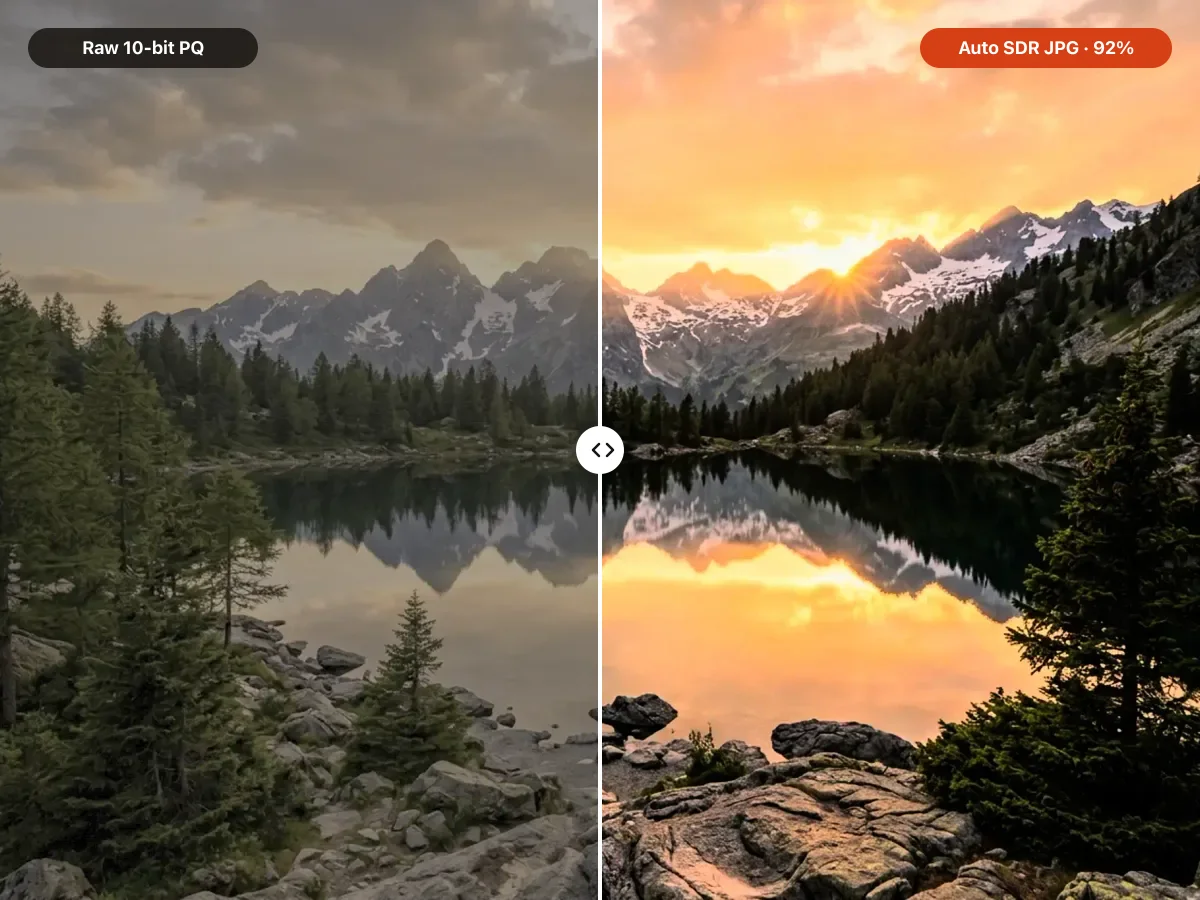 Raw 10-bit PQ
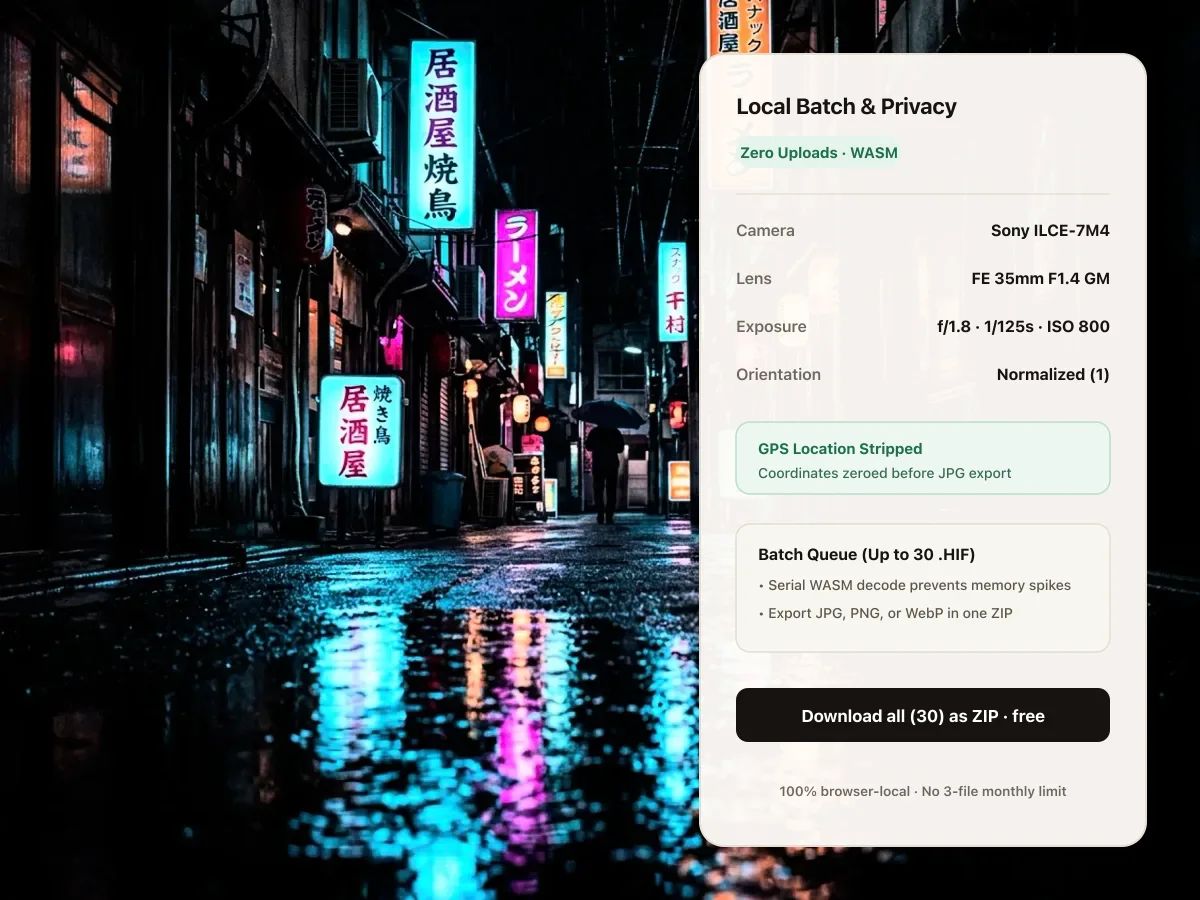 Tokyo HLG & EXIF privacy
3Why Windows, browsers, and Photoshop reject .HIF files
Even when a platform accepts .HEIC photos from an iPhone, its upload form or desktop file association often blocks .HIF.
.jpg, .png, and sometimes .heic, rejecting .hif outright even though the file uses the same HEIF structure.<img> tags pointing to .hif or .heic files natively, so web apps cannot preview them without a client-side decoder.If you only need a fast way to view or hand off a shoot, converting to 92% JPG or lossless PNG keeps your existing workflow moving without installing desktop codecs or manufacturer utilities. For PSD files you already own, you can also check our guides on converting PSD to JPG and opening PSD files without Photoshop.
4How to open and convert .HIF files to JPG locally
When you have a folder of .HIF photos from a wedding, product shoot, or trip, converting them in the browser avoids uploading private client shots to third-party servers.
- Open HIF to JPGDrop, paste, or pick up to 30
.HIF,.HEIF, or.HEICfiles (up to 50 MB each) straight from your card reader or desktop folder. - Inspect color tags and EXIFCheck the detected
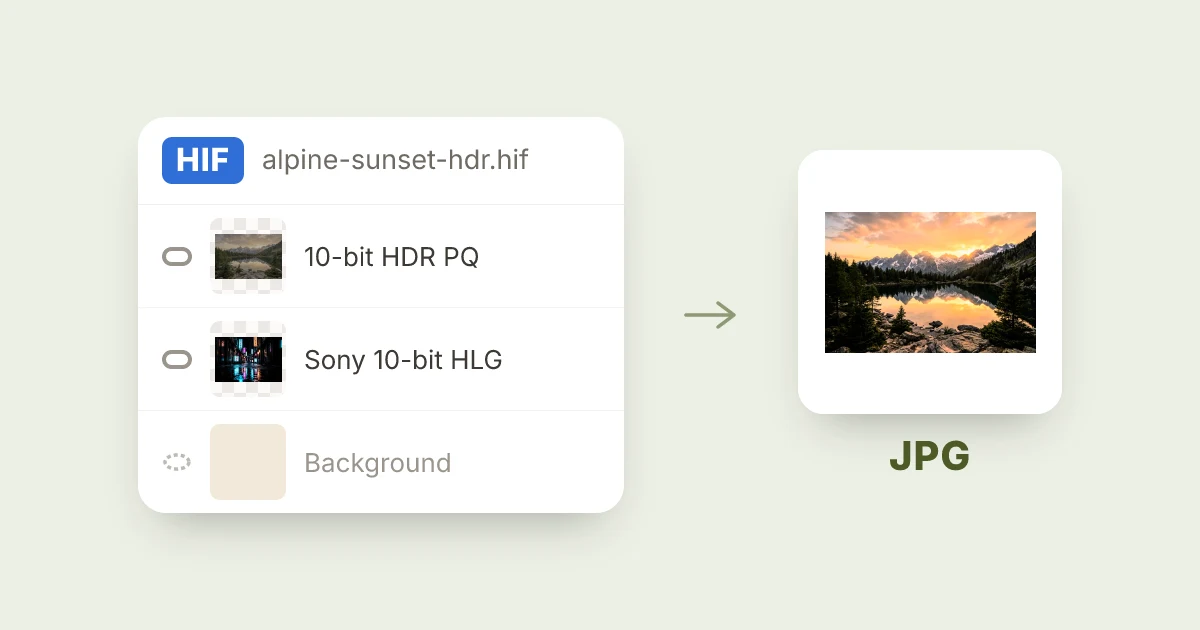
10-bit HDR PQ,10-bit HLG, orSDRbadge, drag the Split compare slider, or switch to the EXIF tab to verify camera, lens, shutter, ISO, and GPS status. - Choose format, tone map, and GPS privacyPick JPG (default 92%), lossless PNG, or WebP, leave HDR tone mapping on Auto SDR (or Highlight safe for bright skies), and keep camera EXIF on with Remove GPS location enabled.
- Download one JPG or a batch ZIPSave a single file, copy it to your clipboard, or export all queued photos into a single ZIP archive.
.HIF masters if you plan to grade HDR stills on HDR monitors later.Run 100% browser-local WebAssembly decoding with automatic 10-bit HDR PQ/HLG tone mapping, camera EXIF retention, GPS coordinate stripping, and up to 30 files per ZIP.
FAQ
What is a HIF file?
A .HIF file is a 10-bit HEIF still photo saved by Canon, Sony, and Fujifilm cameras using HEVC compression.
It holds higher bit depth and optional HDR PQ or HLG color tags in a smaller file than JPEG.
How do I open a HIF file on Windows 11?
On Windows 11, offline viewing in Photos and File Explorer requires Microsoft’s HEIF Image Extensions and HEVC Video Extensions. If you do not want to install system extensions or need to share the photo, convert it locally to JPG or PNG with HIF to JPG.
What is the difference between HIF and HEIC?
Both use the ISO/IEC 23008-12 HEIF container and HEVC compression.
.HEIC is typically used by Apple iOS and macOS devices, while .HIF is used by dedicated Canon, Sony, and Fujifilm cameras and more frequently contains 10-bit BT.2020 HDR PQ or HLG tags.
Why won’t my HIF file open in Photoshop?
Older Photoshop builds and some import plugins do not recognize the .hif extension or lack support for certain 10-bit camera HEIF variants.
Converting your .HIF locally to lossless PNG or high-quality 92%–98% JPG lets Photoshop open it immediately, and you can also separate objects onto editable layers via Photo to PSD.
Do I lose HDR quality when converting HIF to JPG?
Standard 8-bit JPG cannot store 10-bit HDR peak luminance values, so you trade HDR display headroom for universal sharing compatibility.
Using Auto SDR or Highlight safe tone mapping preserves natural contrast and sky detail while keeping your original .HIF file untouched as the archive.