Is PSD a Vector File? What Scales in a PSD and What Doesn't
No, PSD is a raster format, but it can hold vector parts: shape layers, type layers, vector masks and smart objects. Here is what stays sharp when scaled.

On this page5 sections
No, a PSD is not a vector file—it is Photoshop’s layered raster format built on a fixed pixel grid. However, a PSD can contain vector elements (shape layers, live type layers, vector masks and vector smart objects) that stay sharp when resized inside Photoshop or exported to PDF/EPS.
Raster vs vector in one minute
Adobe’s guide to raster and vector files lists PSD among raster formats as “Photoshop’s native format with layers”. (For full format limits and storage details, see What is a PSD file?.)
| Raster | Vector | |
|---|---|---|
| Made of | A fixed grid of pixels, each storing a colour | Shapes, lines and curves defined mathematically |
| When enlarged | New pixels are invented, so edges blur or turn blocky | Redrawn at the new size, edges stay sharp |
| Good for | Photos, painting, textures, anything with soft detail | Logos, icons, text, flat illustrations |
| Typical formats | JPG, PNG, TIFF, GIF, PSD | SVG, AI, EPS, PDF (PDF can hold both) |
Which parts of a PSD are vector, and which are pixels?
- Shape layers: drawn with Rectangle, Ellipse, Polygon or Custom Shape; Adobe describes them as “vector-based graphics” that scale without pixelation via a vector mask path.
- Type layers: live text stored as vector outlines and redrawn mathematically on display or export.
- Vector masks: path-based masks giving sharp edges at any resolution (Adobe: vector masks).
- Vector Smart Objects & Paths: embedded/linked Illustrator artwork (Smart Objects overview), plus work/clipping paths.
- Pixel layers & layer masks: photos, brushwork, retouching, greyscale raster masks (for soft hair edges) and smart objects holding raster photos.
- Rasterized layers: painting on, filtering, distorting or choosing Layer > Rasterize on shapes, type or smart objects turns them permanently into pixels.
- Mode & flattening: flattening merges everything into pixels, and Bitmap, Indexed Color or Multichannel modes rasterize type layers.
- AI-split PSDs: layers separated from a flat JPG or PNG are raster pixel layers, crisp at their own resolution rather than infinitely scalable.
What happens when you scale or export a PSD?
How do you get a real vector file from a PSD?
No switch turns a photo into clean vectors. If your artwork is already shape and type layers, export directly to PDF/EPS or rebuild simple logos in a vector editor. For flat raster graphics, use vector tracing:
- Isolate flat artwork firstTracing works best on flat icons, logos and stickers with hard edges and few colours (photos produce huge path counts). If your design is one flat image, Image to PSD separates each element onto its own transparent PNG layer first.
- Trace in Illustrator or InkscapeUse Illustrator’s Image Trace (enable Transparency so empty areas are not traced as white) or Inkscape’s free Trace Bitmap (Path > Trace Bitmap).
- Clean up paths and export SVG, AI or EPSExpect to simplify stacked colour objects and curves afterwards.
Open PSD and PSB files in your browser without sign-in to inspect every layer with its size, blend mode and opacity before scaling or converting.
FAQ
Is a PSD file vector or raster?
Raster. PSD is Photoshop’s layered pixel format. It can, however, contain vector elements, such as shape layers, type layers, vector masks and smart objects holding Illustrator artwork, which stay sharp when resized.
Is a PSD file a vector file for printing a logo?
Usually not. A logo that only exists as pixels in a PSD will blur when enlarged. If the logo was built from shape and type layers it scales well inside Photoshop, but for large prints a vector format such as AI, EPS, SVG or PDF is the safer source file.
Can I scale a PSD without losing quality?
Only the vector parts. Shape layers and type layers can be scaled to any size; pixel layers lose sharpness when enlarged and lose detail when reduced. Converting pixel layers to smart objects before transforming them avoids repeated damage, but does not add detail.
Is text in a PSD vector?
Yes, as long as it is still a live type layer. Once text is rasterized, by painting on it, applying a filter or flattening the image, it becomes pixels and can no longer be retyped or scaled cleanly.
Can I convert a PSD to SVG?
Not by simply re-saving it. The pixel content has to be traced into paths in a vector editor, for example with Image Trace in Illustrator or Trace Bitmap in Inkscape. Results are good on flat logos and icons and poor on photos.
Are PSD and PSB different here?
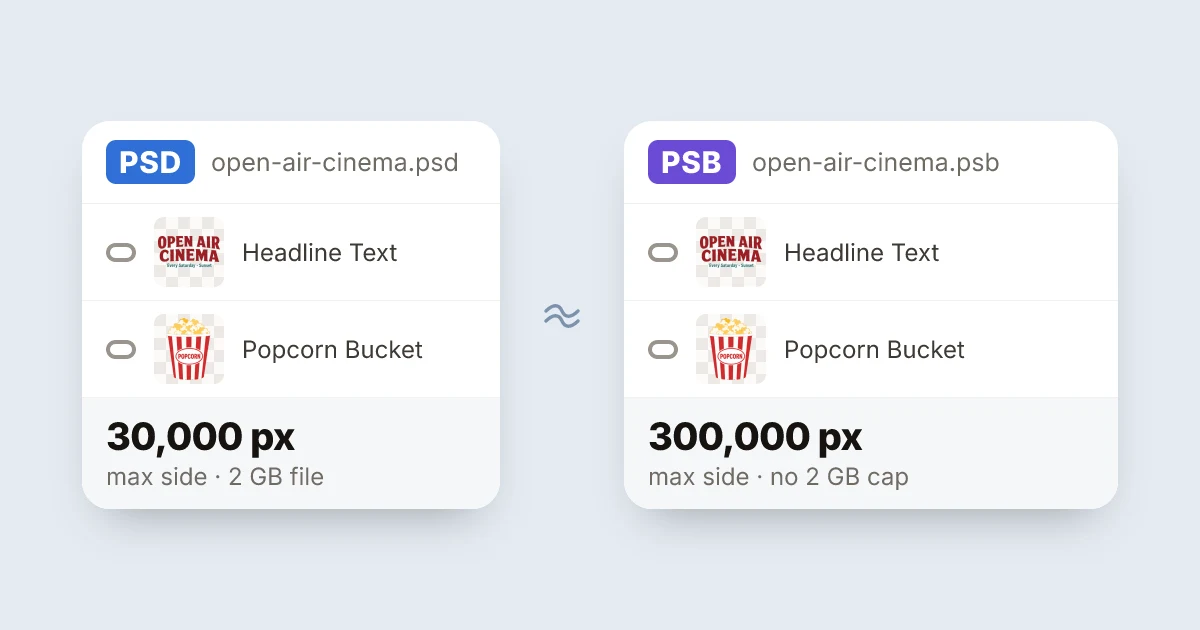
No. PSB is the large-document version of the same format, with the same mix of raster and vector layers. See PSB vs PSD for when you need it.