PSB vs PSD: Size Limits, Compatibility and When to Switch
PSD tops out at 30,000 pixels and 2 GB; PSB goes to 300,000 pixels with the same layers. Compare the limits, which apps open each and how to convert.
On this page5 sections
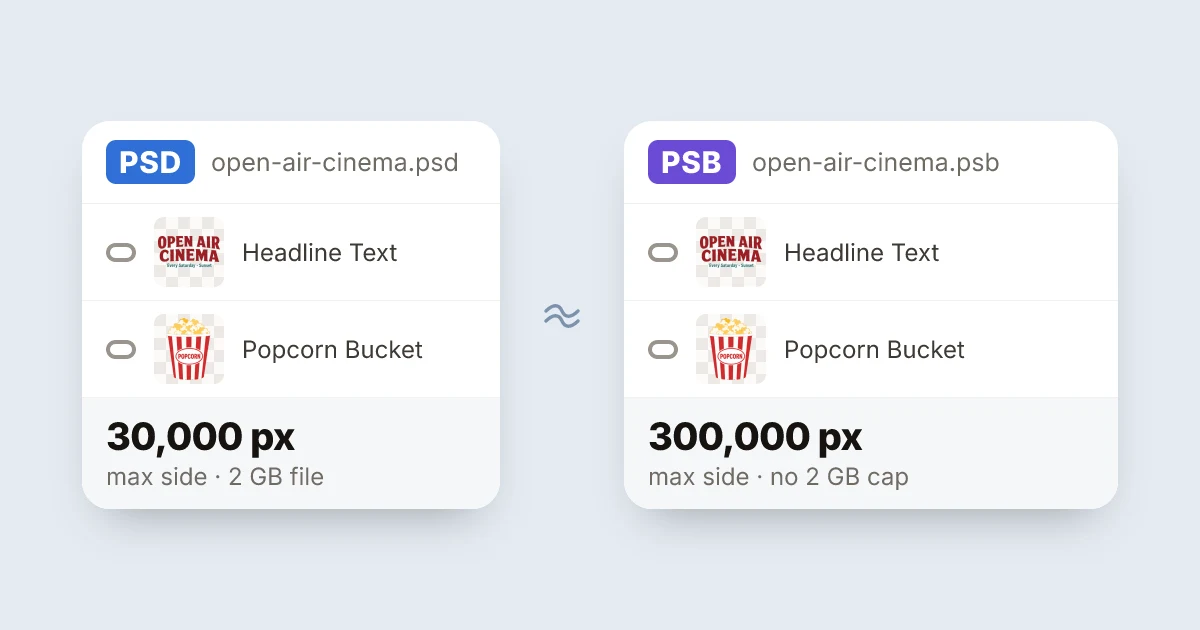
PSD and PSB are the same Photoshop document format in two capacities: PSD caps at 30,000 pixels per side and 2 GB per file, while PSB (Large Document Format) goes up to 300,000 pixels per side with no 2 GB ceiling. Stick with PSD unless your document hits one of those limits, because far more apps open PSD.
What is a PSB file?
PSB is Photoshop’s Large Document Format, sometimes expanded as “Photoshop Big” (Wikipedia), designed to save “documents of any size with full Photoshop feature support” (Adobe Help: Save large documents).
In Adobe’s Photoshop file format specification, PSD and PSB share one structure, except PSB uses a different header version and wider internal length fields (4 to 8 bytes)—which is why PSD-only parsers reject .psb files.
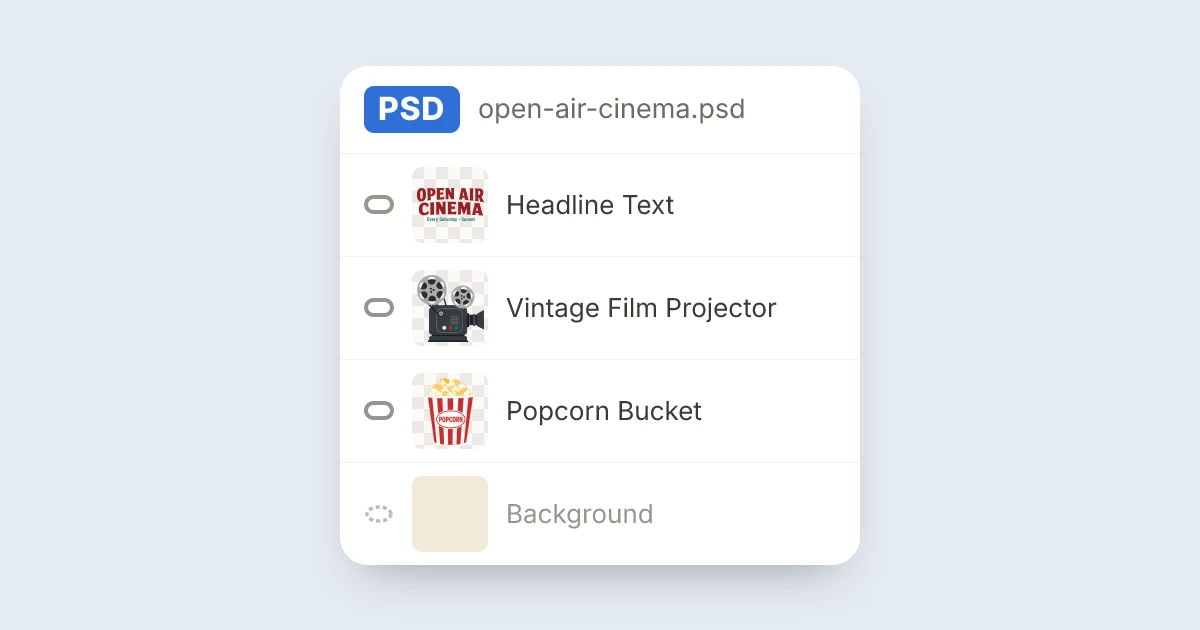
If you need a refresher on what layers live inside, start with What is a PSD file?.
PSB vs PSD at a glance
| PSD | PSB | |
|---|---|---|
| Full name | Photoshop Document | Large Document Format |
| Largest width or height | 30,000 px | 300,000 px |
| Largest file size | 2 GB | Effectively unlimited (Adobe: “any size”) |
| Photoshop features | All | All (some plug-ins may not work above 30,000 px) |
| Colour modes and bit depths | Same: up to 32 bits per channel | Same |
| Opened by | Photoshop and many other editors and viewers | Photoshop CS and later, plus a smaller set of other apps |
| Best for | Almost everything | Very large canvases and very heavy layered files |
Per Adobe Help: Image file size factors, anything wider or taller than 30,000 px or over 2 GB requires a special format. Other Adobe large-file options flatten layers (Photoshop Raw) or cap at 4 GB (TIFF), making PSB the choice when layers must stay intact.
Which apps can open PSB files?
When should you switch (and how to convert)
- Both sides are 30,000 px or smaller and file size is under 2 GB
- You need broad compatibility when sharing with other apps
- Slimming the file (How to reduce PSD file size) brings it back under 2 GB
- Canvas exceeds 30,000 px (billboards at 300 ppi = 100 in / ~2.5 m, panoramas, long mock-ups)
- Layered 16-bit or 32-bit files pass 2 GB even on smaller canvases
If someone only needs to preview a large file, send a flat export via the free PSD to JPG converter instead.
- Open the document in PhotoshopKeep a backup of the original PSB before resizing down to PSD.
- Choose File > Save As (or Save a Copy)Leave the Layers checkbox enabled so nothing flattens.
- Pick the target formatChoose Large Document Format (*.PSB) or Photoshop (*.PSD) (only works if within 30,000 px and 2 GB—resize/crop/slim first if going PSB to PSD).
- SaveWithout Photoshop, GIMP 3.2+ can open PSB and export PSD, though Photoshop-only features may change.
Open both PSD and PSB files directly in your browser with no account and no upload. Toggle layers, zoom, inspect sizes, blend modes and opacity, and save a PNG or ZIP preview—though very large PSBs take longer to parse and need enough local memory.
FAQ
What is the difference between PSB and PSD?
Only the size limits and compatibility. PSD holds documents up to 30,000 pixels on each side and 2 GB; PSB holds documents up to 300,000 pixels on each side with no practical size limit. Both keep every Photoshop feature, but fewer apps can open PSB.
Is PSB better quality than PSD?
No. The image data and features are the same. PSB only lets you save documents that are too big for PSD.
Can I open a PSB file without Photoshop?
Yes, in some apps. GIMP has imported PSB since version 3.0, Affinity Photo 2 can import large PSB files, and some browser-based PSD viewers also accept PSB. Check that a tool names PSB specifically, because many PSD tools do not read it.
How do I convert a PSB to a PSD?
Open it in Photoshop and choose File > Save As, then pick Photoshop (*.PSD) as the format. This works only if the document is at most 30,000 pixels wide and high and the result stays under 2 GB, so resize, crop or slim it down first if needed.
Do PSB files support 16-bit and 32-bit images?
Yes. Adobe lists both PSD and PSB among the formats that save 16-bit and 32-bit documents (Photoshop file formats overview), so high bit depth is not a reason to choose one over the other.
Can I just rename a .psb file to .psd?
No. The two formats use a different header version and store some size fields differently, so renaming the extension does not convert the file and apps may fail to open it. Use Save As in Photoshop or another editor that can export PSD.