What Is a PSD File? Photoshop's Layered Format, Explained
A PSD file is Photoshop's native format: it keeps every layer, mask and text layer editable. Learn what it stores, its limits and how to open one.
On this page7 sections
A PSD (Photoshop Document, .psd) is Adobe Photoshop’s native working format. Instead of saving one flat image, it stores every layer, mask, type layer, adjustment and setting so the design stays editable the next time you open it.
What does PSD stand for?
PSD stands for Photoshop Document, and the file extension is .psd (Wikipedia).
It is the format Photoshop saves to by default, and Adobe advises saving a copy as a PSD whenever you want to keep layers, effects and masks intact (Adobe Help: Photoshop file formats overview).
What is inside a PSD file?
Think of a PSD as a stack of transparent sheets with instructions attached. Adobe’s Layers overview lists the kinds of layer a document can contain, and the PSD keeps all of them:
| What it stores | What it is for |
|---|---|
| Pixel (image) layers | Photos, painted areas, cut-out objects |
| Layer masks and vector masks | Hide parts of a layer without deleting them |
| Adjustment layers | Levels, Curves, Hue/Saturation and similar edits that change layers below without touching their pixels |
| Fill layers | Solid colour, gradient or pattern that can be changed at any time |
| Type layers | Live text you can retype, restyle and resize |
| Shape layers | Vector shapes that scale without pixelation |
| Smart Objects | Embedded or linked content (even Illustrator artwork) that can be scaled and filtered without losing the original |
| Layer settings | Names, groups, blend modes, opacity and layer effects such as shadows and strokes |
| Extra channels and paths | Alpha channels for saved selections, spot colours for print, saved paths |
Adobe’s Photoshop file format specification also lists the colour modes a PSD can hold (Bitmap, Grayscale, Indexed, RGB, CMYK, Multichannel, Duotone and Lab) at 1, 8, 16 or 32 bits per channel, so the same format serves a web banner in 8-bit RGB and a print job in CMYK.
How big can a PSD file be?
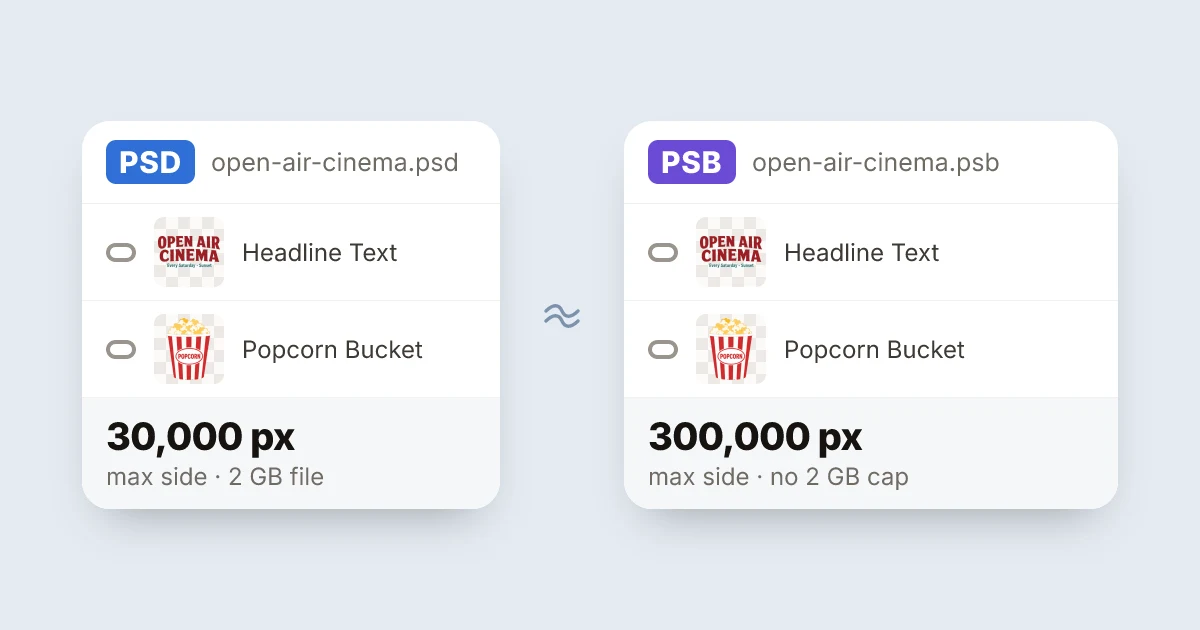
A PSD has two hard limits: 30,000 pixels in width or height, and 2 GB in file size. Above either one, Adobe says to use a special format, normally the Large Document Format, PSB (Adobe Help: Save large documents).
| PSD | PSB | |
|---|---|---|
| Largest width or height | 30,000 px | 300,000 px |
| Largest file | 2 GB | Far beyond 2 GB |
| Photoshop features | All | All |
| Opens in other apps | Widely | Fewer apps |
PSB is the same layered document with bigger internal size fields; the full comparison is in PSB vs PSD.
Why is a PSD not used on websites?
Browsers do not display PSD files. The formats a web page can show directly are JPEG, PNG, GIF, WebP, AVIF, SVG and a few others (MDN image format guide), and PSD is not one of them.
Because a PSD stores every layer at full resolution plus masks, hidden layers and often a composite, it is far larger than a finished web image. Export a flat copy instead: see converting PSD to PNG while keeping transparency (or use the free PSD to PNG converter) and converting PSD to JPG.
How do you open a PSD file?
How to open a PSD file without Photoshop compares the free options in detail.
How does a flat image become a layered PSD?
A JPG or PNG has no layers to recover because the text, objects and background were merged into one grid of pixels on export.
Renaming the file or saving it again as PSD gives you a PSD with a single layer: useful if an upload form just asks for .psd, not for moving parts separately.
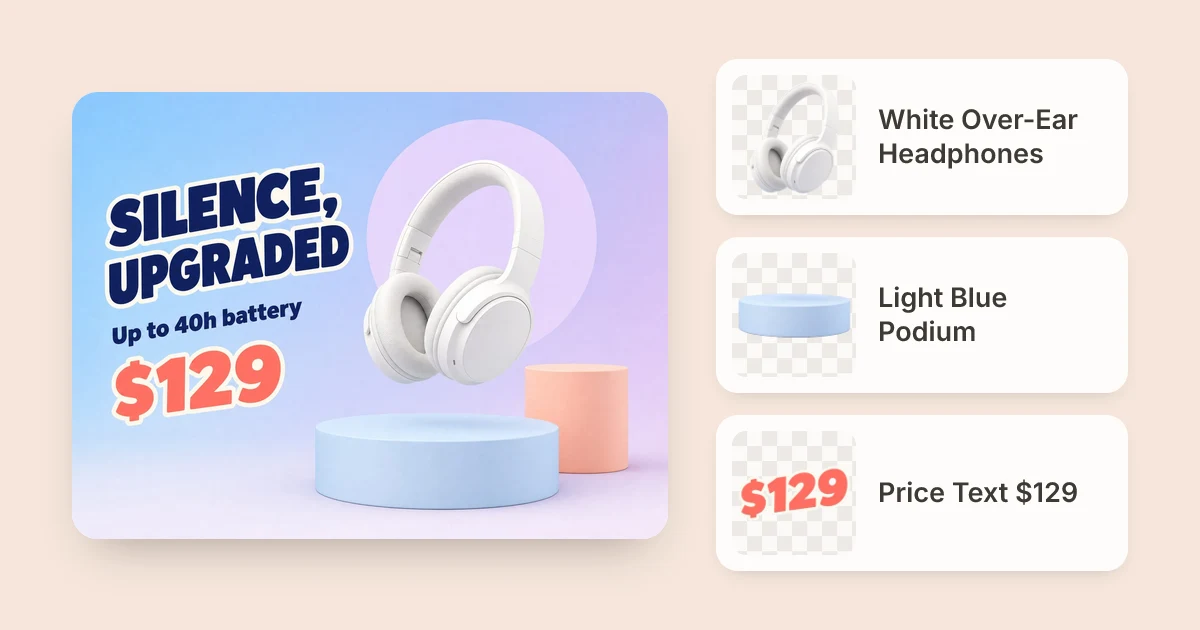
To get real layers, every element must be cut out and the background rebuilt so moving an object does not leave a hole. You can do that by hand in Photoshop or with an AI layer split (Photoshop vs AI compared).
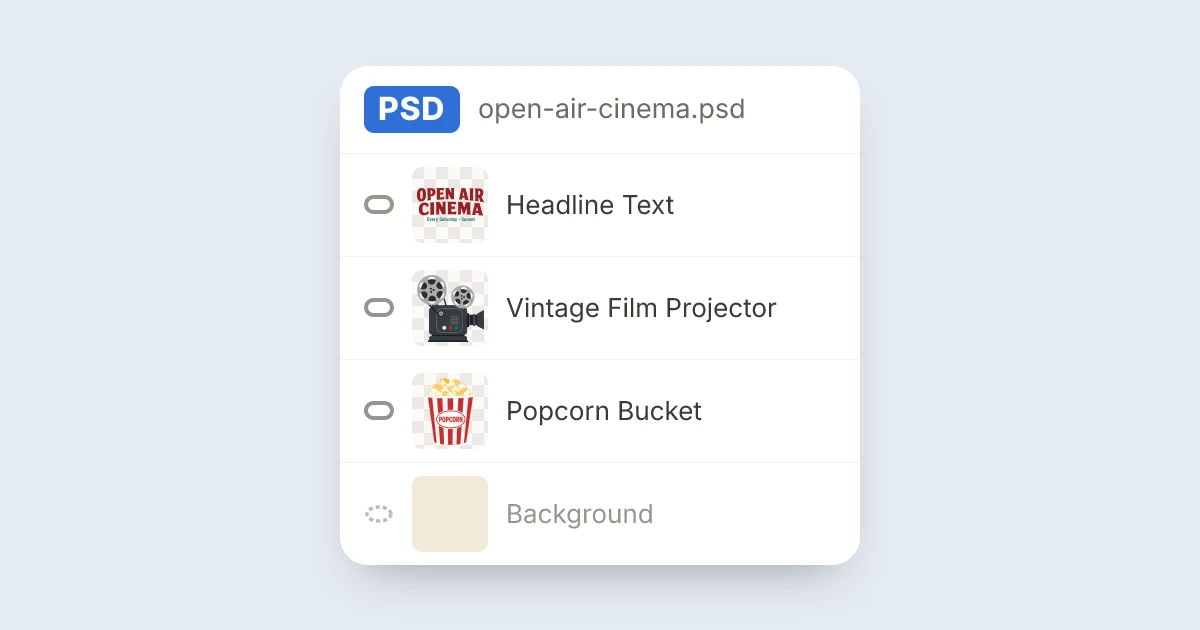
Here is a real split of the open air cinema poster from our examples, run through Image to PSD:





Open PSD and PSB files directly in your browser without an account, and the file never leaves your device. Show and hide layers, zoom, check each layer’s size, blend mode and opacity, and save the image as a PNG or every layer as a ZIP.
FAQ
What does PSD stand for?
PSD stands for Photoshop Document. It is the native file format of Adobe Photoshop and keeps the whole editable document, including layers, masks, text and adjustments, rather than one flat image.
Is a PSD file the same as a JPG?
No. A JPG is a single flattened, compressed picture meant for sharing. A PSD is the layered source file that a JPG can be exported from, so it is larger and needs a program that understands Photoshop documents.
Can I open a PSD file without Photoshop?
Yes. Free editors such as Photopea and GIMP open PSD files with their layers, and a browser-based PSD viewer can show the layers and save a PNG without installing anything. Complex features such as some effects or smart objects may not look exactly the same outside Photoshop.
Is a PSD a vector file?
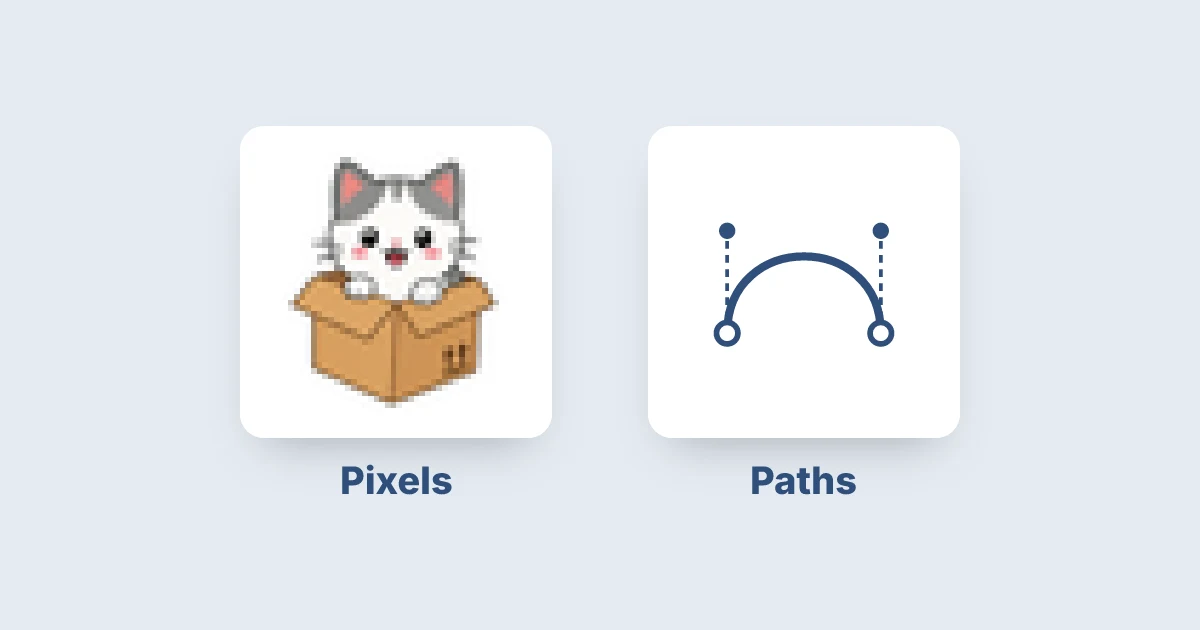
Mostly no. A PSD is a pixel-based (raster) format, but it can contain vector parts such as shape layers, type layers and vector masks. Is PSD a vector file? explains which parts stay sharp when you scale them.
What is the maximum size of a PSD file?
A PSD can be at most 30,000 pixels wide or high and at most 2 GB. Larger documents have to be saved as PSB, Photoshop’s Large Document Format, which goes up to 300,000 pixels on each side.
Why is my PSD file so large?
Because it stores every layer at full resolution, hidden layers included, plus masks, smart object contents and usually a flattened composite. How to reduce PSD file size lists the safe ways to make it smaller.