Qwen-Image-Layered Tested on a Poster and a Scene
Qwen-Image-Layered splits an image into RGBA layers for about $0.05 a run. We ran it on two designs: clean fills, but small output and merged objects.
On this page7 sections
Qwen-Image-Layered is an open Apache 2.0 diffusion model from Alibaba’s Qwen team that decomposes a flat image into transparent RGBA layers for about $0.05 a run on fal. In our test across two designs, it produced clean background fills, but capped output at 736 px on the long side, returned unnamed PNG layers, and left key elements merged in both samples.
What is Qwen-Image-Layered and how we tested it
Released on December 19, 2025 under the Apache 2.0 license (Hugging Face model card, GitHub repo, arXiv:2512.15603), Qwen-Image-Layered fine-tunes Qwen-Image on annotated Photoshop (PSD) layers to decompose an RGB image into a requested number of RGBA layers using 640 (recommended) or 1024 resolution buckets.
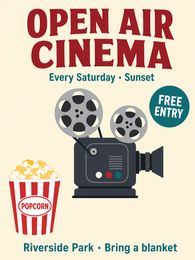
We ran the hosted fal version (fal-ai/qwen-image-layered, asking for 4 layers with a fixed seed) on two of our own sample JPGs: the cinema poster and the desk scene.
Single runs took about 45 to 100 s in an earlier round (about three minutes when three jobs ran concurrently), and fal picks the output size with no resolution option:
| Sample | Input | Qwen-Image-Layered output |
|---|---|---|
| Poster | 780 × 1040 | 544 × 736 |
| Desk scene | 1280 × 960 | 736 × 544 |
For comparison, LayerSplit outputs up to 2,560 px on the long side (scaling down only larger uploads).
1Result 1: the cinema poster

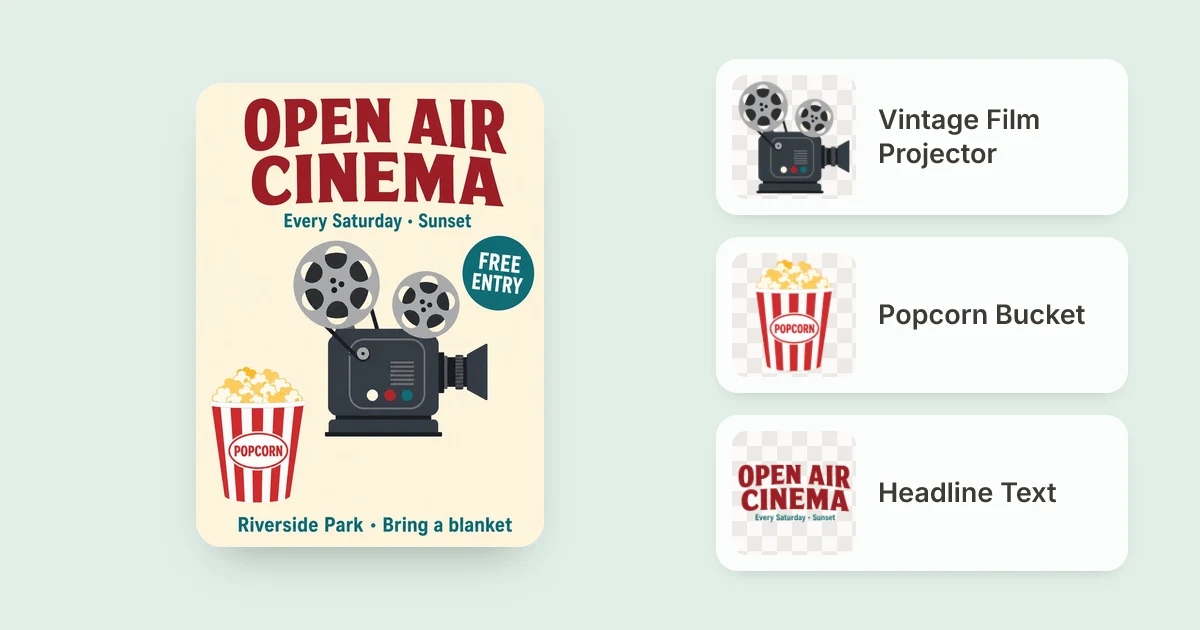
Our split of the same poster returned five named layers over a filled cream background: “Headline Text OPEN AIR CINEMA + Subtitle Text Every Saturday • Sunset”, “Vintage Film Projector”, “Free Entry Badge”, “Popcorn Bucket” and “Footer Text Riverside Park • Bring a blanket”—though two holes inside the projector’s right-hand film reel kept a trace of the cream background.
2Result 2: the desk scene
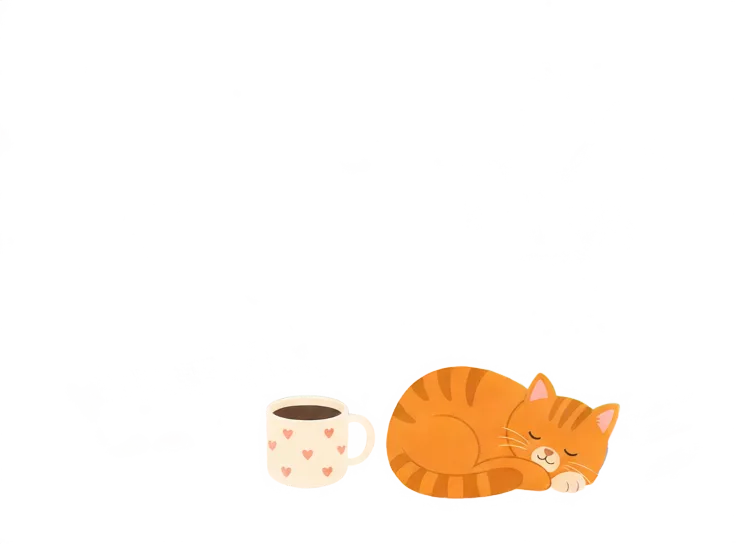
You can ask for more or fewer layers, though the requested count is a hint rather than a guarantee. Our split returned six separate named layers, one per object (“Potted Monstera Plant”, “Teal Desk Lamp”, “Sleeping Orange Cat”, “Coffee Mug with Hearts”, “Open Laptop” and “Stack of Books”), with the laptop and books restored where covered.
Side by side
| Qwen-Image-Layered (fal, 4 layers) | LayerSplit | |
|---|---|---|
| Poster | Barely split: one layer holds headline, projector, popcorn and background | 5 named layers plus a filled background |
| Desk scene | Clean, but objects in pairs | 6 layers, one per object |
| Hidden parts | Redrawn | Redrawn, overlapping parts completed |
| Layer names | None | Every layer named |
| Output size | 736 px at most on the long side here | Up to 2,560 px on the long side |
| Download | Unnamed PNG layers | PNG per layer, ZIP, layered PSD |
| Cost per run | About $0.05 | 10 credits a layer; this poster is 50 credits (about $0.55 on $9.90/900 pack) |
| Time per run | About 45 s to 3 min | Usually about a minute |
What it does well, and where it breaks
- Clean fills: wherever an object was lifted in the desk scene, the background behind it filled cleanly without obvious holes or smears.
- Simple distinct objects: on the desk scene, well-separated items such as the cat, coffee mug and laptop came out with tidy edges.
- Price and openness: about $0.05 a run on fal, and Apache 2.0 weights you can run on your own GPU.
- Busy layouts & leftovers: the 6-element poster stayed mostly in one layer.
- Objects merged at 4 layers: asking for 4 layers merged the 6 desk objects into pairs and left the cinema poster’s title, projector and popcorn fused in one layer.
- Small output & no PSD: 736 px on the long side was the largest output across the two samples—too small for print and soft for 4K—and numbered PNGs come with no layer names or PSD.
Which should you use?
- You are a developer building a pipeline for cents per image
- Your inputs are simple flat graphics with few objects and 544–736 px is large enough
- You want Apache 2.0 open weights running on your own hardware
- You need one named layer per element and up to 2,560 px output
- You want a layered PSD ready for Photoshop or Photopea
- Objects overlap and need each one separated reliably
For a comparison against manual Photoshop work, see how to separate an image into layers: Photoshop vs AI, or layer separation vs background removal when you only need one cut-out.
Open every split in this post on its example page and download the layers, ZIP and PSD without an account, or upload your own image on the home page for 10 free credits on Google sign-in plus a daily check-in (no card needed).

FAQ
What is Qwen-Image-Layered?
It is an open diffusion model from Alibaba’s Qwen team, released in December 2025, that decomposes a single image into several transparent RGBA layers. It is a fine-tune of Qwen-Image and is published under the Apache 2.0 license on Hugging Face and ModelScope.
Is Qwen-Image-Layered free?
The weights are free under Apache 2.0, so you can run it on your own GPU at no licence cost. Hosted versions charge per run; on fal our runs cost about $0.05 each.
What resolution does Qwen-Image-Layered output?
The model card recommends its 640 resolution bucket for this version. In our fal runs the output was 544 × 736 and 736 × 544 for inputs of 780 × 1040 and 1280 × 960, and fal offers no resolution setting.
How many layers can Qwen-Image-Layered make?
The number is not fixed: you ask for a count, and any layer can be decomposed again. The count is a request rather than a guarantee; in our 4-layer sample runs, objects in the desk scene merged into pairs and key elements in the cinema poster stayed fused in one layer.
Can Qwen-Image-Layered export a PSD?
Not by itself: on fal it returns separate PNG layers without names. You can stack them in any editor that supports layers and save a PSD from there.
Does it work on photos and painted illustrations?
We did not test photos or detailed painted illustrations here. Our runs only covered two designed 2D sample graphics (a cinema poster and a desk illustration), where the simpler desk objects split more cleanly than the crowded 6-element poster.